
Samsung Galaxy F70e 5G Receives Massive One UI 8.5 Update: Full Features and Changelog
Samsung has officially commenced the rollout of the One UI 8.5 update for the Samsung Galaxy F70e. As an entry-level smartphone that originally debuted with One UI 8.0, this marks the device's first major software transition. The update is not merely a incremental bump; it introduces a suite of upgraded features, enhanced stock applications, and a refined user interface design language tailored for a smoother user experience.
- ✨ Major transition from One UI 8.0 to the feature-rich One UI 8.5.
- ✨ Includes the latest May 2026 security patch for enhanced device safety.
- ✨ Comprehensive UI overhaul including a fully customizable Quick Panel.
- ✨ New productivity tools for Samsung Notes, Calculator, and Device Care.
- ✨ Specialized camera filters and lock screen customization options.
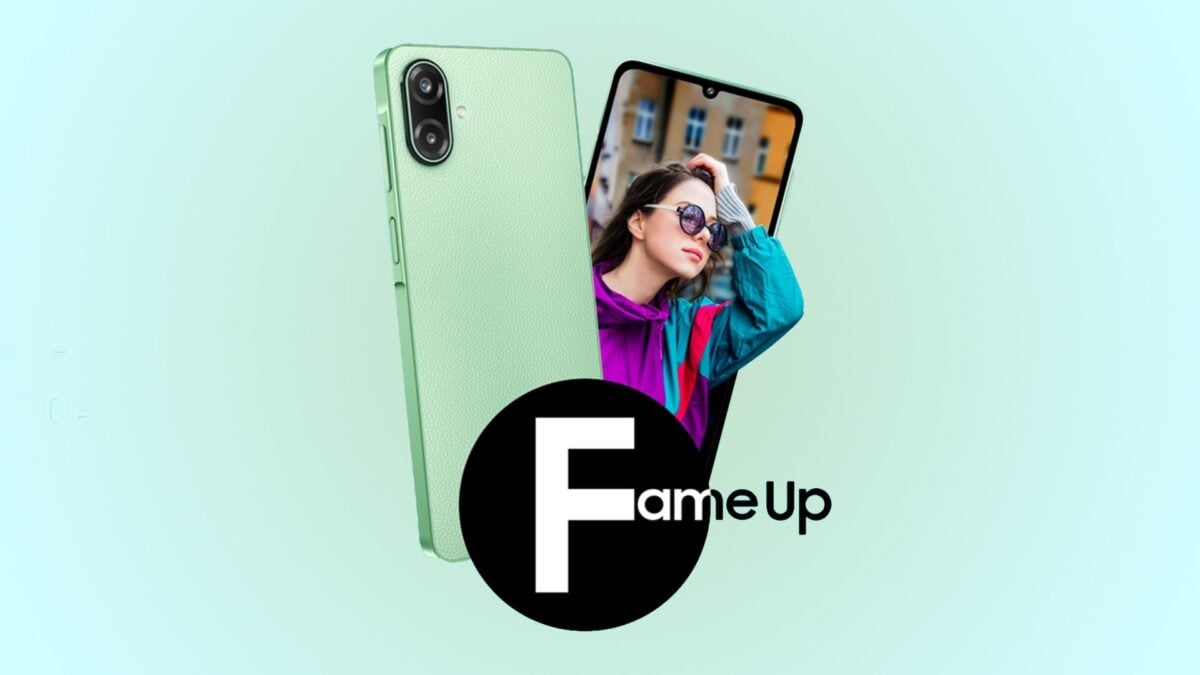
Deployment Details for the Galaxy F70e in India
The software package, identified by firmware version E076BXXU2BZE3, is currently live for users in India. This substantial update requires a download of approximately 3GB, reflecting the depth of changes included. Along with the feature upgrades, it bundles the May 2026 security patch to address various vulnerabilities. While the rollout has started in India, it is expected to reach other international markets where the Samsung Galaxy F70e is sold within the coming days.
If you own a Galaxy F70e and are located in the launch region, you can manually trigger the One UI 8.5 installation. Navigate to Settings, select Software update, and tap on Download and install. Given the 3GB size, it is highly recommended to use a stable Wi-Fi connection. Once the files are ready, the installation process will take several minutes to complete.
Core Feature Upgrades and UI Enhancements
The Samsung Update focuses heavily on personalization. Users can now enjoy a completely customizable Quick Panel, allowing for a more efficient layout of essential toggles. The photography experience is bolstered by three new creative filters in the Camera app. Additionally, the update provides a wider selection of downloadable wallpapers and new fonts for the lock screen clock, giving the phone a fresh, modern aesthetic.
Functional apps have also received significant attention. The Weather app now features a more informative widget and a new pollen index to help users plan their outdoor activities. For communication and time management, the update introduces Direct Voicemail, immersive weather effects for alarm screens, and a built-in time zone converter within the native Clock application.
Productivity and Device Security
Samsung has integrated several tools to improve daily utility. Users can now place shortcuts for specific Smart View devices directly on their home screens for faster casting. Samsung Health has been updated with fresh designs for sharing fitness milestones. On the technical side, the Device Care section offers a more transparent view of battery health and usage statistics.
Security remains a priority with the introduction of Theft Protection and the option to temporarily suspend the Auto Blocker feature. Other notable productivity additions include:
- ✨ Proactive suggestions in the Calculator app for faster computations.
- ✨ Redesigned New Tab page in the Samsung Internet browser.
- ✨ Support for complex tables within Samsung Notes.
- ✨ Early alert systems for upcoming Reminders.
What is the specific firmware version for this update?
The update is released under the firmware version E076BXXU2BZE3, specifically for the Indian variant of the device.
How large is the One UI 8.5 download?
The download size is approximately 3GB, so it is best to download it over a Wi-Fi network to avoid data charges.
Which security patch is included in this release?
This update includes the May 2026 security patch, which improves the overall stability and security of the Android operating system.
Can I customize the Quick Panel after this update?
Yes, one of the headline features of One UI 8.5 is the ability to fully customize the Quick Panel layout to suit your preferences.
Are there any new security features?
Yes, the update introduces "Theft Protection" and the ability to temporarily pause the "Auto Blocker" feature for more flexibility.
🔎 The arrival of One UI 8.5 on the Galaxy F70e represents a significant commitment from Samsung to keep its entry-level hardware current and capable. By bringing high-end features like Quick Panel customization and advanced security tools to the F-series, Samsung ensures that users enjoy a premium software experience regardless of their device's price point. If you haven't received the notification yet, keep checking your settings, as the rollout will continue to expand throughout the week.
Post a Comment