
Samsung Nice Shot Update: Enhanced Stability and UI Fixes for Galaxy Users
Samsung has recently released an important update for one of its most practical Good Lock modules, Nice Shot. Designed to streamline the user experience on Galaxy smartphones and tablets, this utility remains a favorite for those who appreciate subtle yet effective enhancements to their device's native functionality. While it is often a "set it and forget it" tool, the latest version ensures that the experience remains fluid and error-free for the global Samsung Galaxy community.
- ✨ New version 2.3.09 focuses on system stability and overall performance.
- ✨ Resolved a specific language display bug affecting users in Korean mode.
- ✨ Critical UI fixes implemented to eliminate visual glitches in the interface.
- ✨ Enhances the screenshot and screen recording toolbar for better accessibility.
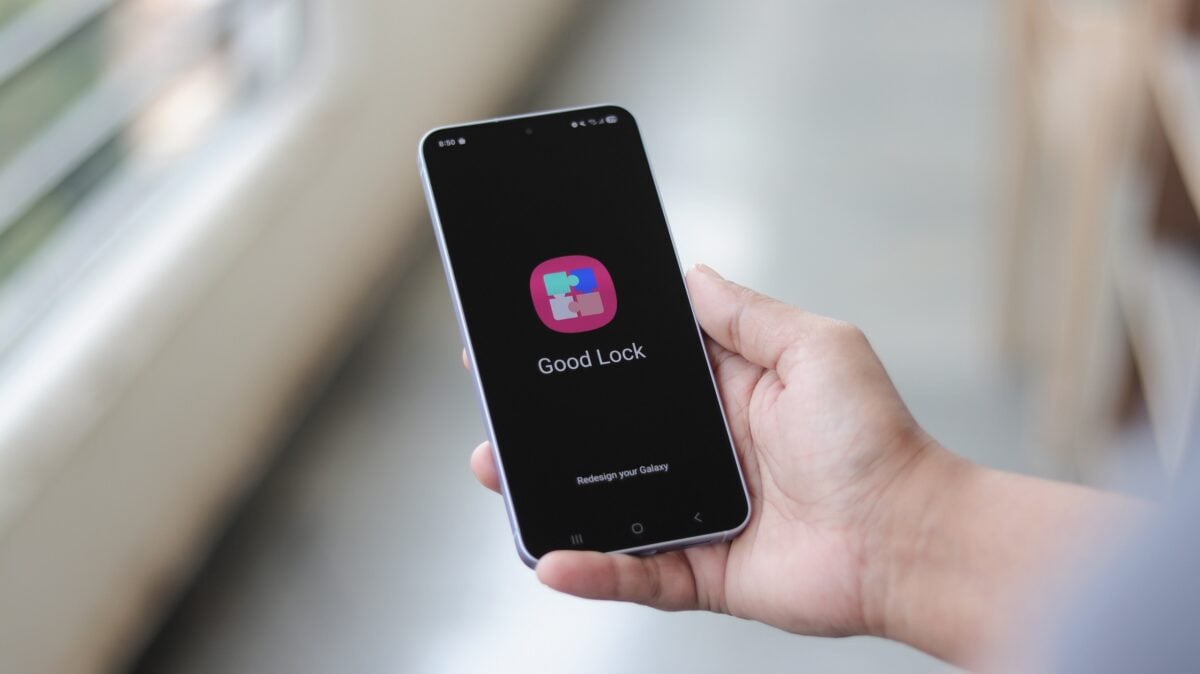
Optimizing the Screenshot Experience with Nice Shot
Nice Shot stands out as one of the most straightforward modules within the Good Lock suite. Many users rely on it for specific additions that aren't available in the standard One UI settings. For instance, a highly valued feature is the inclusion of a dedicated delete button directly within the screenshot toolbar. This allows users to immediately discard a captured image if it wasn't what they intended, preventing unnecessary clutter in the gallery. While seemingly a minor tweak, it is a significant quality-of-life improvement for power users.
The latest rollout brings the module to version 2.3.09. Although this iteration does not introduce groundbreaking new features, it focuses heavily on refinement. Samsung’s development team has addressed several user-reported UI issues. If you have previously encountered visual artifacts or unresponsive buttons while using Nice Shot, this update is highly recommended to restore peak performance.
What is New in Nice Shot Version 2.3.09?
The official changelog provided by Samsung highlights a commitment to a polished user interface and backend stability. The following improvements are included in this release:
- Significant improvements to system stability and performance.
- A fix for a language display error that occurred when the device was set to Korean.
- General UI bug fixes to ensure the module integrates seamlessly with the latest One UI versions.
For those who are new to the Samsung ecosystem, Samsung Software customization via Good Lock is now more accessible than ever. Once a region-locked platform, Samsung expanded its availability globally last year, allowing millions more users to personalize their devices. Nice Shot is specifically tailored to enhance screen capture and recording, but it is just one part of a much larger ecosystem of customization tools.
| Feature Category | Benefit |
|---|---|
| UI Stability | Smoother animations and fewer app crashes. |
| Screenshot Tools | Quick delete and advanced recording options. |
| Localization | Corrected text display for international users. |
How to Update and Get Started
If you already have Good Lock installed, you can simply open the app and check the "Life Up" tab to find the Nice Shot update. For new users, the process is simple: download the Good Lock app from the Galaxy Store or the Google Play Store. Once inside, you can browse various modules and download them individually based on your needs.
Beyond Nice Shot, Good Lock offers modules for everything from redesigned task switchers to custom keyboard themes. It remains the gold standard for Android customization, proving that Samsung understands its community's desire for both power and simplicity.
What exactly does the Nice Shot module do for my phone?
Nice Shot is a customization tool that adds extra features to the screenshot and screen recording interface. It allows you to add a delete button to the toolbar, disable system sounds during recording, and manage how your screen captures are saved.
Is this update only for the newest Samsung Galaxy devices?
No, this update is available for any Samsung Galaxy phone or tablet that supports the Good Lock app and the Nice Shot module, regardless of whether it's a flagship S-series or a mid-range A-series device.
Why can't I find Nice Shot in the standard settings menu?
Nice Shot is part of the Good Lock ecosystem, which consists of optional modules. You must first download the Good Lock app from the Galaxy Store, and then install the Nice Shot module from within that app.
Will updating Nice Shot delete my current settings?
No, updating the app to version 2.3.09 will preserve your existing configurations while applying the latest stability and UI fixes.
Is Good Lock available in my country?
Samsung made Good Lock available globally in early 2023. You should be able to find it in the Galaxy Store in most regions worldwide.
🔎 In conclusion, while the version 2.3.09 update for Nice Shot might seem like a minor technicality, it reflects Samsung's dedication to maintaining a high-quality user experience across its software suite. By fixing UI bugs and enhancing system stability, Samsung ensures that one of its most useful tools remains reliable for everyday tasks. Whether you are a long-time Good Lock enthusiast or a newcomer looking to improve your screenshot workflow, this update is a welcome improvement that keeps your Galaxy device running at its best.
Post a Comment