
Samsung One UI 9.0 Beta 3 Hits Galaxy S26: Critical Fixes and Enhanced Performance
Samsung is moving swiftly through its software development cycle, having officially released the third beta of its highly anticipated One UI 9.0. Following a brief delay previously signaled to the community, the tech giant is now rolling out this significant update to the Galaxy S26 series, ensuring that enthusiasts and beta testers can experience a more refined version of Android 17 before the stable public release.
- ✨ Third Beta Release: Now available for the entire Galaxy S26 lineup in key global markets.
- ✨ Massive Update Size: A 1.7GB download packed with stability and reliability improvements.
- ✨ Camera & UI Optimization: Specific focus on 30x zoom accuracy and lock screen widget synchronization.
- ✨ Regional Availability: Rollout confirmed for India, Poland, South Korea, and the United Kingdom.
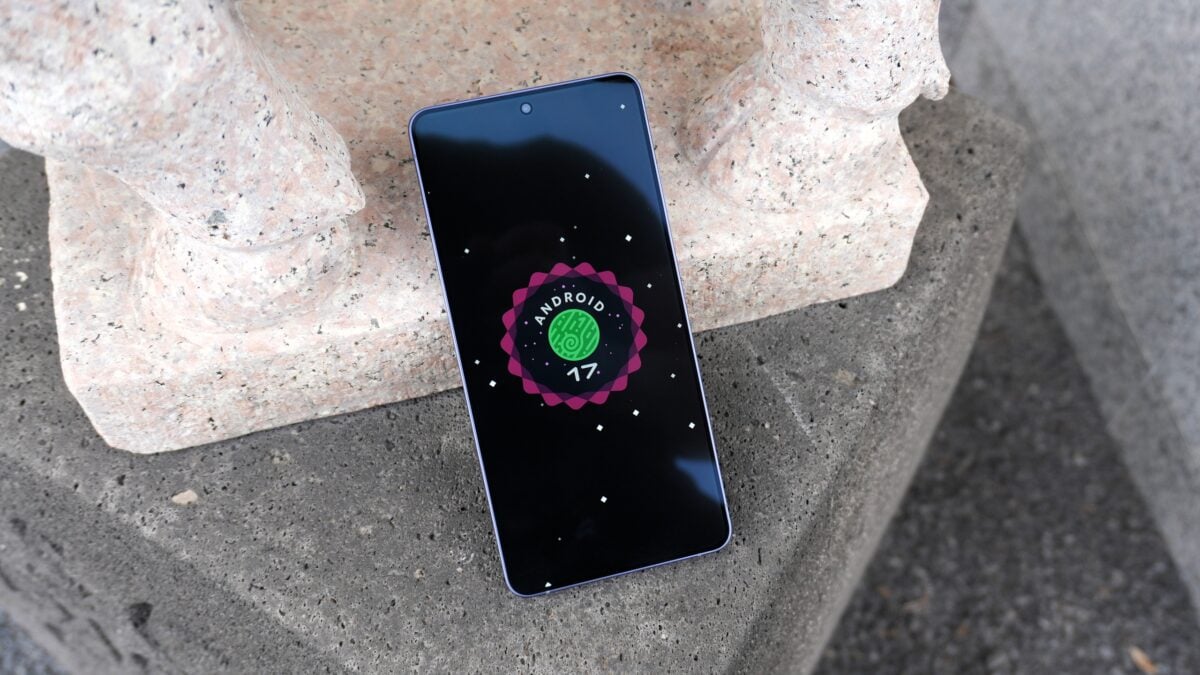
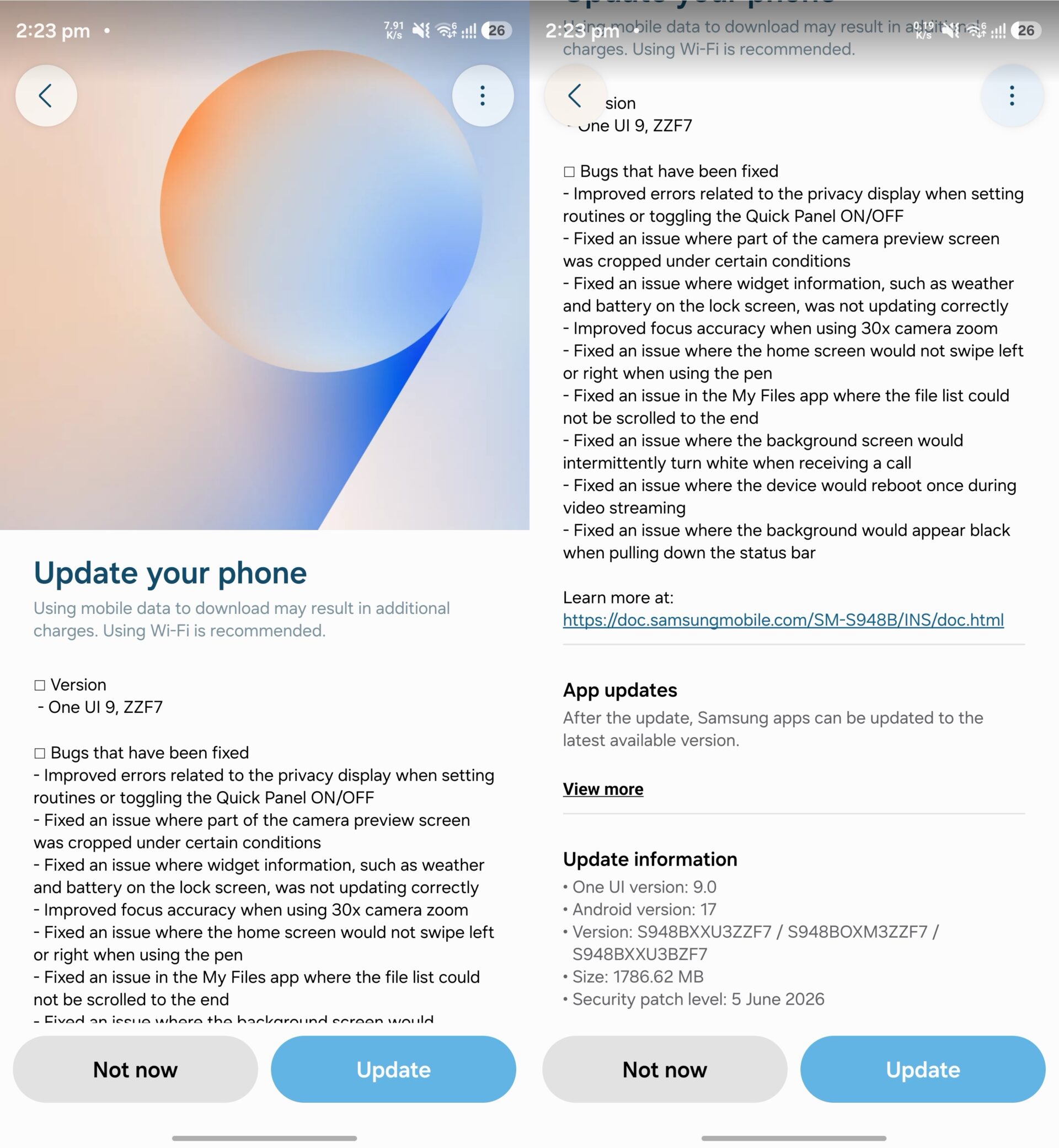
The latest One UI 9.0 Beta 3 update is currently reaching users in several territories. For those in international markets, the firmware is identified by version S94xBXXU3ZZF7, while users in South Korea will see version S948NKSU3ZZF7. This substantial 1.7GB package isn't just about minor tweaks; it addresses a long list of user-reported bugs that impacted the daily usability of the Galaxy S26, Galaxy S26 Plus, and Galaxy S26 Ultra.
Comprehensive Changelog: What’s New in Beta 3?
Samsung has provided a detailed breakdown of the fixes included in this release. The focus remains heavily on polishing the user interface and ensuring the Samsung camera experience remains top-tier. Below are the primary enhancements found in the official documentation:
- Privacy Display: Resolved errors occurring when toggling the Quick Panel or setting up automated routines.
- Camera Precision: Fixed a bug where the camera preview was occasionally cropped; significantly improved focus accuracy when utilizing 30x zoom.
- Lock Screen Stability: Weather and battery widgets now update in real-time without freezing.
- S Pen Functionality: Corrected an issue preventing home screen navigation via pen swipes.
- File Management: The "My Files" application now allows smooth scrolling to the very end of long file lists.
- System Reliability: Eliminated an intermittent "white screen" glitch during incoming calls and fixed a reboot issue during high-quality video streaming.
- Visual Consistency: Fixed a bug where the background would turn black unexpectedly when interacting with the status bar.
How to Download and Install
For users already enrolled in the Galaxy S26 beta program, the update should appear as an Over-The-Air (OTA) notification. To manually trigger the download, navigate to your device Settings, select Software update, and tap Check for updates. Due to the massive file size of 1.7GB, it is highly recommended to use a stable Wi-Fi connection and ensure your battery is charged to at least 30% before proceeding with the installation.
Is this update available for all Galaxy S26 models?
Yes, the One UI 9.0 Beta 3 update is currently rolling out for the standard Galaxy S26, the Galaxy S26+, and the high-end Galaxy S26 Ultra across supported regions like India, the UK, Poland, and South Korea.
Will installing the beta update delete my data?
Generally, OTA beta updates do not delete your personal data. However, as this is pre-release software, it is always a professional recommendation to back up your critical files via Smart Switch or cloud services before installing any major firmware update.
What are the most noticeable improvements in this version?
The most significant improvements involve system stability. Users will notice a much more reliable lock screen widget system and better camera performance, specifically when using the telephoto lens at high zoom levels.
Can I roll back to One UI 8.x if the beta is too buggy?
Yes, you can roll back using the Samsung Smart Switch tool on a PC, but please note that a "downgrade" or rollback will result in a complete factory reset of your device, erasing all local data.
🔎 This third iteration of the One UI 9.0 beta demonstrates Samsung's aggressive approach to eliminating bugs and refining the Android 17 experience for its flagship users. By addressing critical issues like camera cropping and system reboots, the company is inching closer to a stable, polished release that will eventually set the standard for the entire Galaxy ecosystem. If you are a beta participant, this update is a mandatory install to ensure your device remains secure and functional during the testing phase.
Post a Comment