
The Ultimate Guide: How to Install and Use Telegram on Your Samsung Galaxy Watch
Telegram has officially expanded its reach within the wearable ecosystem by releasing a brand-new version of its messaging application specifically designed for smartwatches. This update brings full support for the **Wear OS** platform, allowing users to stay connected without ever needing to pull their phones out of their pockets.
- ✨ Telegram is now officially compatible with Wear OS-powered **Galaxy Watch** devices.
- ✨ Users can send and receive both text and voice messages directly from their wrists.
- ✨ The app supports advanced features like video playback and pinning important chat threads.
- ✨ Future updates are expected to bring sticker support and location sharing to the watch interface.
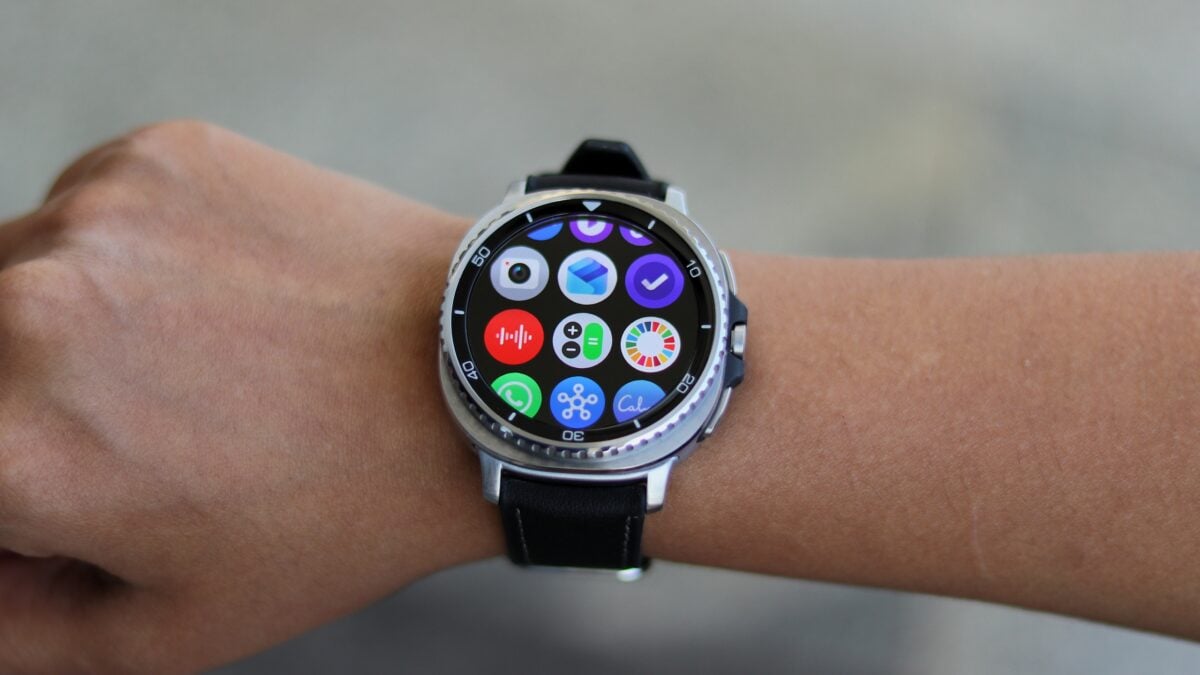
This move signifies a major milestone for Samsung users. By installing this app on your **Samsung smartwatch**, you can manage your conversations with ease. The interface has been optimized for circular screens, ensuring that text is readable and buttons are easy to tap, even on the smaller display of a wearable device.
The Return of Telegram to the Wearable Space
History shows that this isn’t Telegram’s first attempt at a smartwatch application. The platform originally offered a Wear OS version over five years ago, but it was eventually discontinued. During that era, Samsung’s wearables were running on the Tizen operating system, which lacked official Telegram support. Consequently, this launch marks the very first time that Galaxy Watch owners can officially enjoy a native Telegram experience. Following its successful debut on the Apple Watch recently, the app is now ready for the Android-based wearable world.
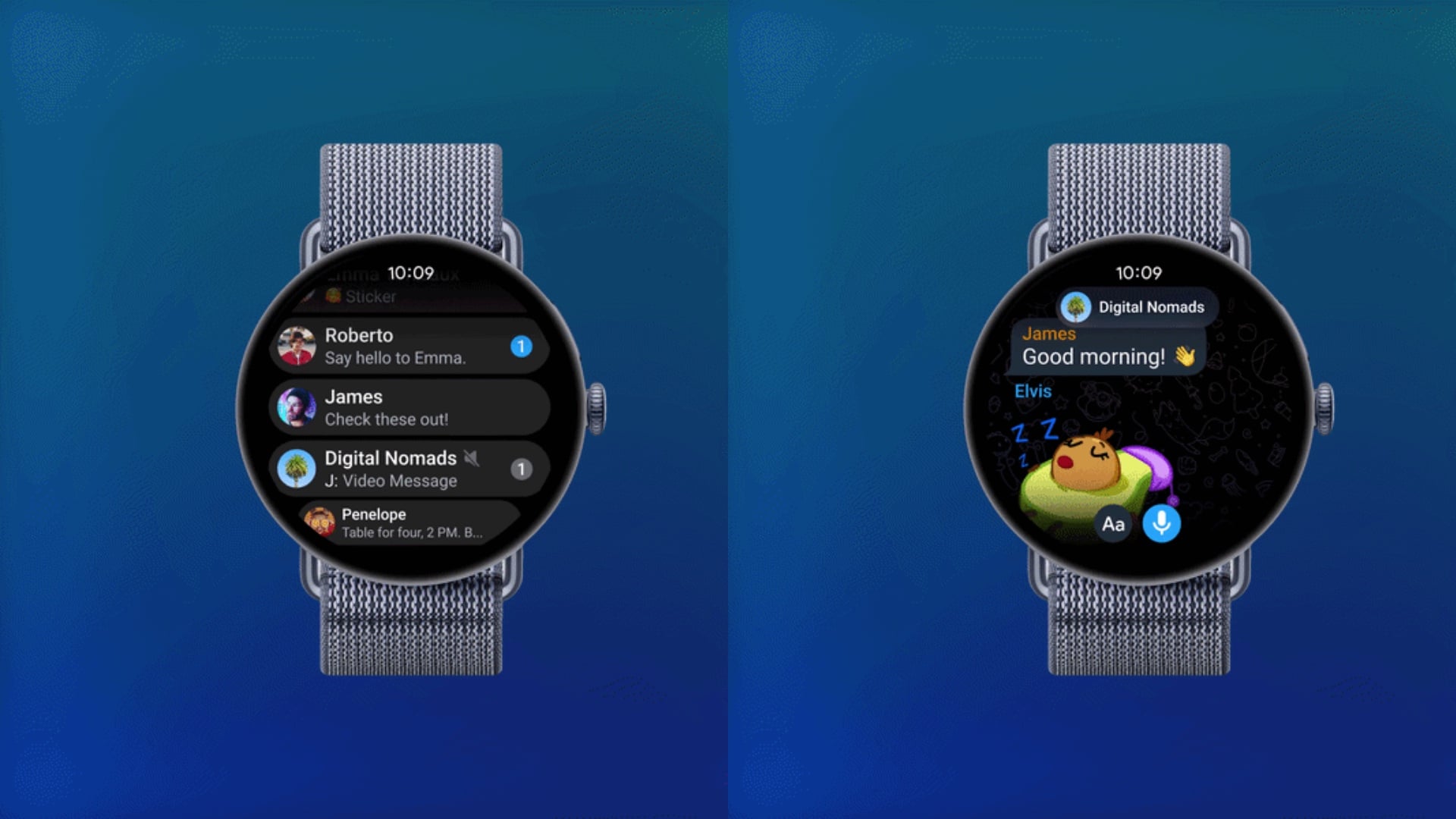
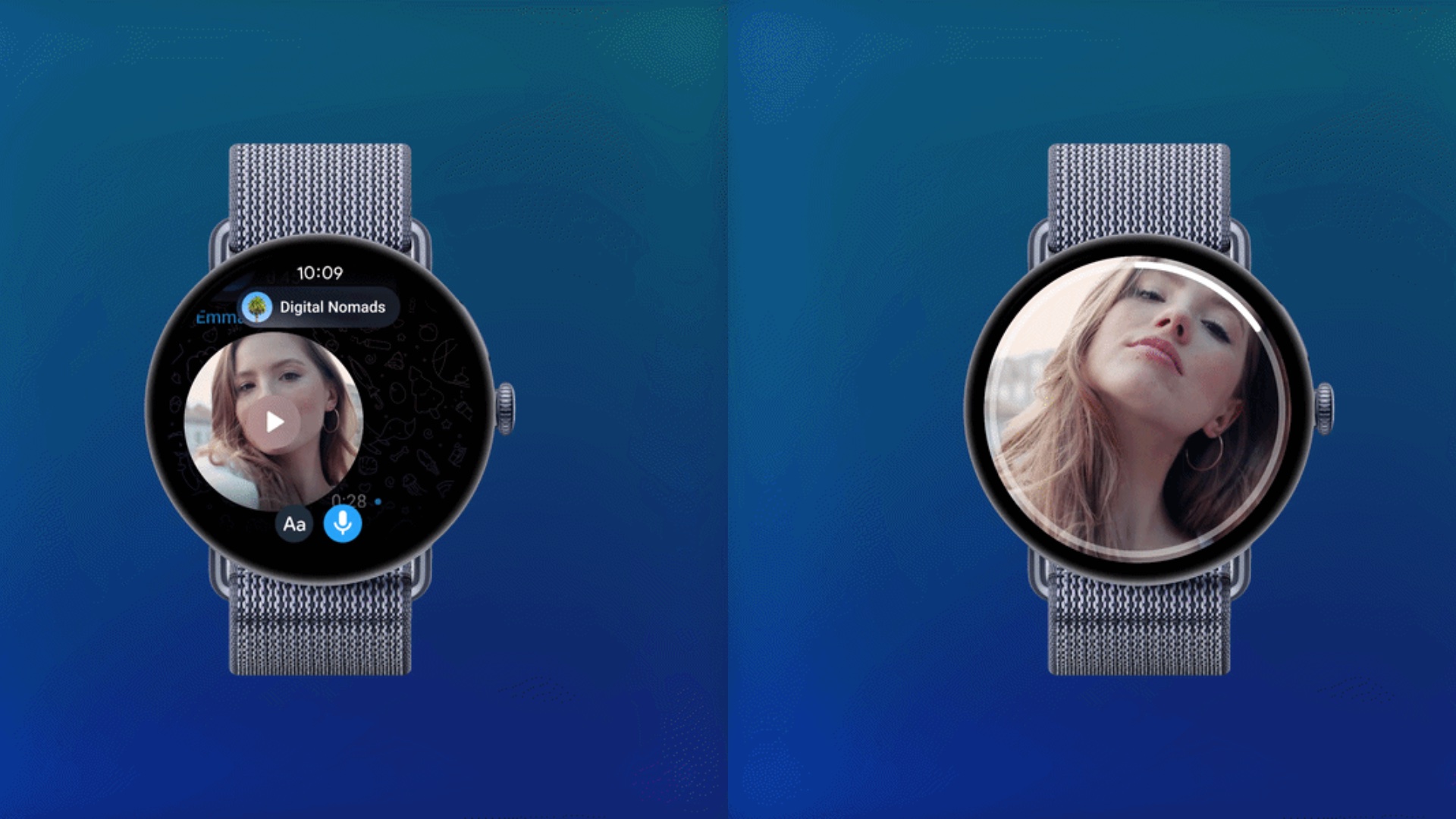
The application provides a surprisingly robust set of tools. Users can browse through their chat lists, listen to voice notes, and even watch video clips sent by contacts. While the current version is highly functional, Telegram has noted that a few specific features, such as sending stickers or sharing live locations, are not yet active. However, developers have confirmed that these capabilities will be integrated in upcoming software patches.
Enhanced Features for the Mobile Experience
In addition to the wearable update, the standard mobile version of the app has received several significant enhancements designed to improve productivity and interaction. These include:
- ✨ **Links in poll options:** Users can now add clickable URLs within poll choices.
- ✨ **Markdown Support:** Full compatibility for .md files to improve document sharing.
- ✨ **External Browser Control:** A long-press action now allows users to open links in their preferred external web browser.
- ✨ **Forced External Opening:** Options to ensure specific websites always bypass the in-app browser.
- ✨ **Bot Formatting:** Significant improvements to how text is displayed by automated bots.
- ✨ **AI Guardian Bots:** New security measures for group chats to protect against spam and harmful content.
https://telegram.org/blog/watch-apps-and-more
Is the Telegram app compatible with all Samsung Galaxy Watches?
The new Telegram app is compatible with all Samsung smartwatches that run on the Wear OS platform. This includes the Galaxy Watch 4, Galaxy Watch 5, Galaxy Watch 6, Galaxy Watch 7, and the latest Galaxy Watch Ultra. Older models running Tizen OS are not supported.
Can I reply to messages using my voice?
Yes, the app fully supports voice messages. You can record a response using the watch's built-in microphone and send it instantly to your contacts, making it perfect for when you are on the move.
Does the watch app support secret chats?
Currently, the Wear OS version focuses on standard cloud chats and group conversations. For high-security secret chats, it is still recommended to use the primary application on your smartphone.
What happens if I receive a video on my watch?
The app is capable of playing back video messages and short clips directly on the watch screen. While the display is small, it provides a quick way to view content without reaching for your phone.
How do I install Telegram on my Galaxy Watch?
You can install it by opening the Google Play Store directly on your watch, searching for "Telegram," and selecting "Install." Alternatively, you can trigger the installation from your paired smartphone's Play Store app by selecting your watch as the target device.
🔎 In conclusion, the arrival of Telegram on the Galaxy Watch family represents a significant upgrade for the Wear OS ecosystem. By bridging the gap between mobile and wearable communication, Telegram ensures that its users stay connected in the most convenient way possible. Whether you are tracking a workout or in a meeting, having your entire chat history accessible from your wrist is a game-changer for modern communication.
Post a Comment