
Galaxy Z Fold 8 Remembers Unique Auto-Rotate Preferences for Each Screen
On traditional smartphones, most people prefer to keep automatic screen rotation turned off. That is because when you want the screen to stay in portrait orientation, holding the phone in certain ways can cause it to switch to landscape by mistake. These accidental rotations can quickly become frustrating for everyday users.
- ✨ The Galaxy Z Fold 8 and Fold 8 Ultra allow separate auto-rotate settings for cover and inner screens.
- ✨ Users can keep screen rotation disabled on the outer cover display while leaving it active inside.
- ✨ Powered by One UI 9.0 (Android 17), the software seamlessly switches settings between the panels.
- ✨ This update fixes a long-standing annoyance unique to book-style foldable smartphones.
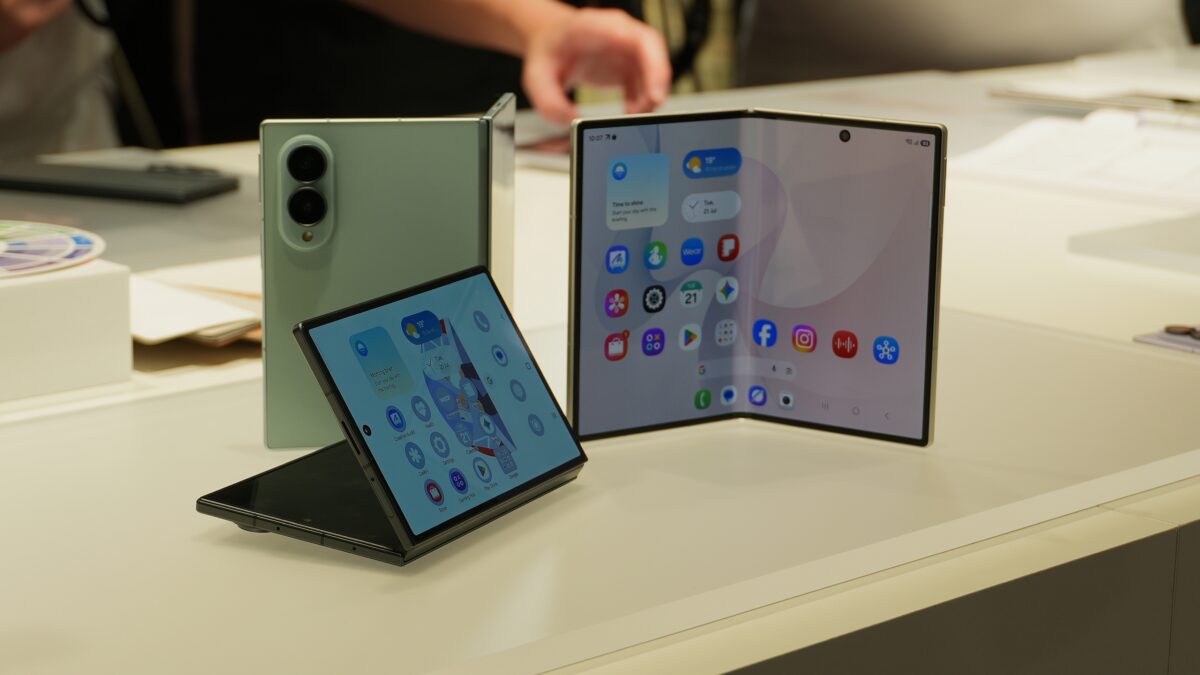
How Samsung Solved the Foldable Auto-Rotate Dilemma
Foldable phones, however, are a completely different story. When using the book-style inner display on devices like the Galaxy Z Fold 8 Ultra and Galaxy Z Fold 8, people often rotate the hardware frequently to better match the content they are viewing. In that specific scenario, keeping automatic screen rotation enabled makes a lot more sense for productivity and media consumption.
The cover display, on the other hand, is typically used like a standard smartphone. That means leaving automatic screen rotation enabled globally just for the sake of the inner display would result in the same annoying accidental rotations on the outer screen. Samsung has smartly solved this issue with One UI 9.0 and Android 17 on its newest flagship foldables.
On the brand's latest book-style foldable devices, the operating system remembers your screen rotation preference separately for the cover and inner displays. This clever feature lets you keep auto-rotation turned off on the cover screen while leaving it enabled on the inner display, with the phone automatically switching between the two unique configurations as you transition from one screen to the other.
Hopefully, Samsung will extend this user-friendly feature to older book-style foldable devices, such as the Galaxy Z Fold 7, through future software patches like the upcoming One UI 9.0 update.
Can I set different auto-rotate settings for each screen on the Galaxy Z Fold 8?
Yes, the Galaxy Z Fold 8 and Fold 8 Ultra running One UI 9.0 allow you to store completely independent auto-rotate preferences for the cover display and the inner foldable screen.
Which software version introduces this auto-rotate memory feature?
This capability is introduced with One UI 9.0, which is built on top of Android 17 on Samsung's latest generation of foldable devices.
Will older Samsung foldables receive this update?
While Samsung has not officially confirmed older device compatibility, it is expected that previous book-style foldables like the Galaxy Z Fold 7 may receive this feature with their respective One UI 9.0 software updates.
🔎 Ultimately, this small yet impactful software refinement greatly improves usability for foldable phone owners, ensuring that switching between the outer cover display and the massive inner panel is smoother and more intuitive than ever before.
Post a Comment