
Never Miss a Favorite Show Again With This Simple Samsung TV Trick
Paper television guides are largely a thing of the past, but that doesn't mean you have to surf through hundreds of cable channels aimlessly. Modern Samsung televisions feature a built-in digital guide that you can access with a single press of a button. Better yet, you can set automated reminders for your favorite programs directly within the interface so you never miss a broadcast.
- ✨ Samsung TVs featuring a cable input come with a built-in digital guide accessible instantly via the remote control.
- ✨ You can effortlessly schedule viewing reminders for upcoming broadcasts and manage multiple future time slots without overlap.
- ✨ When the scheduled time arrives, the television displays a handy notification pop-up and automatically switches to the correct channel and input source.
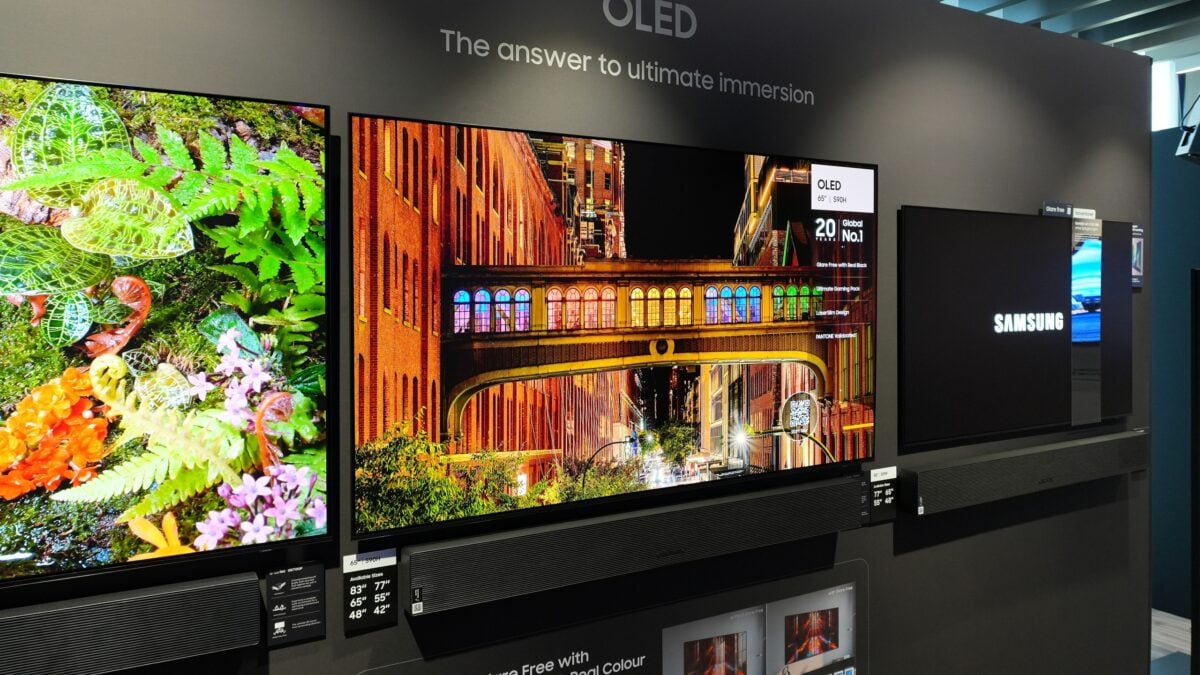
How to Set Up TV Guide Schedules and Reminders
The channel button on your Samsung TV SolarCell remote serves three distinct functions rather than just two. While you can press it up or down to cycle through standard channels, pressing it straight inward immediately opens up the comprehensive digital TV guide.
Keep in mind that you can only access this specific channel guide when your television source is properly set to cable TV. The Samsung interface aggregates upcoming programming information, typically covering the next couple of days depending on the specific broadcaster.
If you spot an upcoming show, movie, or live sporting event that you simply cannot afford to miss, follow these quick steps to schedule a reminder:
- Navigate through the on-screen guide using the directional pad on your remote.
- Highlight the exact program you wish to schedule and press the select button.
- Choose the Schedule Viewing option and confirm with OK.
By default, your Samsung display will set a notification alert for five minutes prior to the scheduled start time, though you can easily customize this window to suit your viewing habits.
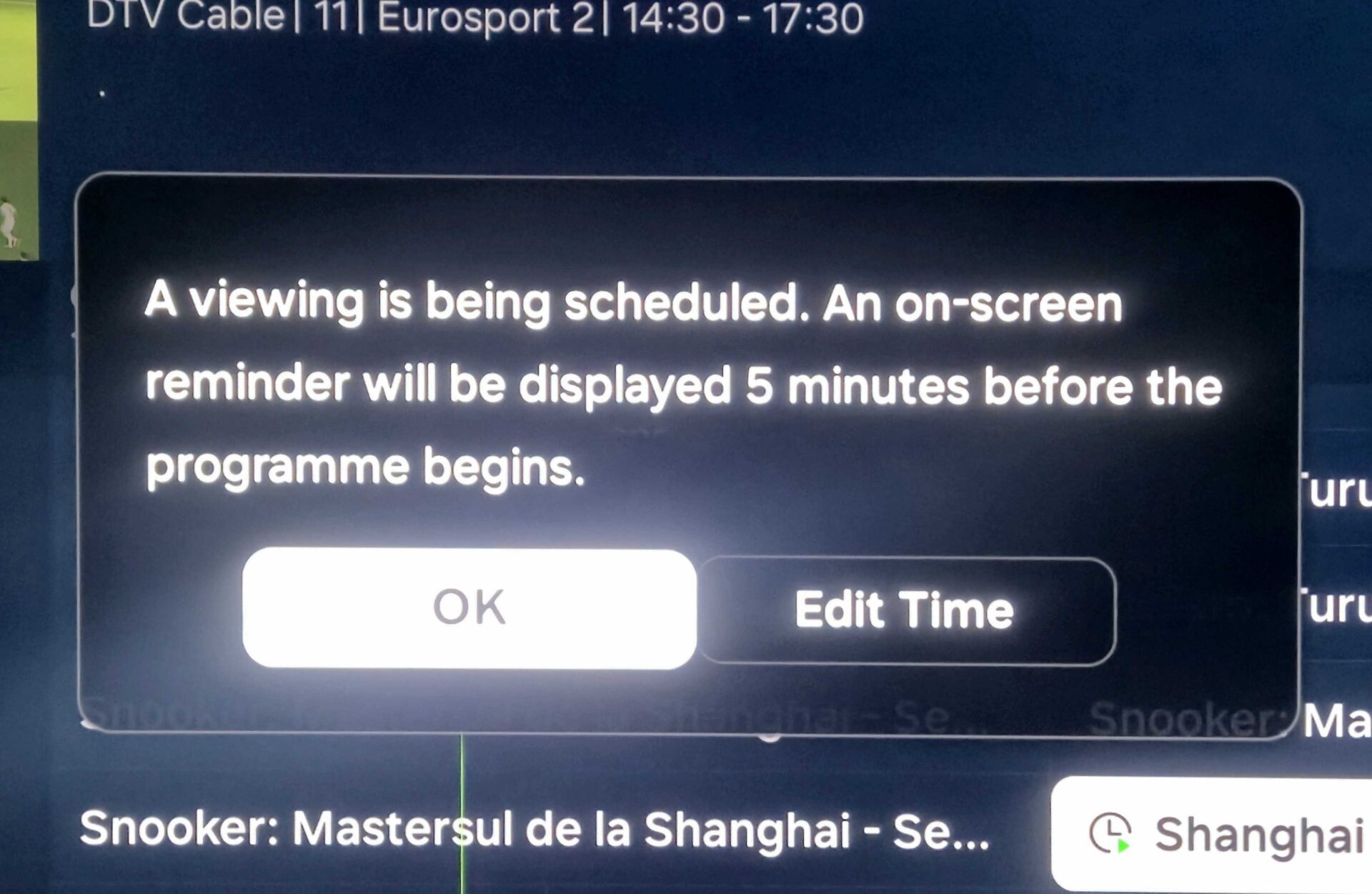
You can schedule reminders for multiple upcoming shows in direct succession. However, the system only allows a single reminder per exact time slot. For instance, if you schedule a program for 6:00 p.m. on one channel, you cannot book a conflicting time slot on another channel unless you overwrite the existing reminder.
What Happens When Your Scheduled Show Starts?
It is worth noting that notifications do not sync across mobile devices or external Samsung ecosystem apps. Instead, you will receive your customized countdown pop-up directly on your screen.
Once the countdown finishes and your broadcast begins, your television will automatically switch to the scheduled channel and adjust the input source entirely on its own.
Whether you happen to be watching a different cable feed, streaming content through an app like Netflix, or playing video games on a console connected via HDMI, the smart display takes care of the transition seamlessly.
If you are currently looking to upgrade your home entertainment system, explore the latest Samsung's 2026 lineup, which spans everything from affordable Crystal UHD models to cutting-edge Micro RGB screens.
Can I access the digital TV guide while using streaming apps?
No, the built-in channel guide requires your television source to be actively set to cable TV in order to display broadcast schedules and enable viewing reminders.
Will my Samsung TV send reminders to my phone?
Currently, scheduled viewing reminders do not sync across mobile devices and will only appear as pop-up notifications directly on your television screen.
Can I schedule overlapping shows at the same time?
No, the system limits you to one active reminder per specific time slot. Scheduling a new show over an existing one will replace the previous reminder.
Does the TV change inputs automatically when the show starts?
Yes, once the countdown timer expires, the television automatically switches to the correct cable source and tunes directly into the scheduled broadcast.
🔎 Ultimately, utilizing the built-in digital schedule and reminder feature on modern Samsung displays transforms how you manage live television viewing, ensuring you never miss a crucial broadcast while eliminating the hassle of manual channel surfing.
Post a Comment