
One UI 9 Introduces Strict Lock Screen Security Policy That Every Galaxy User Must Know
With the arrival of the One UI 9 update, Samsung is implementing a significant security overhaul concerning how many times users can incorrectly enter their PIN, password, or pattern on Galaxy smartphones.
TL;DR
- ✨ Entering an incorrect PIN, password, or pattern 13 times will permanently lock the device, forcing a complete factory reset.
- ✨ One UI 9 features progressively longer lockout durations following repeated failed entry attempts to deter brute-force threats.
- ✨ This tightened security mandate currently applies to devices launching natively with One UI 9, such as the Galaxy Z Fold 8 series and Galaxy Z Flip 8.
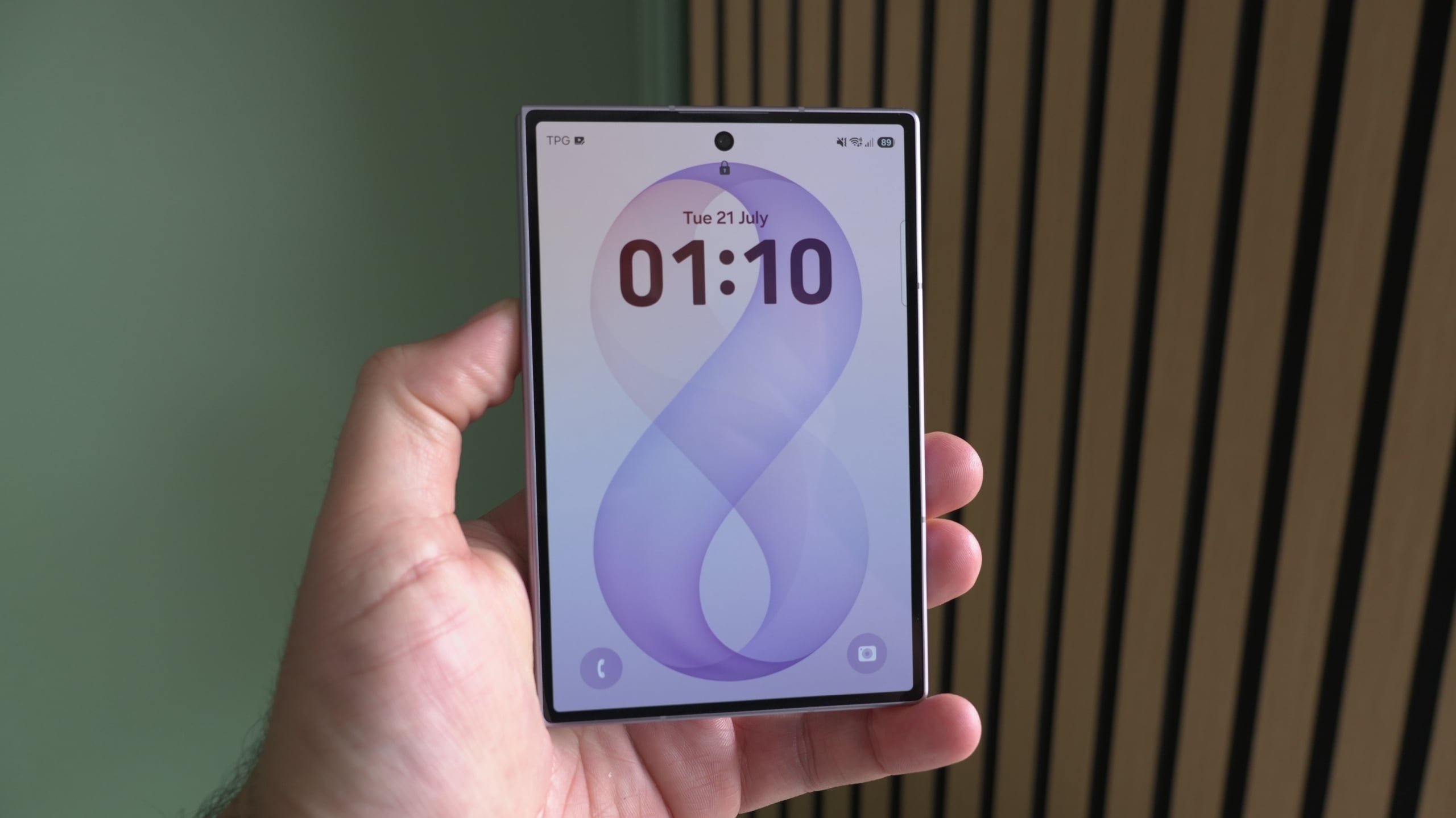
A Drastic Reduction in Allowed Unlock Attempts
Samsung has dramatically decreased the threshold for incorrect passcode entries. On the 13th failed attempt, your Galaxy device will lock permanently, requiring a factory reset before you can access it again.
The technology giant states that this adjustment is designed to offer stronger defense against brute-force attacks, where unauthorized actors repeatedly test combinations to bypass device security. By introducing mandatory wait times and stricter limits, Samsung makes unauthorized probing much harder.
Breakdown of Lockout Durations
Temporary lockouts begin after the fifth incorrect entry, escalating rapidly with every subsequent mistake:
| Number of Failed Attempts | Lockout Duration |
|---|---|
| 5 attempts | 1 minute |
| 6 attempts | 5 minutes |
| 7 attempts | 15 minutes |
| 8 attempts | 30 minutes |
| 9 attempts | 90 minutes |
| 10 attempts | 4 hours |
| 11 attempts | 12 hours |
| 12 attempts | 24 hours |
| 13 attempts | Permanent Lock (Factory Reset Required) |
Biometrics and Accidental Touch Protection
Even if you rely primarily on fingerprint sensors or facial recognition, it is vital to remember your backup PIN, pattern, or password. Android 17 requires these manual credentials to be entered periodically—such as after restarting the phone or every 72 hours.
To prevent users from being penalized unfairly, entering the exact same incorrect code repeatedly counts as only a single failure. Additionally, the interface will display warning indicators showing remaining unlock attempts once thresholds are reached. For extra safety against pocket dials or accidental inputs, verify that accidental touch protection is enabled under your display preferences.
What happens on the 13th incorrect unlock entry?
The device will permanently lock itself down, making a full factory reset the only method to regain access.
Does this security policy apply to all phones getting updated software?
Currently, the stricter limit specifically targets devices that launch natively with One UI 9 out of the box.
How can I protect my phone from pocket inputs under the new rules?
Make sure to enable Accidental touch protection in your settings menu to prevent random screen registers while moving.
🔎 Ultimately, Samsung's updated security measures highlight the importance of memorizing your primary fallback credentials. While aimed at thwarting malicious attacks, keeping these stricter parameters in mind will ensure you never find yourself unexpectedly locked out of your daily driver.
Post a Comment