
Samsung Camera Assistant Update: New Foldable Features, Auto-Off Control, and Enhancements for One UI 9
Samsung's Camera Assistant app, which provides users with advanced customization options for the stock camera experience, is set to receive a significant update. Designed for devices running One UI 9, this update introduces new functionalities and improves existing tools to give mobile photographers even more control over their shots.
Key Highlights of the Update
- ✨ Introduction of the mystery "Mirror View" feature for foldable devices.
- ✨ New "Camera Auto-Off" control to prevent the app from closing when idle.
- ✨ Expanded shutter speed options with a new 1/60-second setting.
- ✨ Improved usability for TILTA wireless lens controllers.
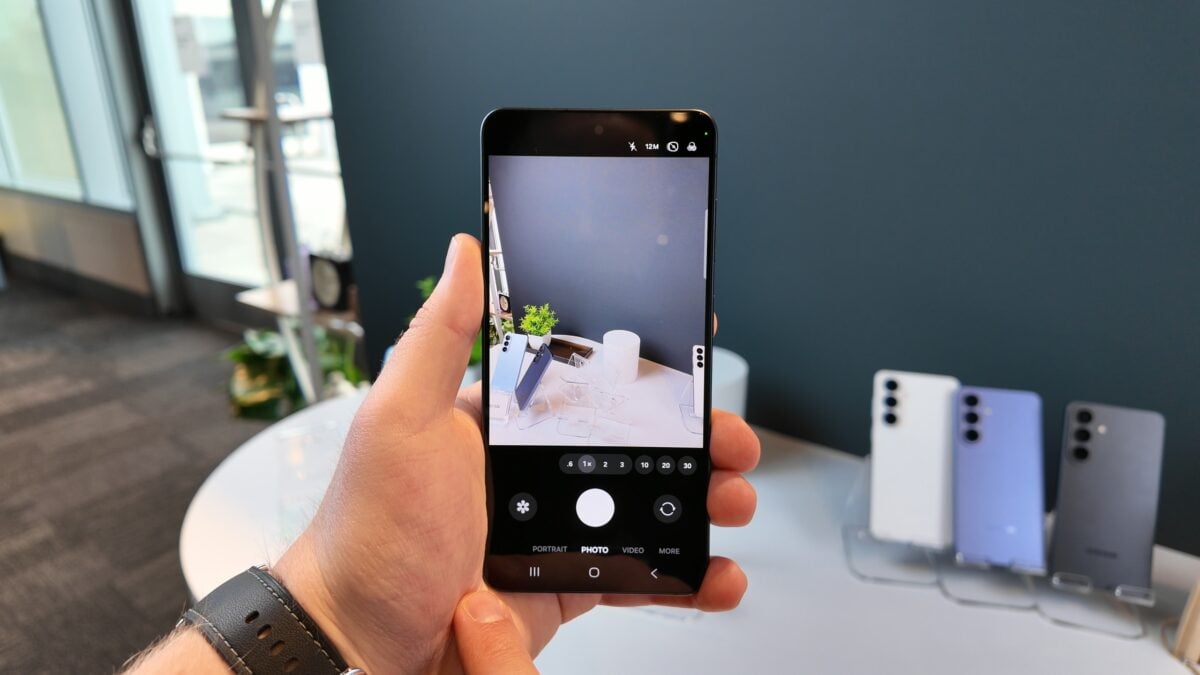
One of the most intriguing additions in this upcoming release is a feature dubbed "Mirror View." While details remain scarce, this capability will be exclusive to the Galaxy Z Fold 8, Galaxy Z Fold 8 Ultra, and Galaxy Z Flip 8 at launch. Industry experts speculate it may alter how the camera preview is rendered on foldable screens, though we will have to wait for the official release to understand its full utility.
Advanced Controls and Usability Improvements
Beyond foldable-specific additions, Samsung is addressing general user requests. A highly anticipated feature is the ability to disable the automatic camera-off function. Currently, the camera app may close after a period of inactivity; the new toggle allows users to keep the camera active as long as they need, which is particularly useful for tripod photography or long-exposure setups.
What is the new 1/60-second shutter speed option?
This addition expands the "Minimum shutter speed" setting introduced in previous versions. By adding a 1/60th of a second option, Samsung provides a middle ground for users who want to balance motion blur reduction with low-light performance, sitting between the existing 1/30s and 1/120s choices.
Will Mirror View come to older foldables?
While the feature will debut on the newest 2026 flagship foldables, it is expected that Samsung will port the Mirror View feature to older Galaxy Z Fold and Z Flip models in a future software update.
Does this update affect third-party gear?
Yes, the update specifically focuses on improving the user experience for those using TILTA wireless lens controllers, ensuring smoother integration and better responsiveness within the Camera Assistant environment.
When will the update be released?
The rollout is expected to coincide with the global launch of the Galaxy Z Fold 8 and Z Flip 8, which is anticipated for late July.
How can I access these features?
Once the update is live, users can access these controls by opening the Camera Assistant app from the Good Lock suite or directly within the camera settings on compatible devices running One UI 9.
🔎 As Samsung continues to refine its mobile photography software, tools like Camera Assistant remain essential for power users who demand more from their hardware. Whether it is the mystery of the new Mirror View feature or the practical convenience of disabling auto-off, this update reinforces Samsung's commitment to providing a versatile and professional-grade mobile imaging experience. Stay tuned to our latest updates for more in-depth coverage on the upcoming Galaxy foldable launch.
Post a Comment