
Samsung Galaxy Devices Receive Fresh Google Play System and Android System WebView Updates
Quick Summary
- ✨ Google has rolled out brand new updates for both the Google Play System and Android System WebView targeted at Samsung smartphones and tablets globally.
- ✨ The Google Play System package is roughly 12MB in size, while the Android System WebView package measures around 17.70MB.
- ✨ These updates aim to improve overall system stability, application performance, and security across all eligible Samsung devices.
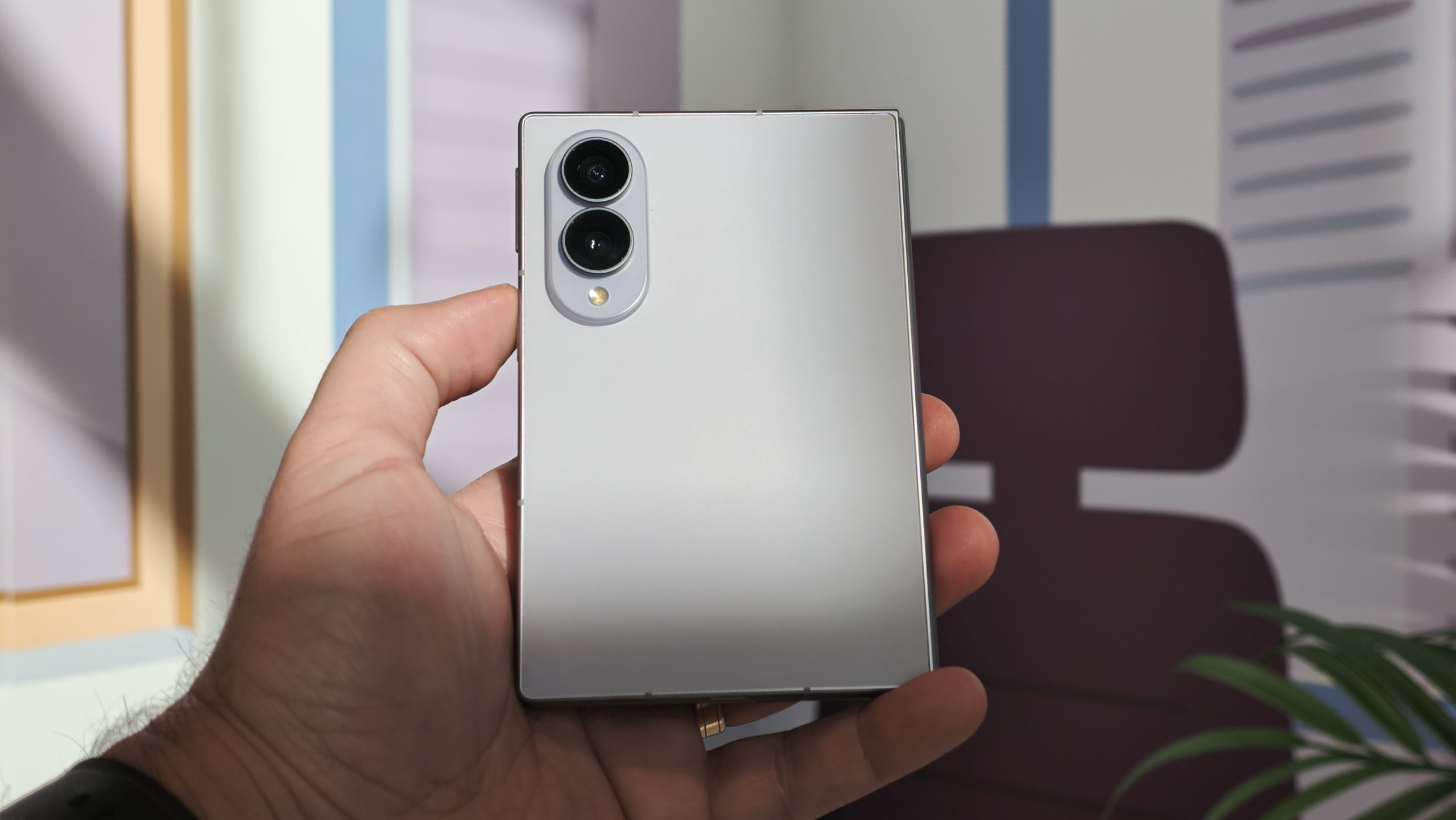
Details on the Latest Google Play System and WebView Updates
Google has officially pushed out fresh software patches specifically for the Google Play System and Android System WebView across a wide array of Samsung smartphones and tablets. These updates are currently making their way to users worldwide.
According to reports, the Google Play System update weighs in at a compact 12MB, while the latest iteration of the Android System WebView comes in at approximately 17.70MB.
Once you install the new Google Play System package, you might notice that the visible security patch date in your system settings continues to display June 1, 2026. As is typical with these backend updates, Google has not provided an official changelog. You can check for and download this update by navigating to your device Settings > Security and privacy > Updates > Google Play System update.
Similarly, the Android System WebView update arrives without a dedicated changelog. Because Android System WebView is the core component responsible for letting third-party applications render web pages seamlessly without forcing you to launch a standalone browser app, installing these patches routinely brings vital performance optimizations, essential security patches, and critical bug fixes.
To manually pull down the latest Android System WebView package, head over to Settings > Apps > Android System WebView > App details in store > Update. Google is actively deploying these improvements to all compatible Samsung devices on a global scale.
Do these updates change the core Android security patch date on my Samsung phone?
No, applying the latest Google Play System update leaves the listed security patch date unchanged, as it focuses entirely on core Google services components rather than the monthly firmware patch level.
What is the primary function of Android System WebView?
Android System WebView acts as an underlying system tool that permits installed applications to display web content and web pages internally without requiring you to open an external web browser.
How can I manually check for these updates on my Galaxy device?
You can check for the Google Play System update via Settings > Security and privacy > Updates, and update WebView directly through your device app settings or the app store listing.
Are these updates available exclusively for high-end foldable phones?
No, these system and component updates are rolling out globally to all eligible Samsung smartphones and tablets, ranging from flagship models to budget-friendly offerings.
🔎 Staying on top of routine Google Play System and Android System WebView updates is a simple yet effective way to ensure your Samsung device operates with optimal safety, speed, and reliability. Regularly checking for these background patches helps safeguard your personal data while maximizing application compatibility across the entire Android ecosystem.
Post a Comment