
Samsung Optimizes One UI 9.0 Security: New Power Menu Lock Clarified for Galaxy Users
Samsung’s latest software evolution, **One UI 9.0** (based on Android 17), is introducing a wave of refinements designed to make Galaxy smartphones more secure and user-friendly. Among these changes is a significant update to how the device handles immediate security when accessing the power menu, ensuring that user data remains protected even in high-pressure situations.
Article Summary:
Samsung has refined the security behavior in the fourth beta of One UI 9.0. By replacing the manual "Lockdown Mode" with an automatic trigger and adding a clear notification message, the brand ensures that biometric security is instantly disabled whenever the power menu is accessed, providing a more intuitive and robust safety layer for **Samsung Galaxy S26** users.
- ✨ Integration of automatic device locking when the power menu is opened.
- ✨ Removal of the manual "Lockdown Mode" to streamline the user interface.
- ✨ Introduction of a clear security message: "For your security, your phone is locked."
- ✨ Enhanced protection that requires a PIN, pattern, or password after exiting the power menu.
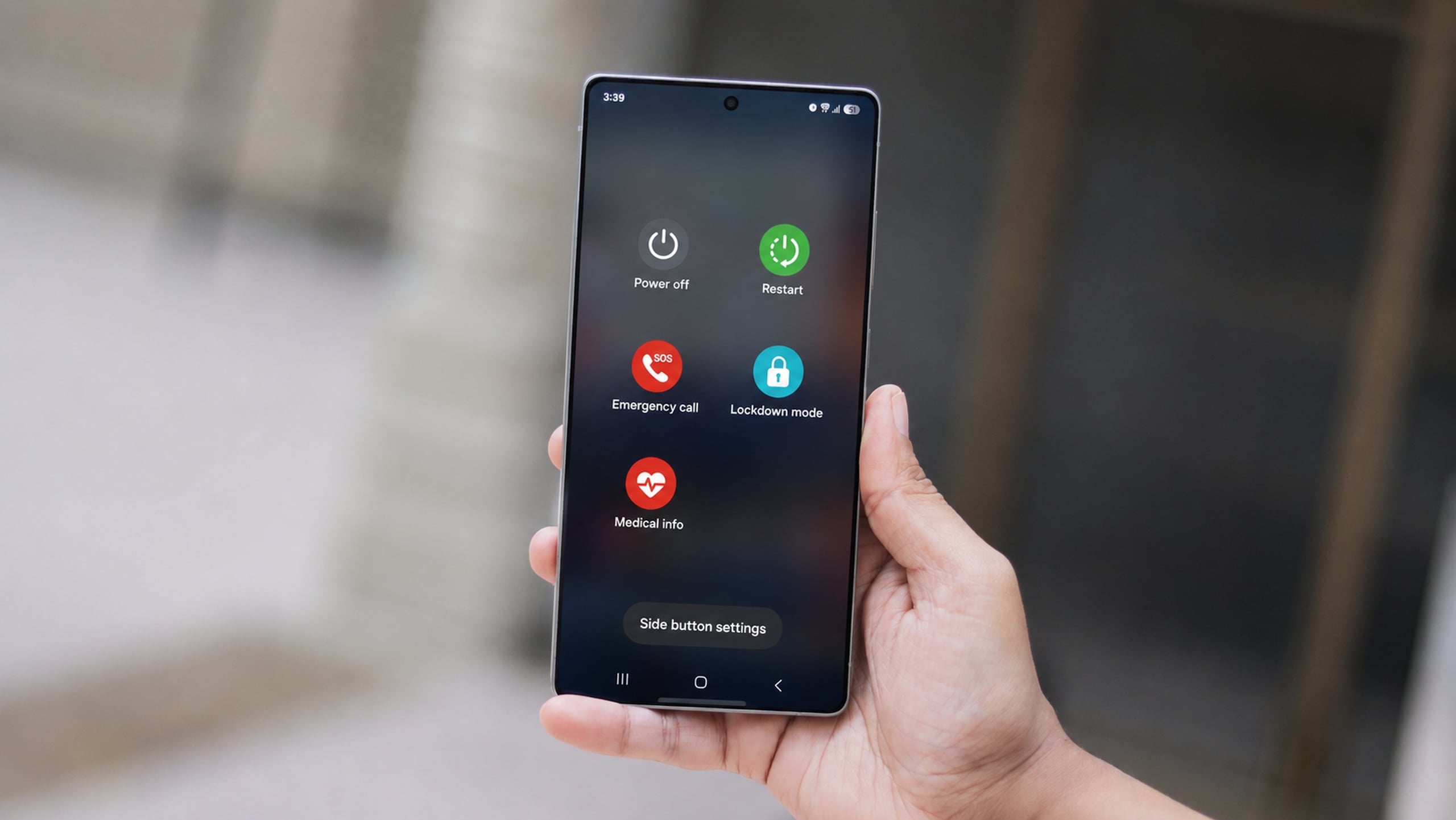
Enhancing Security Through Automation in One UI 9.0
Samsung’s newest Android iteration brings several improvements to the Galaxy ecosystem. One of the most discussed shifts is the removal of "Lockdown Mode" from the standard power menu. Previously, this feature allowed users to manually disable biometric sensors and lock the phone, requiring a PIN or password for the next entry. In **One UI 9.0**, this process has been automated for better efficiency.
While the manual button is gone, the underlying security has actually been bolstered. The system now automatically triggers a lock and disables biometric authentication the moment you open the power menu. This eliminates the extra step of finding and tapping a specific button during an emergency. However, because this change happened behind the scenes, many users found it confusing—a concern Samsung has now addressed in its latest software release.
Clarifying the New Security Protocol
In the recently deployed fourth beta of One UI 9.0 for the **Samsung Galaxy S26** series, the brand added a helpful visual cue. The power menu now displays a prominent message stating: "For your security, your phone is locked." This simple addition makes the automated security behavior immediately apparent to the user, as noted by tech insider **Tarun Vats on X**.
Consistent with previous versions, once the power menu is closed, biometric options like fingerprint scanning or face unlock remain inactive. The user must provide their PIN, pattern, or password to regain access. This ensures that if a phone is taken while the power menu is active, it cannot be easily unlocked. Samsung is expected to launch the stable version of this software alongside its upcoming flagship foldable devices.
What happened to the Lockdown Mode button in the new update?
The dedicated Lockdown Mode button has been removed from the power menu to simplify the interface. Instead, the security feature is now triggered automatically as soon as the power menu is opened, providing the same protection without requiring manual activation.
How do I know my phone is actually locked in One UI 9.0?
Samsung has added a specific notification message within the power menu that explicitly says, "For your security, your phone is locked." This informs you that biometric sensors are disabled and a secure code is required for the next unlock.
Will I still be able to use my fingerprint to unlock the phone after closing the power menu?
No. Once you access the power menu in One UI 9.0, biometric authentication is temporarily disabled. You will be required to enter your PIN, pattern, or password to unlock the device one time before biometrics become available again.
When will the stable version of One UI 9.0 be available?
The stable version of the software is anticipated to debut very soon, likely coinciding with the launch of Samsung's next generation of flagship foldable smartphones.
🔎 In conclusion, Samsung’s decision to automate and clarify the power menu security in One UI 9.0 reflects a commitment to both high-level protection and user experience. By removing the guesswork from "Lockdown Mode" and providing clear on-screen feedback, Galaxy users can feel more confident that their devices are actively defending their privacy at all times. As the software moves toward its final release, these small but vital improvements continue to solidify Samsung's position as a leader in mobile security innovation.
Post a Comment