
Your Galaxy Phone Could Soon Offer Deeper Integration with Galaxy Books
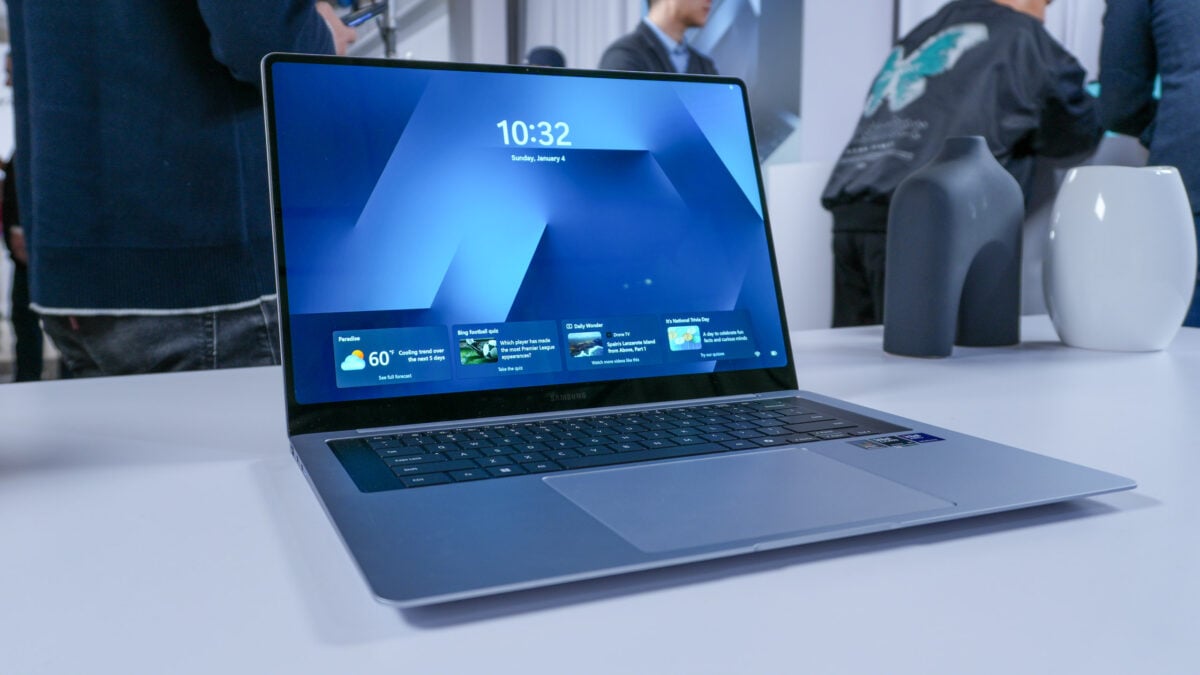
Microsoft is reportedly planning significant updates to Windows 11 to enhance performance and reduce bloat, partly in response to the growing popularity of the MacBook Neo. Among these planned improvements, the company is focusing on deepening the connection between Android smartphones and Windows PCs. If these reports hold true, your Samsung Galaxy phone could soon function even more seamlessly with your Galaxy Book laptop.
Key Improvements on the Horizon
- ✨ Enhanced Start Menu integration: View phone activity directly without needing to open the Phone Link app.
- ✨ Taskbar connectivity: A new dedicated phone icon will provide quick access to status updates and essential controls.
- ✨ Clipboard synchronization: Sync your full clipboard history between your phone and your laptop for better productivity.
- ✨ Standalone Messages app: Manage your text conversations through a dedicated app pinned to your Start menu.
A More Seamless Ecosystem
According to a report from Windows Central, Microsoft intends to overhaul the Phone Companion system within the Windows 11 Start menu. The goal is to surface Android device activity more effectively, allowing users to see information—such as the full contents of a text message—without the need to manually launch the full Phone Link app.
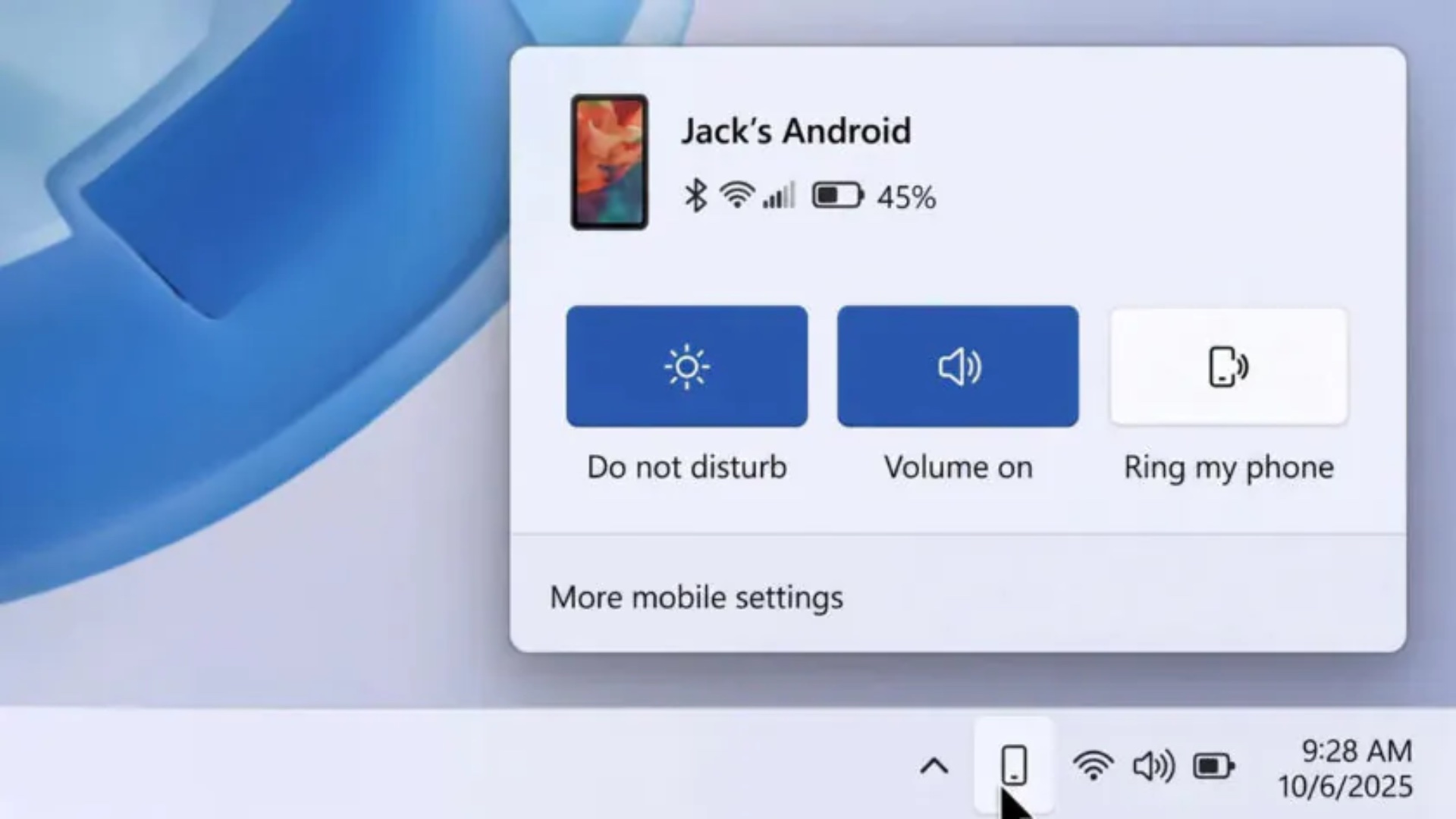
Furthermore, Windows is expected to introduce a dedicated phone icon on the taskbar. Clicking this will trigger a flyout menu, offering immediate access to critical settings like "Do Not Disturb," "Find Phone," and vibration toggles, making physical interaction with your device less necessary while working at your desk.
Productivity is also set to receive a boost through expanded clipboard history syncing. Currently, Windows only tracks the most recently copied item from a connected phone; the proposed update would allow for a full history sync, which is a major advantage for those who frequently move text between devices.
Finally, Microsoft is reportedly developing a standalone Messages app. This would allow users to pin their text threads directly to the Start menu for faster access. While these features are currently in the prototype stage and subject to change, they represent a significant step toward a more unified experience for Galaxy and Windows users.

When will these features be available?
These features are currently in the prototype phase of development. Microsoft has not provided an official release date, so they may undergo changes before reaching the general public.
Will these features work on all Android phones?
While these improvements are being designed for Android integration in Windows 11, the deepest integration features are typically optimized for Samsung Galaxy devices due to the existing partnership between Samsung and Microsoft.
How can I access my messages now?
You can currently manage your messages and notifications by using the existing Phone Link app on your Windows PC. Click here to learn more: Click here for Phone Link guide
🔎 In conclusion, the potential for deeper integration between Galaxy smartphones and Windows 11 is an exciting prospect for users who value a streamlined workflow. By reducing the friction between mobile and desktop environments through smarter taskbar tools, expanded clipboard support, and dedicated messaging apps, Microsoft and Samsung are clearly aiming to make the PC experience more intuitive. We look forward to seeing how these prototypes evolve into consumer-ready features.
Post a Comment