
Google Play System Updates Rolling Out to Samsung Galaxy Phones and Tablets
Samsung device users around the world are currently receiving fresh software packages directly from Google. These updates target the foundational components of the operating system, ensuring better stability and security across various Galaxy smartphones and tablets.
Quick Summary
- ✨ Samsung smartphones and tablets are receiving new Google Play System updates, ranging in size from 167KB to 18MB.
- ✨ Although Google hasn't provided an official changelog, these patches typically bring bug fixes, performance boosts, and enhanced security.
- ✨ The installation process is straightforward and can be checked directly through your device settings.
What to Expect from the Latest Samsung Updates
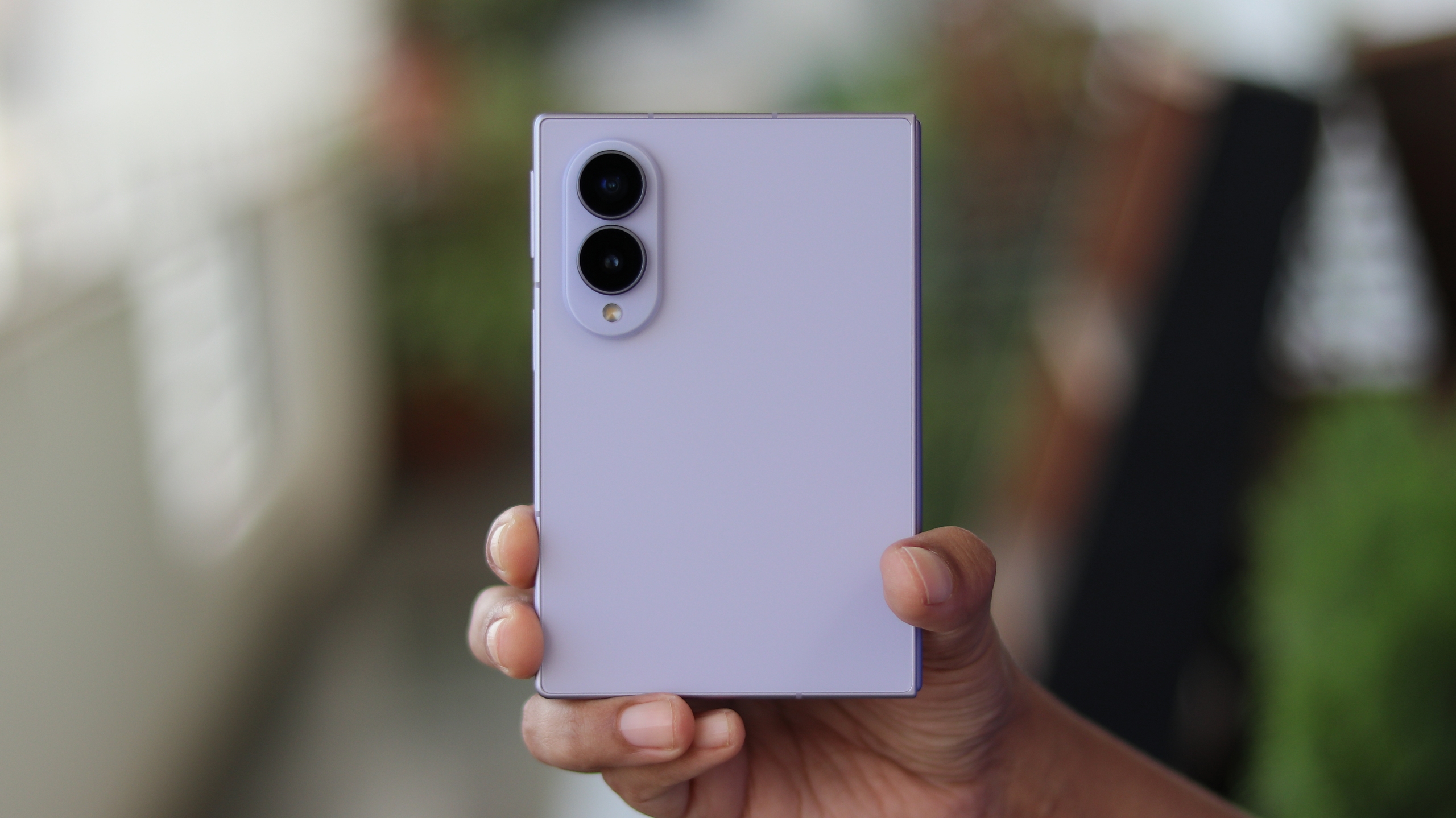
Fresh updates for the Google Play System are now accessible across a wide range of Samsung smartphones and tablets. User reports from the Samsung Community indicate that the download size varies significantly depending on the device model; some users are noticing a lightweight 167KB patch, while others are downloading a substantially larger 18MB package.
As has become customary with these monthly rollouts, Google has not published an official changelog detailing every modification. Nonetheless, these updates generally introduce crucial bug fixes, underlying performance enhancements, security optimizations, and new capabilities for various Google’s apps and services.
Interestingly, once the installation finishes, the displayed Google Play system update date may still show July 1, 2026. Despite this date remaining static on certain models, Google is actively pushing these improvements out to users worldwide.
How to Install the Update on Your Galaxy Device
If you want to check whether your smartphone or tablet is ready for this release, you can navigate to the update portal manually. Simply open your device Settings > Security and privacy > Updates > Google Play system update.
Do these updates require a device restart?
Yes, most Google Play System updates require a quick system reboot to successfully apply the newly downloaded components and ensure all security patches are active.
Why are the update file sizes different across devices?
File sizes vary because different hardware models run distinct software configurations, meaning some devices require specific modular fixes while others receive broader packages.
Will my Android version change after applying this update?
No, these are modular patches managed directly by Google services, so your core Android OS version and One UI version will remain entirely unchanged.
Is it safe to install these updates immediately?
Absolutely. These official background patches are designed to improve system stability and safety, making them completely safe for everyday use.
🔎 Keeping your device updated with the latest software patches is essential for maintaining optimal security, fixing background bugs, and ensuring smooth daily performance across all your favorite applications and system features.
Post a Comment