
Samsung Galaxy Devices Set to Receive Built-In App Lock Feature with One UI 9.5 Update
Samsung users have long relied on Secure Folder to protect sensitive data and private applications, but a straightforward native toggle to lock individual apps or games has remained notably absent. Previous rumors suggested the feature might debut with major software iterations like One UI 7.0 or One UI 9.0, yet it never materialized. Fresh leaks indicate that Samsung is finally addressing this feature request, preparing to introduce a dedicated App Lock mechanism in the upcoming One UI 9.5 update for compatible smartphones and tablets.
- ✨ Samsung is introducing a native App Lock feature directly into the One UI 9.5 operating system.
- ✨ Users can easily lock any application or game straight from the home screen or app drawer.
- ✨ The tool integrates seamlessly with your device's existing screen unlocking security measures.
- ✨ The update is expected to launch with the Galaxy S27 series and roll out to earlier flagship models.
How the New App Lock Feature Will Work on Galaxy Phones
According to recent software analysis by tipster Fahad Ali Javed, who uncovered a One UI 9.5 firmware build on a Galaxy S26, the development of the App Lock utility is well underway. Operating the feature will be remarkably intuitive: users simply need to press and hold down on any app or game icon, then tap the lock-shaped icon located in the upper right corner of the context menu. This allows for instant privacy control directly from the home screen or app drawer.
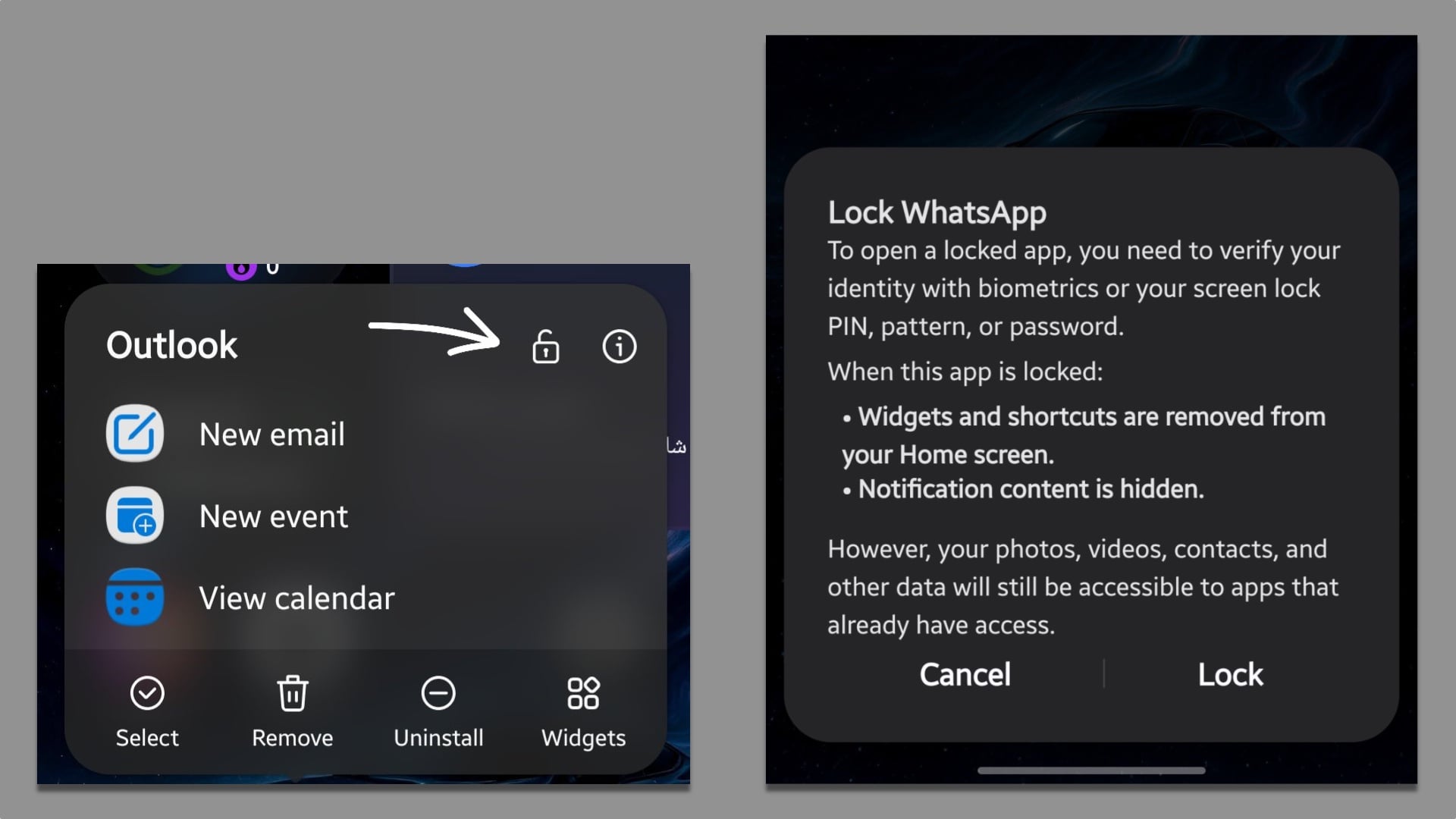
Unlike third-party applications that require setting up separate passwords, patterns, or PIN numbers, Samsung's native implementation hooks directly into your phone's pre-configured screen unlocking mechanism. When you attempt to open a restricted app, unlocking it requires the exact same biometric verification or security passcode you use to unlock your device overall.
Expected Release Timeline and Eligible Devices
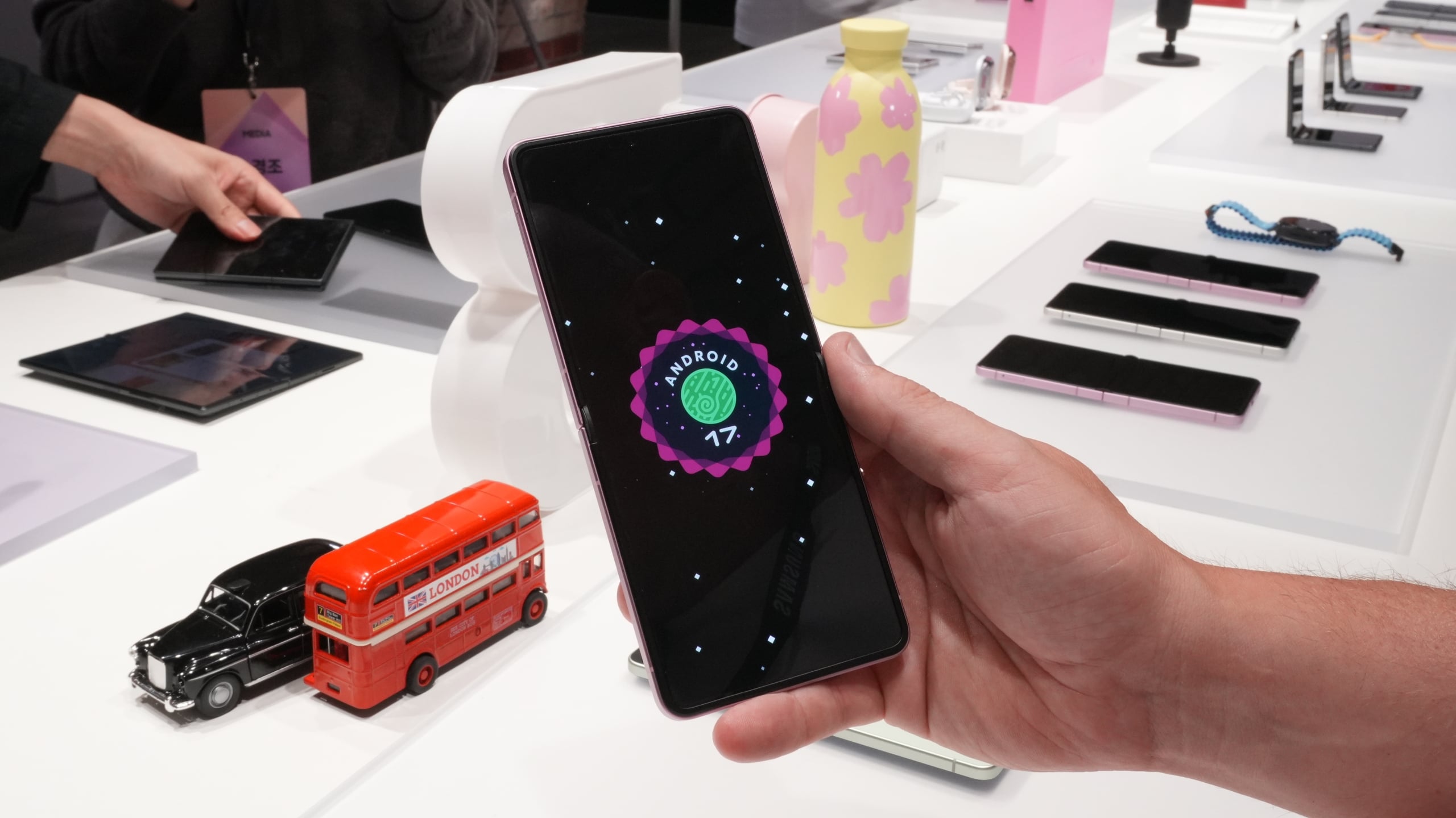
Built upon the foundation of Android 17, One UI 9.5 is anticipated to debut commercially alongside the upcoming Galaxy S27 flagship lineup. Following its initial rollout, the software update is projected to expand to older generation high-end devices, including the Galaxy S26 series, the Galaxy Z Flip 8, and the Galaxy Z Fold 8 family, before eventually trickling down to mid-range and older Galaxy hardware.
Will I need to remember a separate password to use App Lock?
No. The upcoming App Lock feature relies completely on your smartphone's primary screen unlocking mechanism, meaning you can access locked applications using your standard fingerprint, face recognition, or device PIN.
Which operating system version introduces this feature?
The native App Lock functionality is discovered within One UI 9.5, which is built on top of Android 17.
How do you lock an app using One UI 9.5?
You can easily secure any application or game by pressing and holding its icon on your home screen or app drawer, then selecting the new lock icon appearing in the corner of the menu.
When will One UI 9.5 be officially released?
The software update is expected to officially launch alongside the next-generation Galaxy S series smartphones.
🔎 Ultimately, the introduction of a native App Lock feature in One UI 9.5 marks a welcome addition to Samsung's software ecosystem. By bypassing the need for third-party lockers and tying directly into system-level biometrics, Samsung is making everyday mobile privacy simpler, faster, and much more secure for all Galaxy device owners.
Post a Comment