
Samsung Galaxy S26 Receives Fifth One UI 9 Beta Update with Bug Fixes
Summary
- ✨ Samsung has rolled out the fifth One UI 9.0 beta update for the Galaxy S26 series, focusing heavily on quality-of-life improvements and bug fixes.
- ✨ The new build resolves freezing issues in Settings, slow camera widget launches on the lock screen, and Wi-Fi connection instability.
- ✨ Currently available in South Korea under firmware version S948BXXU4ZZH6, with a wider release expected soon for beta participants.
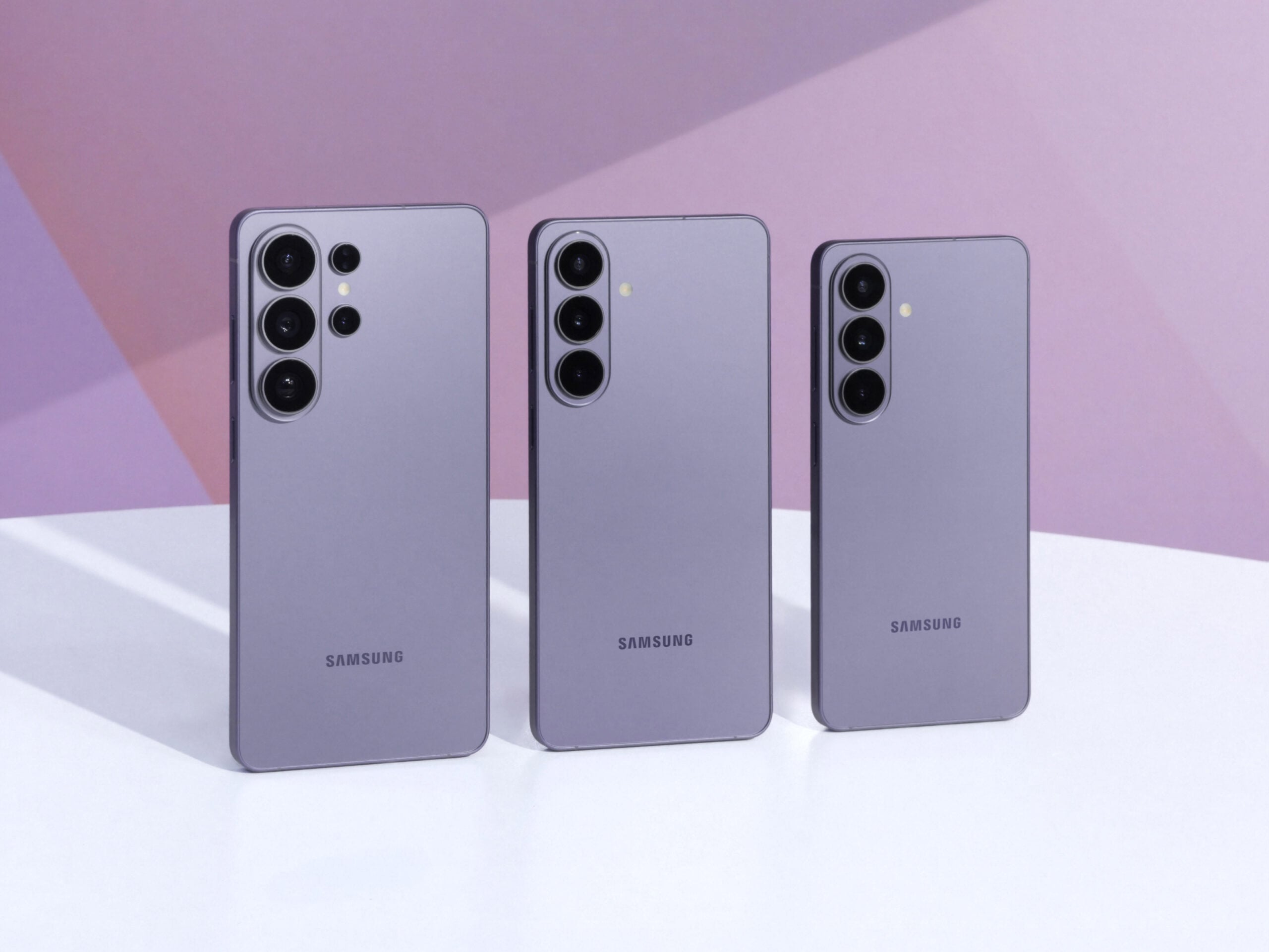
Samsung has officially released the fifth One UI 9.0 beta update for the Galaxy S26, Galaxy S26+, and Galaxy S26 Ultra. This latest firmware package brings several crucial fixes addressing minor interface stutters, connectivity hiccups, and application performance. Below is the official changelog detailing the improvements included in this release.
Key Bug Fixes and Improvements in One UI 9 Beta 5
- Improved issue where the app freezes or a white screen appears in some menus of the Settings app.
- Improved issue where the speed is slow or a black screen appears when launching the camera widget on the lock screen.
- Improved issue where the bottom floating bar is not displayed correctly while using the Phone app.
- Improved issue where a blank screen is temporarily visible when entering the recent files list in the My Files app and fixed an issue where 1×1 size shortcuts are not added to the bottom bar of the home screen.
- Improved issue where the preview screen position is misaligned or flickers in the Video Editor and Photo Editor.
- Improved issue where the screen intermittently flickers in certain situations and fixed Wi-Fi connection errors to enhance overall connection stability.
The fifth One UI 9.0 beta update carries firmware version S948BXXU4ZZH6 with a download size of approximately 1,127.33MB. It is currently rolling out for users in South Korea and is expected to expand to other eligible regions soon.
If your device is enrolled in the beta program, you can download the update by navigating to Settings > Software update > Check for updates. Tap Install now once the package has finished downloading.
What is the firmware version of the fifth One UI 9 beta update?
The update comes with firmware version S948BXXU4ZZH6 and has a download size of around 1,127.33MB.
Where is the One UI 9 beta 5 update currently available?
It is currently rolling out for users in South Korea, with broader availability in other beta-supported countries expected shortly.
How can I install the beta update on my phone?
Go to Settings, tap on Software update, select Check for updates, and then tap Install now once downloaded.
🔎 Ultimately, this fifth beta iteration demonstrates Samsung's commitment to polishing the user experience and crushing lingering software bugs before pushing the official, stable One UI 9.0 update to the public. Users experiencing minor graphical glitches or Wi-Fi drops on earlier beta builds should find this release to be a substantial improvement.
Post a Comment