
Samsung Galaxy Users Can Now Uninstall Microsoft SwiftKey Keyboard in One UI 9
Samsung devices traditionally come preloaded with various software utilities from partners like Google and Microsoft, though not every user finds them equally practical. One prominent example has been the Microsoft SwiftKey app, which historically remained permanently embedded on Galaxy hardware despite the built-in Samsung Keyboard being the standard default choice. Fortunately, the rollout of One UI 9 finally changes this limitation for Galaxy owners.
- ✨ Galaxy smartphones upgraded to One UI 9.0 now permit the complete and permanent uninstallation of the Microsoft SwiftKey Keyboard application.
- ✨ Previous firmware iterations, such as One UI 8.5, restricted users to merely disabling the application or rolling back updates rather than deleting it.
- ✨ Emerging signs suggest that Samsung's long-term enterprise partnership with Microsoft may be winding down, as newer hardware models omit the keyboard entirely out of the box.
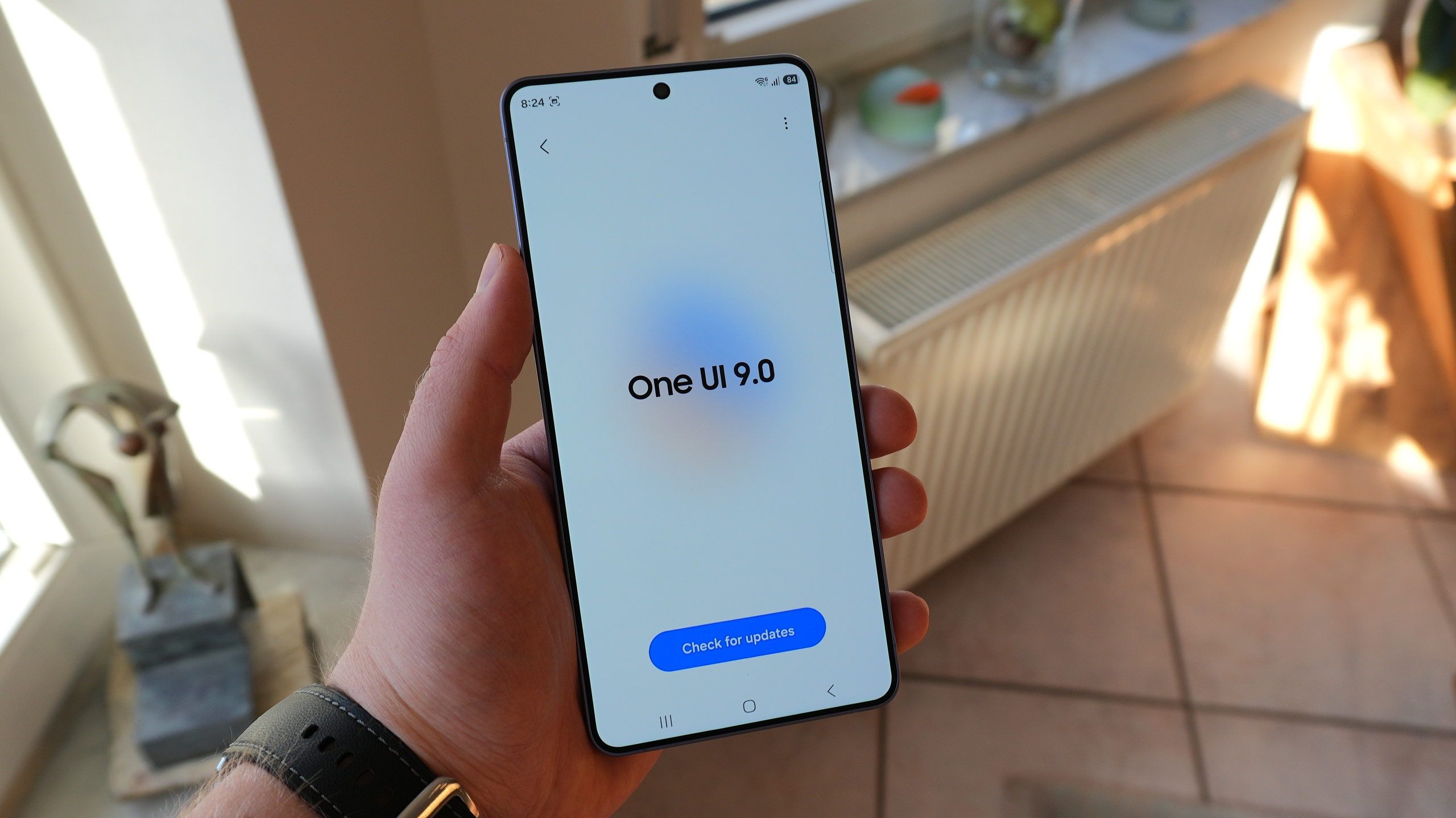
One UI 9 Grants Full Removal Control Over Pre-Installed Microsoft Apps
Recent testing indicates that mobile units operating on One UI 9 offer the long-awaited ability to completely eradicate the Microsoft SwiftKey AI Keyboard utility from internal memory. During evaluations performed on a Galaxy S26 Ultra test device functioning on One UI 9.0 Beta 5, the removal process executed smoothly, successfully recovering approximately 55 megabytes of precious storage space.
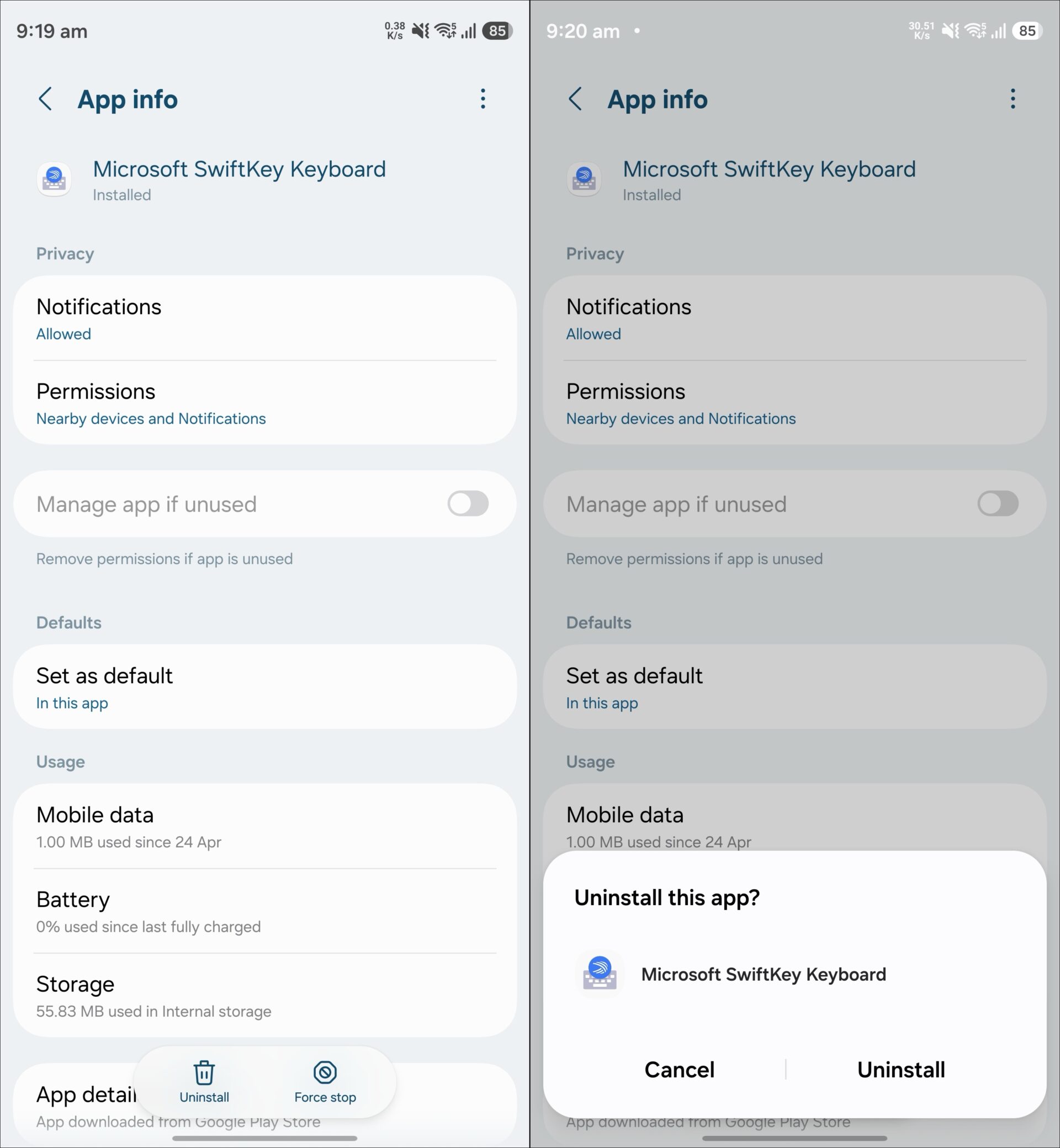
Such administrative freedom was entirely absent under older software builds like One UI 8.5, where consumers were forced to settle for disabling background activity and stripping away cumulative patches because deep system retention kept the package intact.
Furthermore, close inspection of hardware releases like the Galaxy Z Fold 8 and the high-end Galaxy Z Fold 8 Ultra reveals that factory installations completely omit SwiftKey. A parallel trend extends to the contemporary Galaxy Z Flip 8 and mid-tier offerings such as the Galaxy A57, pointing toward a broad strategic shift across upcoming mobile lineups.
Historically, Samsung and Microsoft maintained an extensive cross-platform agreement designed to pre-bundle utilities like Office, OneDrive, OneNote, and SwiftKey directly onto Galaxy devices. Deep system hooks also integrated OneDrive into native multimedia applications like Gallery and My Files, alongside pairing OneNote with Samsung Notes and Microsoft To Do with Samsung Reminders.
With Samsung recently stepping back from native OneDrive synchronization hooks inside the default Gallery software environment, evidence strongly points toward the expiration of their historic enterprise alliance. This corporate decoupling serves as the logical catalyst behind Samsung's decision to hand total control back to consumers, permitting the clean removal of SwiftKey across hardware running One UI 9 updates.
Can I completely remove Microsoft SwiftKey on older software versions like One UI 8.5?
No, older software architectures only permit users to disable the package and uninstall applied patches rather than executing a full system wipe.
How much storage space is reclaimed after deleting SwiftKey?
Removing the pre-installed keyboard software frees up roughly 55 megabytes of internal storage on compatible devices.
Are newer Galaxy devices arriving without SwiftKey pre-loaded?
Yes, modern releases such as the Galaxy Z Fold 8 and select Galaxy A-series variants bypass pre-installing the keyboard entirely.
🔎 The shift toward bloatware-free software environments marks a welcome evolution for Samsung ecosystem participants. By dismantling longstanding bundle requirements and enabling total application purging through One UI 9, the manufacturer demonstrates a clearer alignment with consumer preferences for personalized, lightweight device customization.
Post a Comment