
Samsung One UI 9 Introduces Motion Photos as Custom Phone and Tablet Wallpapers
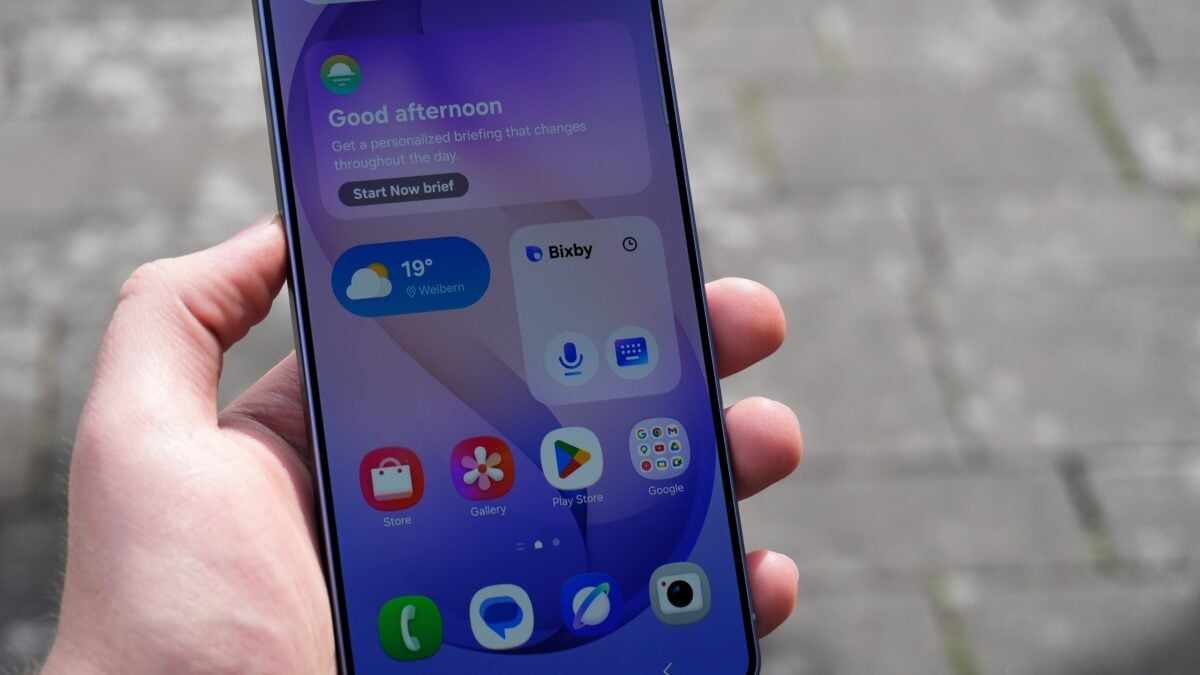
The latest One UI 9 update brings a delightful visual upgrade to Galaxy devices, adding a creative new use for Motion Photos. Originally launched alongside the Galaxy Z Flip 8 and Galaxy Z Fold 8 series, this feature allows users to transform dynamic captured moments into immersive, moving backgrounds.
✨ Key Takeaways
- ✨ One UI 9 lets you set Motion Photos as animated wallpapers on compatible Samsung Galaxy phones and tablets.
- ✨ Easily apply your favorite moving memories to the home screen, lock screen, or both directly via the Gallery app.
- ✨ Preview options allow you to toggle the animation playback on or off before confirming your setup.
Enhance Your Screen with Moving Memories
Devices running One UI 9.0 now offer the native capability to use Motion Photos as live wallpapers. When browsing through the Gallery app, any standard image captured with motion enabled can be designated as the background graphic for your home screen, lock screen, or applied to both simultaneously.
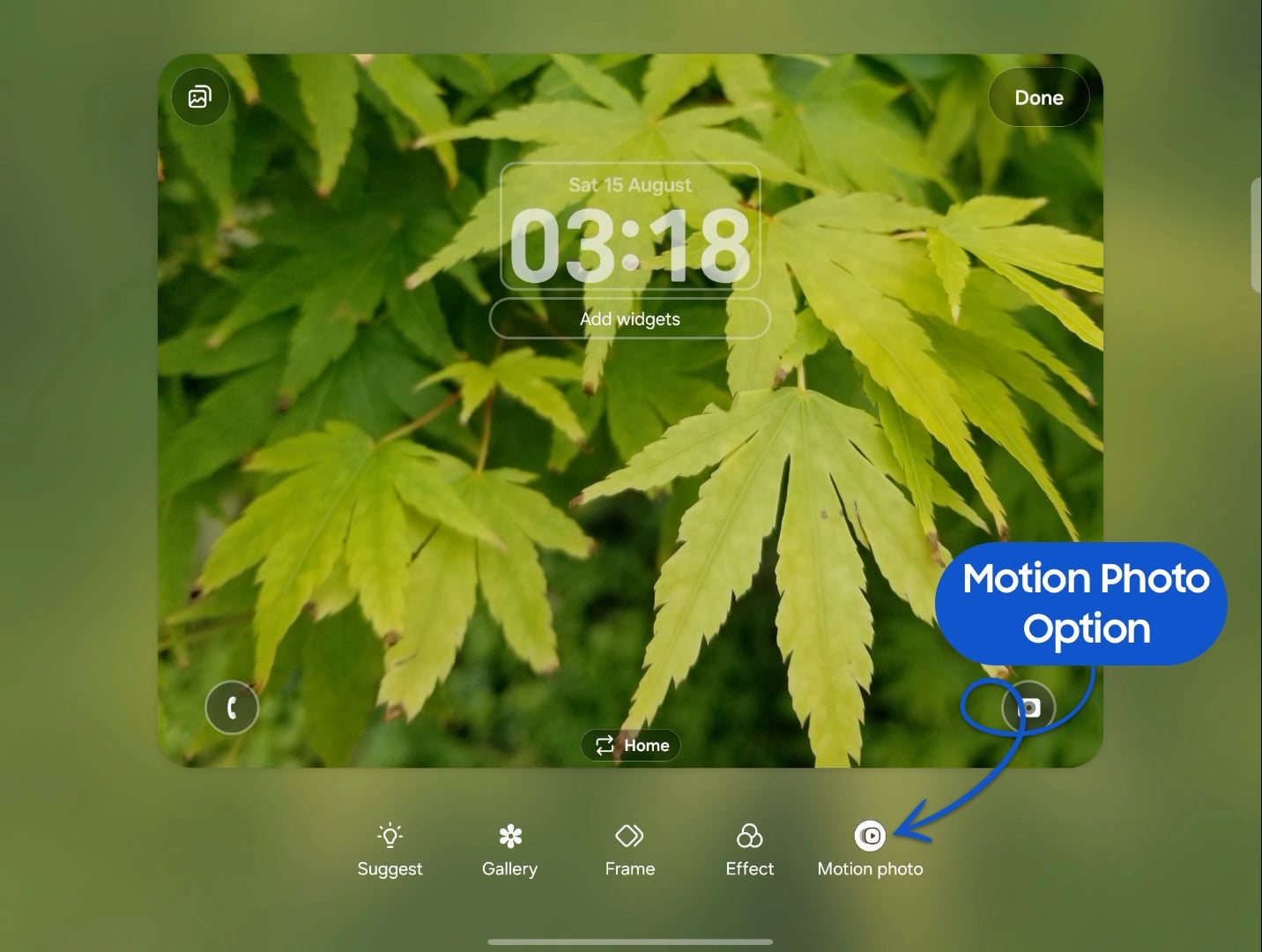
Upon selecting a Motion Photo for your display, the software generates an immediate preview to showcase how the animation will look in daily use. Users are provided with quick controls to toggle the motion feature on or off, ensuring complete customization over battery life and visual presentation.
Device Availability and Rollout
At present, this customization feature is fully integrated into the Galaxy Z Flip 8, Galaxy Z Fold 8, and Galaxy Z Fold 8 Ultra models. While certain devices on beta builds—such as units running the One UI 9.0 Beta software—may receive the functionality later, Samsung plans to bring it to a broader ecosystem with forthcoming stable firmware updates.
Can I use any image as a Motion Photo wallpaper in One UI 9?
You can set any image captured with the Motion Photo feature enabled in your Gallery app as an animated background for your device.
Which screens can display the Motion Photo wallpaper?
The operating system allows you to apply the moving wallpaper to your home screen, your lock screen, or both at the same time.
Is it possible to disable the animation on the wallpaper?
Yes, the preview screen provides a dedicated toggle option enabling you to comfortably turn the motion animation on or off.
Which Samsung devices support this wallpaper feature right now?
The capability is currently live on flagship foldable devices including the Galaxy Z Flip 8, Galaxy Z Fold 8, and Galaxy Z Fold 8 Ultra.
Will older or non-foldable flagship devices get this feature?
While some flagship devices on beta software do not yet display the option, wider rollout is expected as stable One UI 9 updates reach more hardware.
🔎 Ultimately, bringing Motion Photo support to wallpapers in One UI 9 adds a charming, dynamic touch to Samsung's customization suite, making lock screens and home screens far more lively and personalized.
Post a Comment