
Why One UI 9 Makes the Galaxy Z Flip 8 Cover Screen a Total Game Changer
The latest One UI 9 update transforms the user experience on the Samsung Galaxy Z Flip 8, particularly by revolutionizing how the cover screen functions and making it feel like a fully realized, primary display interface.
- ✨ One UI 9 converts the cover screen into an intuitive interface complete with a brand new home screen, app drawer, seamless notifications, and native multitasking capabilities.
- ✨ Managing widgets and shortcuts directly from the exterior display eliminates the need to constantly unfold your device.
- ✨ Advanced Flip-exclusive camera features like vertical split dual recording, horizontal lock, and digital mirror mode unlock fresh creative potential.
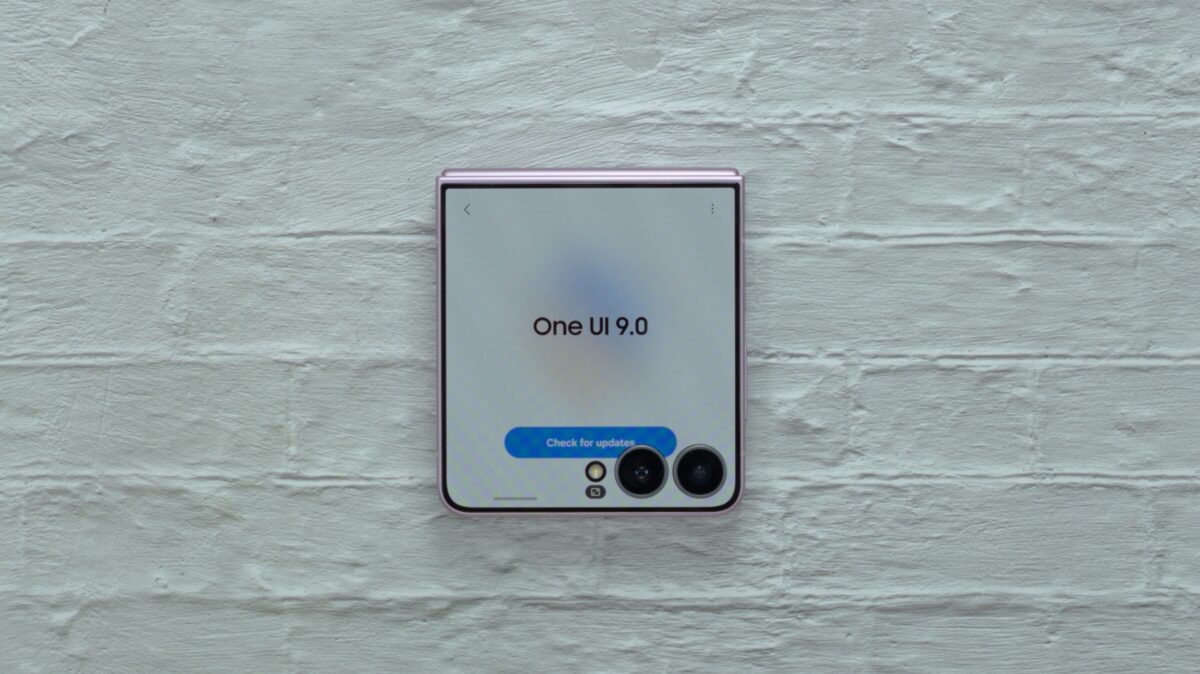
The Cover Screen Finally Feels Like a Proper Interface
The Galaxy Z Flip 8 doesn't represent a radical departure in physical hardware compared to its predecessor, maintaining a familiar footprint while shedding a bit of weight. Yet, software innovation completely changes the day-to-day usability.
One of the most noticeable additions is the revamped home screen. Unlocking the handset can now bypass the traditional lock screen entirely, routing you straight to a dynamic card containing your Now Brief and favorite applications.
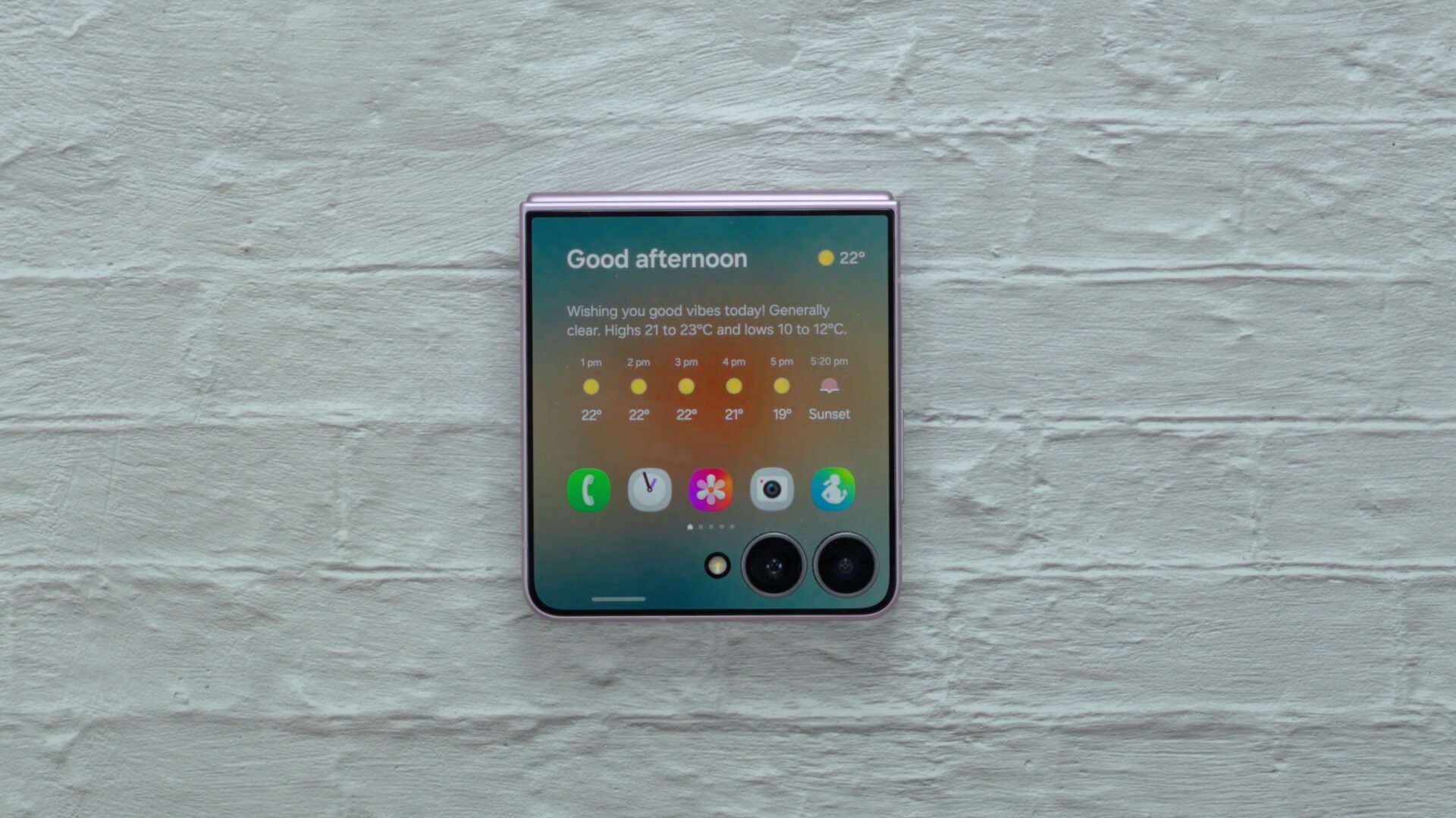
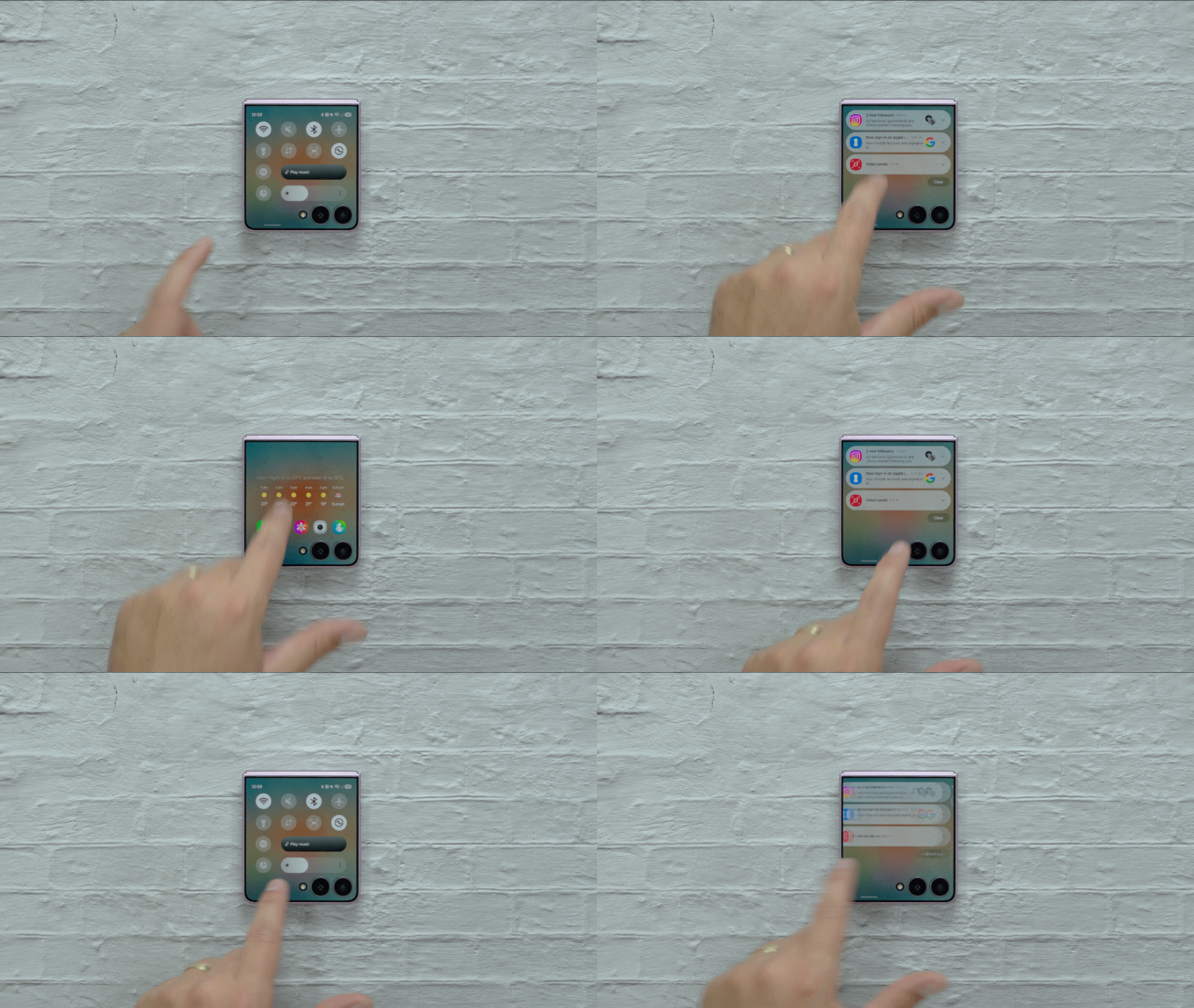
While users can easily revert to showing widgets immediately upon wake, the new home layout offers a convenient launchpad. Furthermore, notification management has been overhauled: swiping down reveals alerts, while a quick swipe left opens the quick panel, closely mimicking the main display workflow.
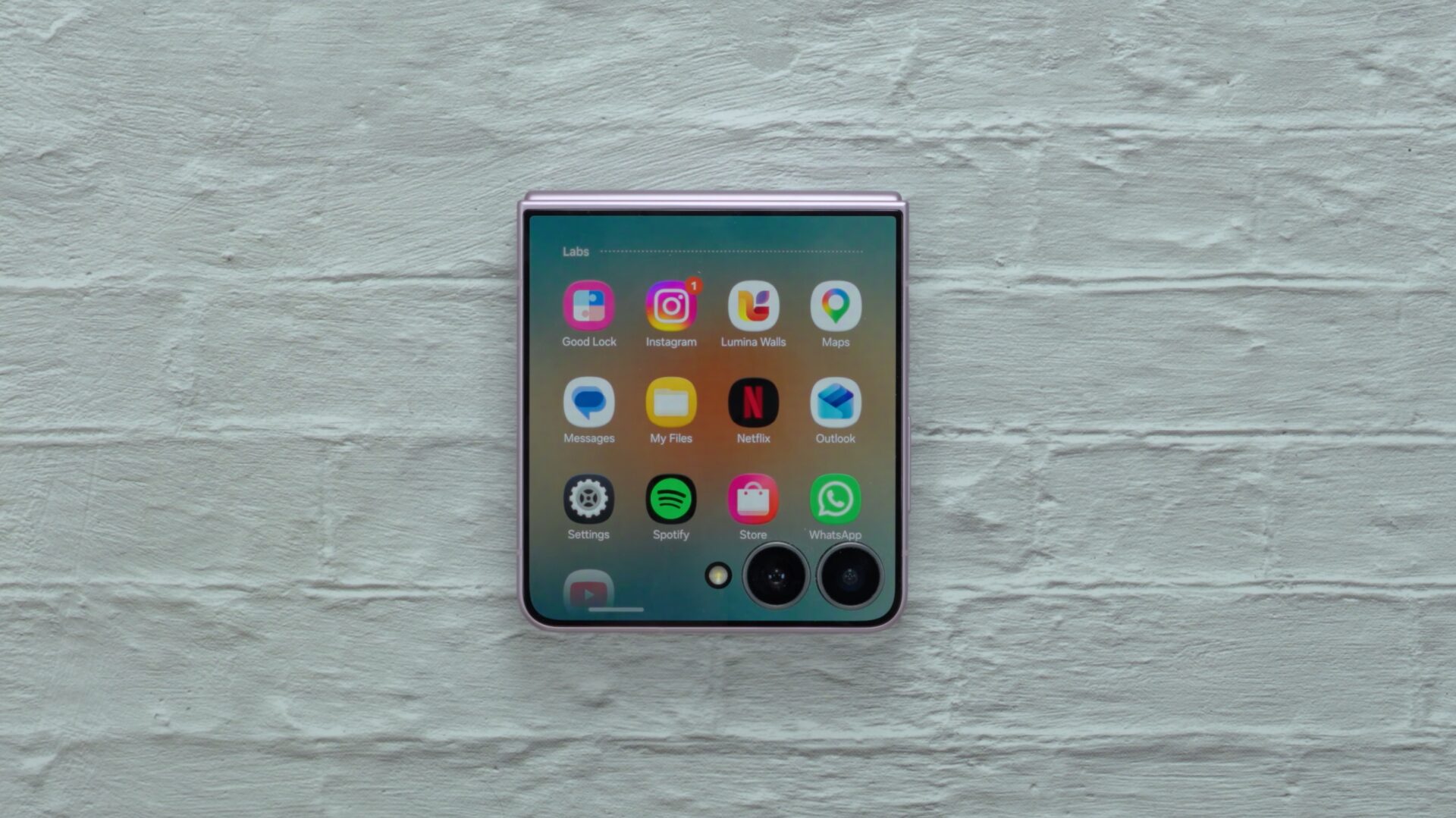
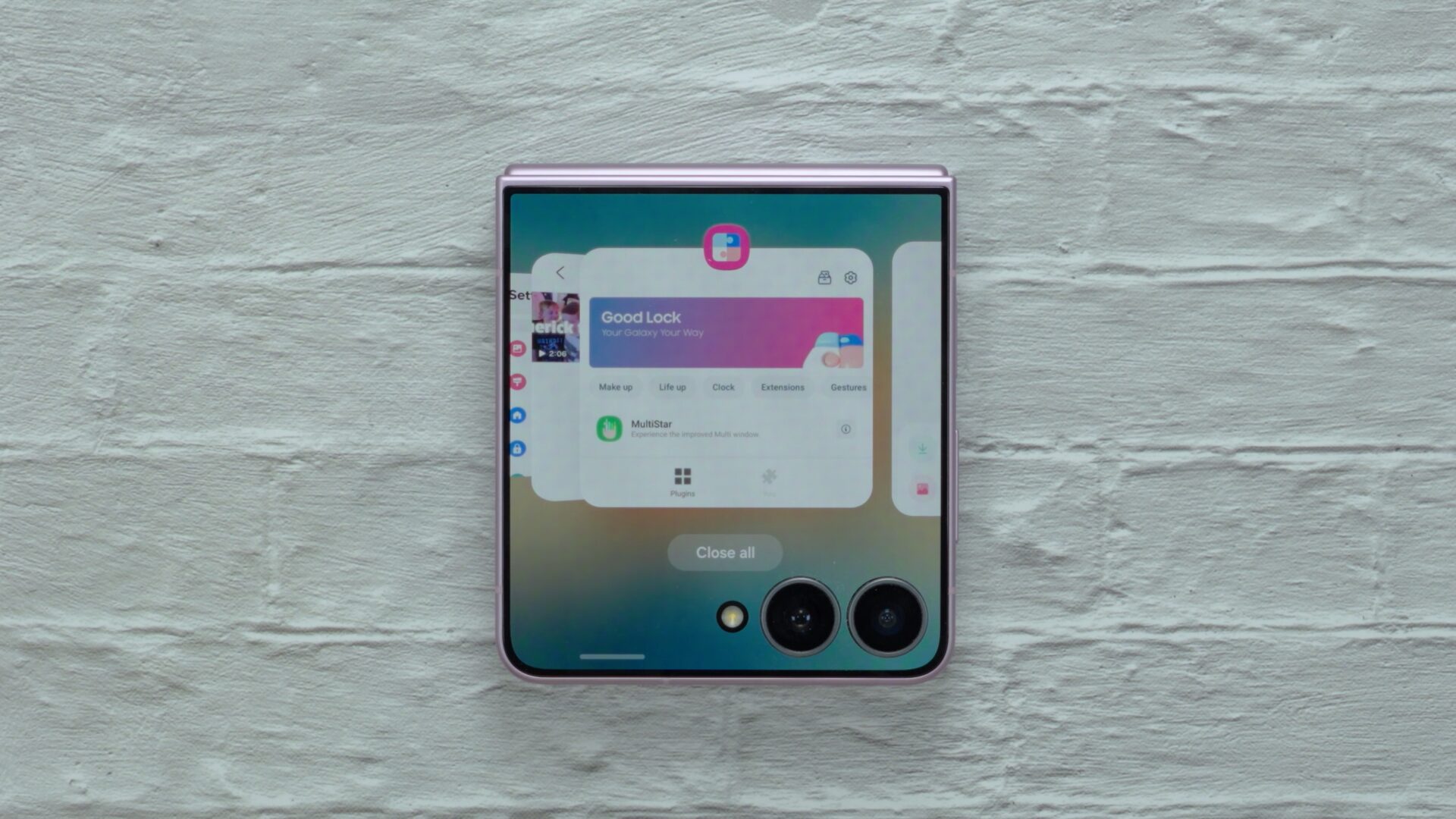
App accessibility has received a similar upgrade through a dedicated cover screen app drawer accessible by swiping upward. Thanks to Good Lock and MultiStar integrations, virtually any application can be forced onto the exterior screen, accompanied by true multitasking controls that let you jump between recent tasks smoothly.
Enhanced Widget Control and Smart Camera Tools
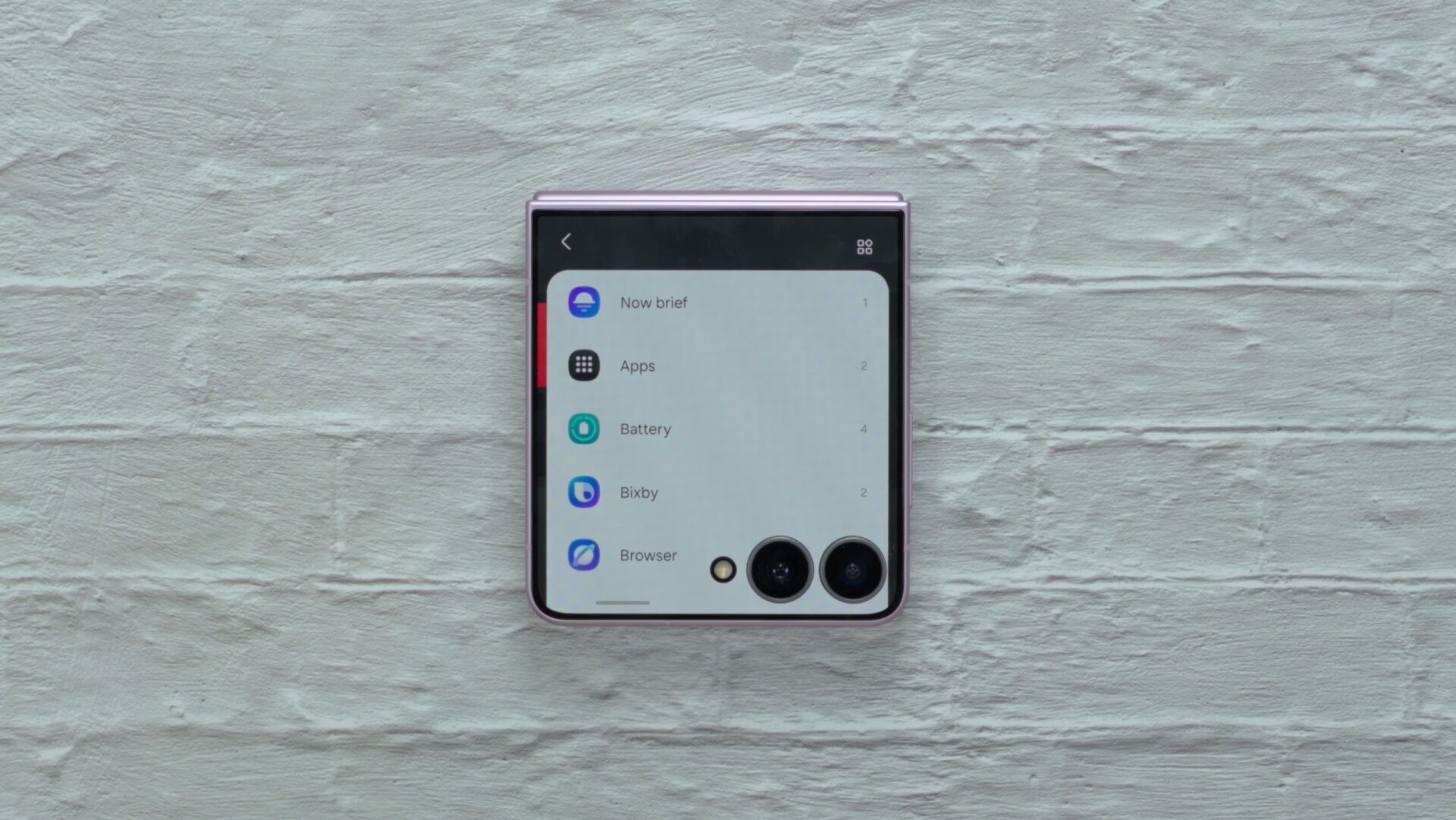
Beyond general navigation, managing widgets no longer requires opening the phone. Users can add widgets natively from the exterior display, including fresh additions like Bixby and Samsung Internet panels. App shortcuts have also been streamlined into compact cards to maximize space.
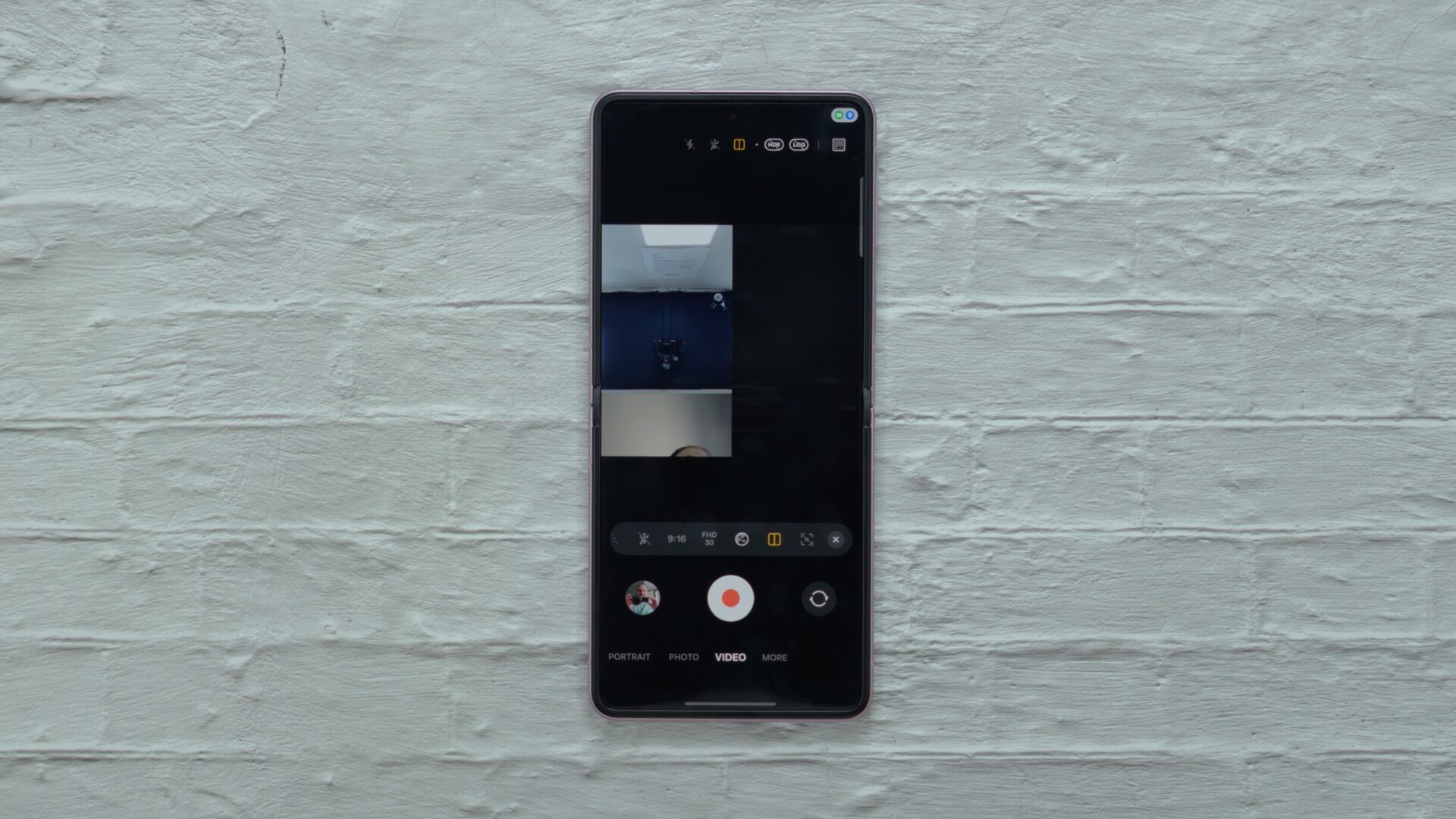
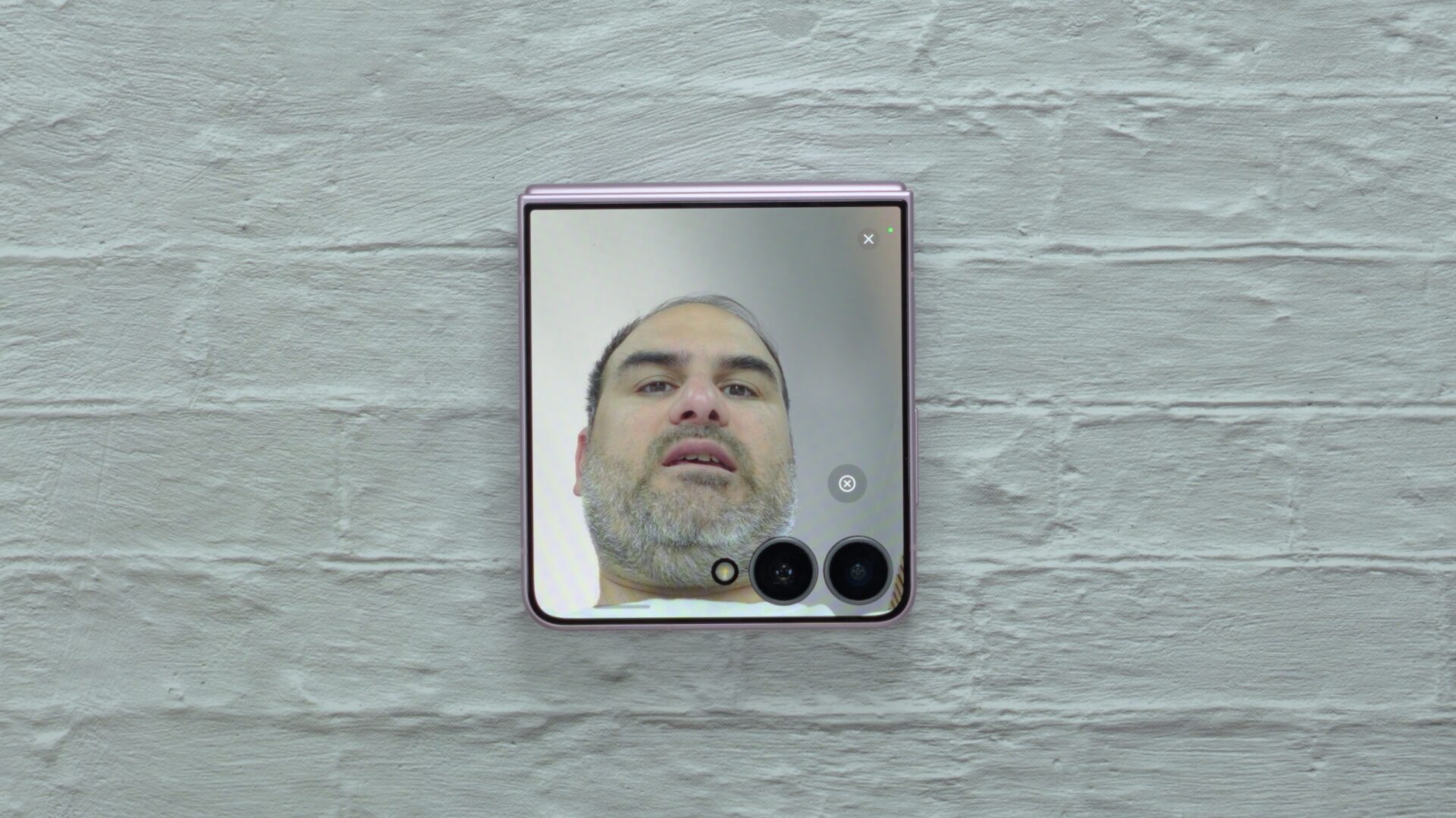
On the camera front, One UI 9 introduces a vertical split layout for Dual Recording, synchronized audio file saving, Horizontal Lock integration with FlexCam, and a clever Mirror View mode that turns the cover screen into a functional digital compact mirror complete with ring light simulation.
Can I run any application on the Galaxy Z Flip 8 cover screen?
Yes, by installing the Good Lock application along with its MultiStar module, you can enable and run virtually any installed app directly on the cover display.
How do I access notifications on One UI 9 using the cover screen?
You can easily view your notifications by swiping down on the cover screen, and then swipe left to access the quick panel settings.
What is Mirror View on the Galaxy Z Flip 8?
Mirror View is a specialized camera mode that uses the cover display and exterior camera as a digital pocket mirror, allowing you to use a virtual ring light for quick snapshots.
Does One UI 9 require hardware changes to improve the Flip experience?
No, the physical hardware remains largely similar to previous generations, proving that software optimization alone can dramatically improve usability.
🔎 Ultimately, while the physical design of the device remains familiar, One UI 9 proves that thoughtful software engineering can breathe entirely new life into foldable form factors, making everyday interactions smoother and far more efficient than ever before.
Post a Comment