
Android's Motion Assist Feature Rolling Out to Samsung Galaxy Phones
Google has begun rolling out its innovative Motion Assist feature to select Samsung Galaxy smartphones. Originally introduced for Pixel devices, this accessibility tool is designed to help users mitigate the unpleasant effects of motion sickness while traveling in vehicles like cars, buses, or trains.
TL;DR Summary:
- ✨ Google's Motion Assist feature uses floating on-screen bubbles to reduce motion sickness during travel.
- ✨ The rollout targets devices running Android 17 and Google Play services version 26.33.32.
- ✨ Eligible models include the Galaxy S26 FE, Galaxy Z Flip 8, and Galaxy Z Fold 8 series.
- ✨ Users can access the feature directly through the Settings app and Quick Panel controls after updating.
How Motion Assist Works on Galaxy Devices
The Motion Assist feature relies on dynamic floating bubbles displayed over your screen content. These visual elements subtly shift and move in real-time to match the acceleration and turns of the vehicle you are riding in. This sensory synchronization has been clinically shown to alleviate the symptoms of motion sickness for passengers looking at their phones on the go.
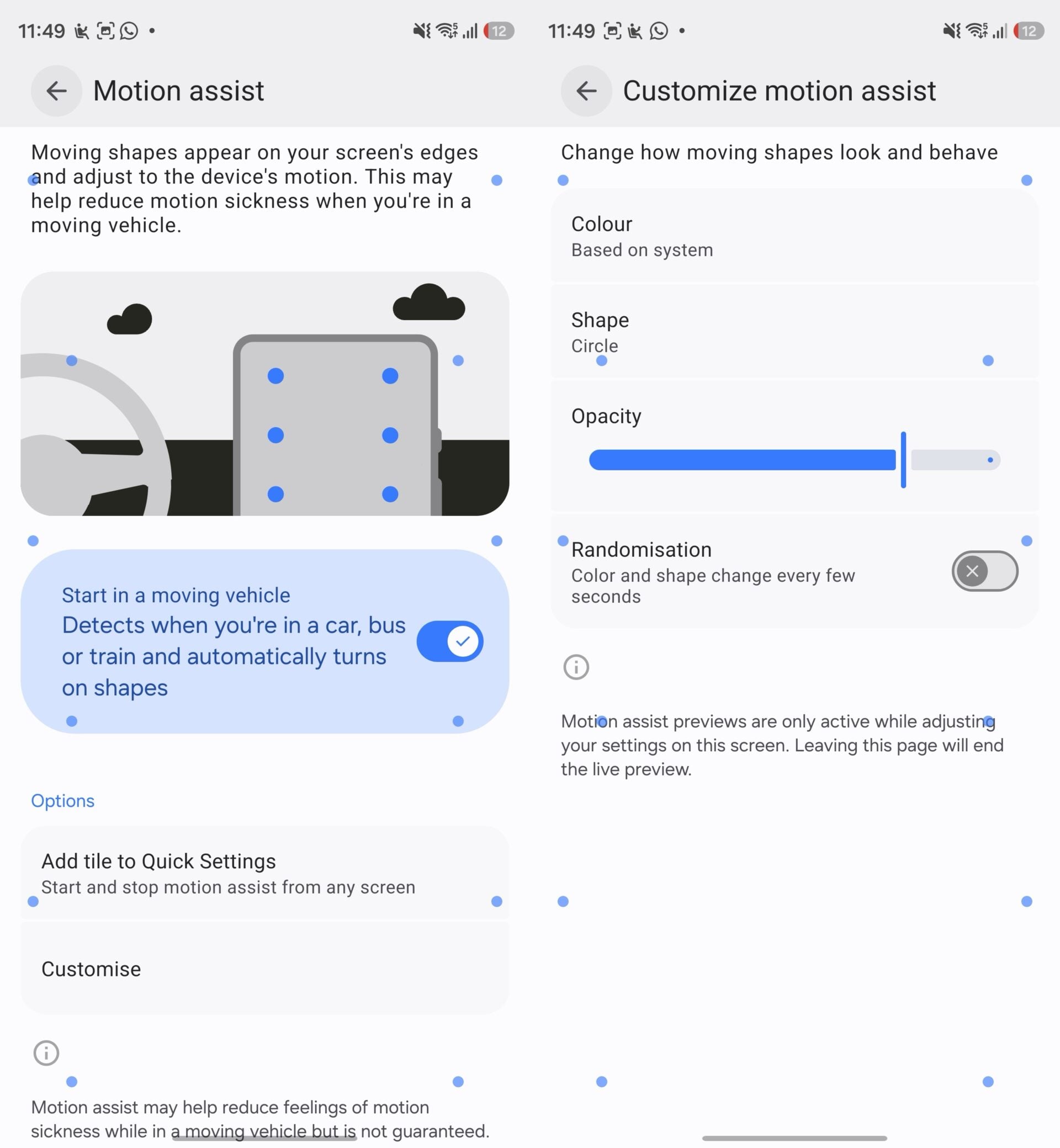
According to reports from industry trackers, the feature is expanding to devices equipped with Android 17. Consequently, premium and foldable hardware such as the Galaxy S26 FE, Galaxy Z Flip 8, Galaxy Z Fold 8, and Galaxy Z Fold 8 Ultra are receiving the feature out of the box as part of the stable One UI 9.0 update.
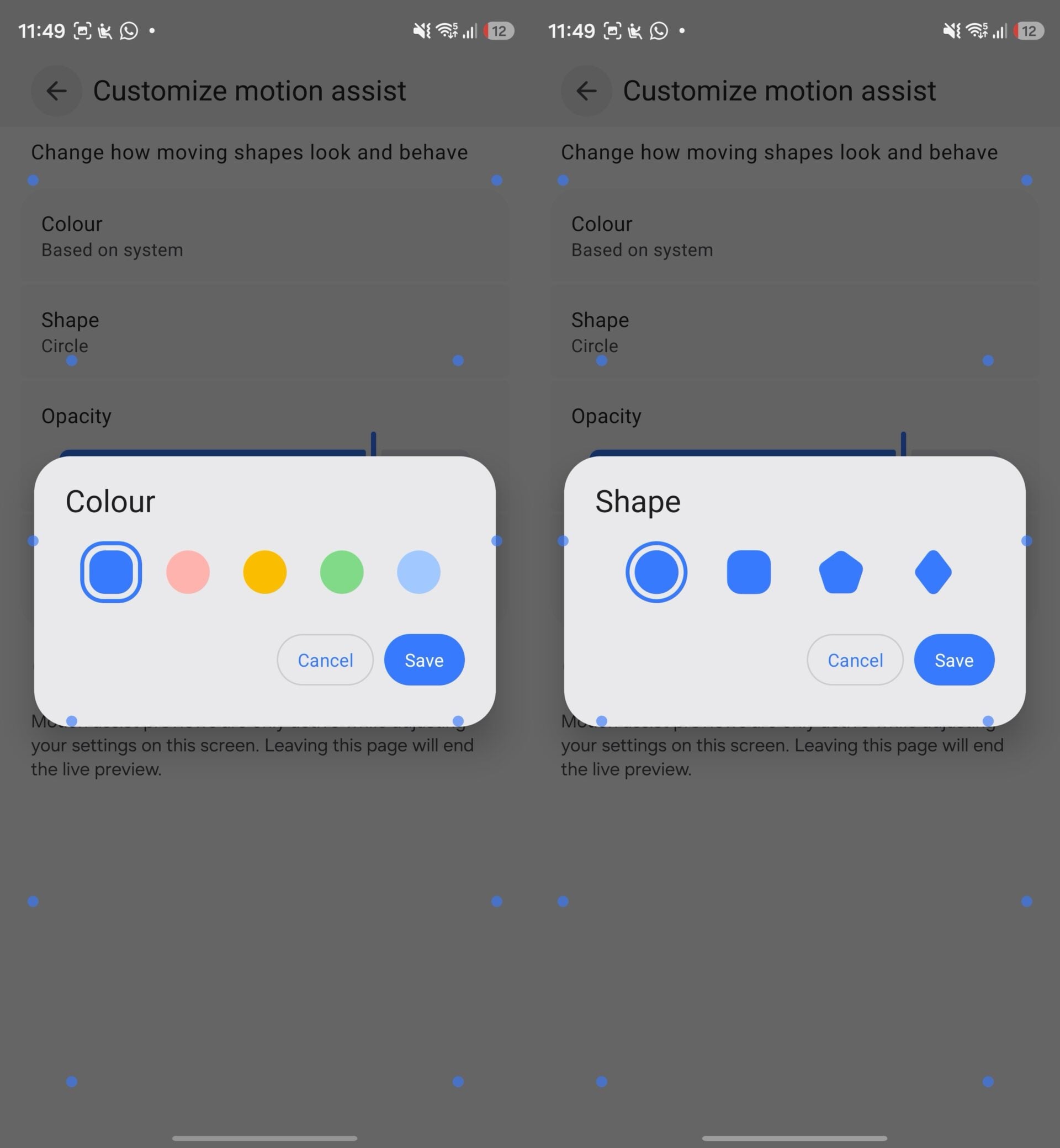
Availability and Setup Requirements
To make use of Motion Assist, your device must be updated to at least version 26.33.32 of Google Play services. If your phone meets the software criteria but the option is not immediately visible, a simple device restart usually forces the system to recognize the update. Once enabled, the controls can be found conveniently inside the main Settings app as well as integrated into your Quick Panel controls.
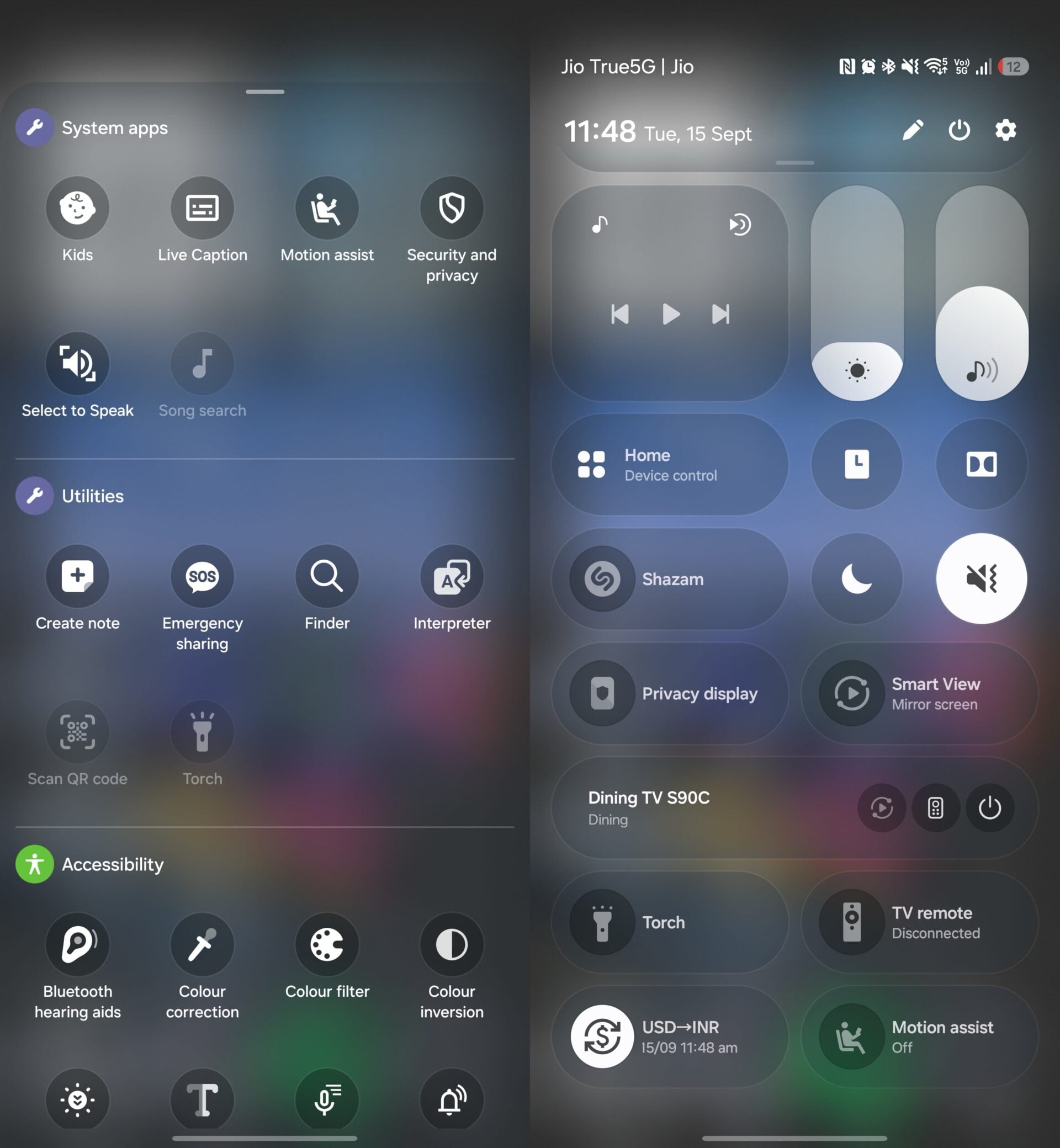
Samsung users participating in the One UI 9.0 beta program have also reported access to the tool. For instance, devices like the Galaxy S26 Ultra running the latest beta software already feature fully functional Motion Assist controls.
Which Samsung devices support Motion Assist?
The feature is rolling out to devices running Android 17 and One UI 9.0, including newer models like the Galaxy S26 FE, Galaxy Z Flip 8, Galaxy Z Fold 8, and devices on the One UI 9.0 beta software.
How can I activate Motion Assist on my phone?
Ensure your device is updated to Google Play services version 26.33.32 or higher, restart your phone if necessary, and look for the option in your device settings or Quick Panel controls.
What does Motion Assist actually do?
It places dynamic floating bubbles on your screen that move synchronously with vehicle motion, helping to trick your brain and reduce feelings of motion sickness.
🔎 As mobile technology continues to bridge the gap between everyday convenience and user health, updates like Motion Assist demonstrate a thoughtful approach to mobile accessibility. By tackling a common discomfort for travelers, Google and Samsung are making modern smartphones much more pleasant to use on long journeys.
Post a Comment