
Samsung Galaxy Finder Integration Set to Simplify Message Searching with Google Messages
Finding past conversations and specific chat details on Samsung devices is about to become significantly faster and more convenient. Recent developments suggest that Google Messages is preparing to integrate seamlessly with Samsung's powerful system-wide search tool, the Finder app, bringing a streamlined search experience directly to your Galaxy smartphone or tablet.
Quick Summary
- ✨ Google Messages is integrating with Samsung Finder for system-wide message searching.
- ✨ The upcoming feature is currently spotted in beta code and is expected to roll out soon.
- ✨ Google is also moving search bars and refining long-press menus for better one-handed usability.
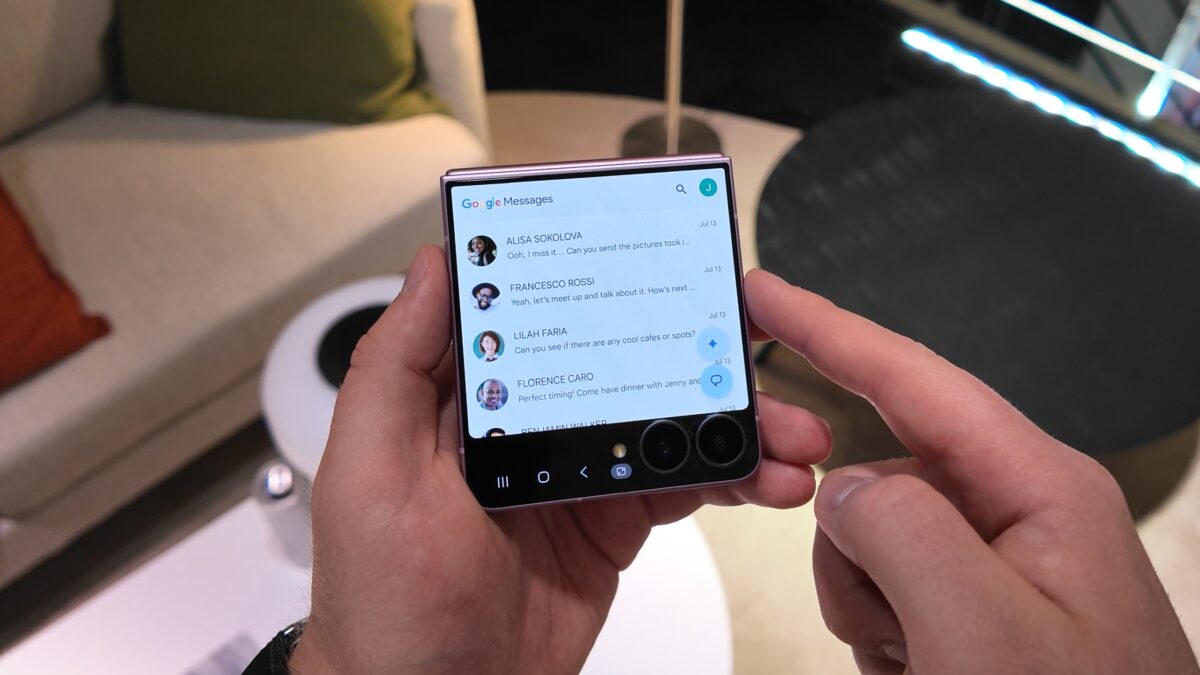
Following the transition away from Samsung's native messaging app in select regions, Google Messages has become the default communication platform for many Galaxy phones. While users initially missed proprietary features, Google has been aggressively bridging the gap by introducing regular updates and interface enhancements.
What to Expect from the New Finder Integration
According to code discovered in the latest beta version of Google Messages (version 20260921), developers are laying the groundwork to connect the app with Samsung's Finder app. This native tool allows users to search for apps, contacts, settings, and files across their entire device effortlessly. Once the integration goes live, your text message history will be fully searchable right from your home screen or app drawer.
Although the feature is still under active development and not yet visible in the "Apps to search in" settings menu, it represents a major usability upgrade for everyday communication. In addition to system-wide search improvements, Google is redesigning the internal search experience within the Google Messages application itself. The expanded search box, complete with filters for shared links, images, and videos, is shifting toward the bottom of the screen to make one-handed navigation much easier.
Furthermore, a newly revamped long-press menu has been introduced to improve chat interactions. When holding down on any text bubble, action shortcuts for replying, copying, forwarding, deleting, and starring now appear cleanly beneath the message, accompanied by floating quick emoji reactions above.
Will the Google Messages Finder integration work on all Samsung devices?
Yes, once officially released, the feature is expected to roll out broadly to compatible Galaxy smartphones and tablets running recent software updates.
Do I need to change any settings to enable the search feature?
When the update officially launches, you will simply need to ensure Google Messages is toggled on within the "Apps to search in" section of your Samsung Finder app settings.
Are there any other interface changes coming to the messaging app?
Yes, Google is also moving expanded search filters to the bottom of the screen to enhance reachability and introducing a streamlined long-press menu for chat threads.
🔎 As Samsung and Google continue to refine software ecosystems like One UI, deeper integrations like this ensure a more cohesive and user-friendly experience, making it simpler than ever to stay organized and connected on your mobile device.
Post a Comment