
Samsung Galaxy S26 Series Finally Receives Stable One UI 9 Rollout Globally
Samsung has officially expanded the stable rollout of its latest operating system software, bringing the much-anticipated One UI 9.0 update built on Android 17 to users around the globe. While initial testing phases were strictly limited to select regions like South Korea and the United States, flagship device owners in other territories can now experience the polished software firsthand.
Key Highlights
- ✨ Samsung has started rolling out the stable One UI 9.0 update for Galaxy S26 devices in India and Europe, following earlier launches in South Korea and the US.
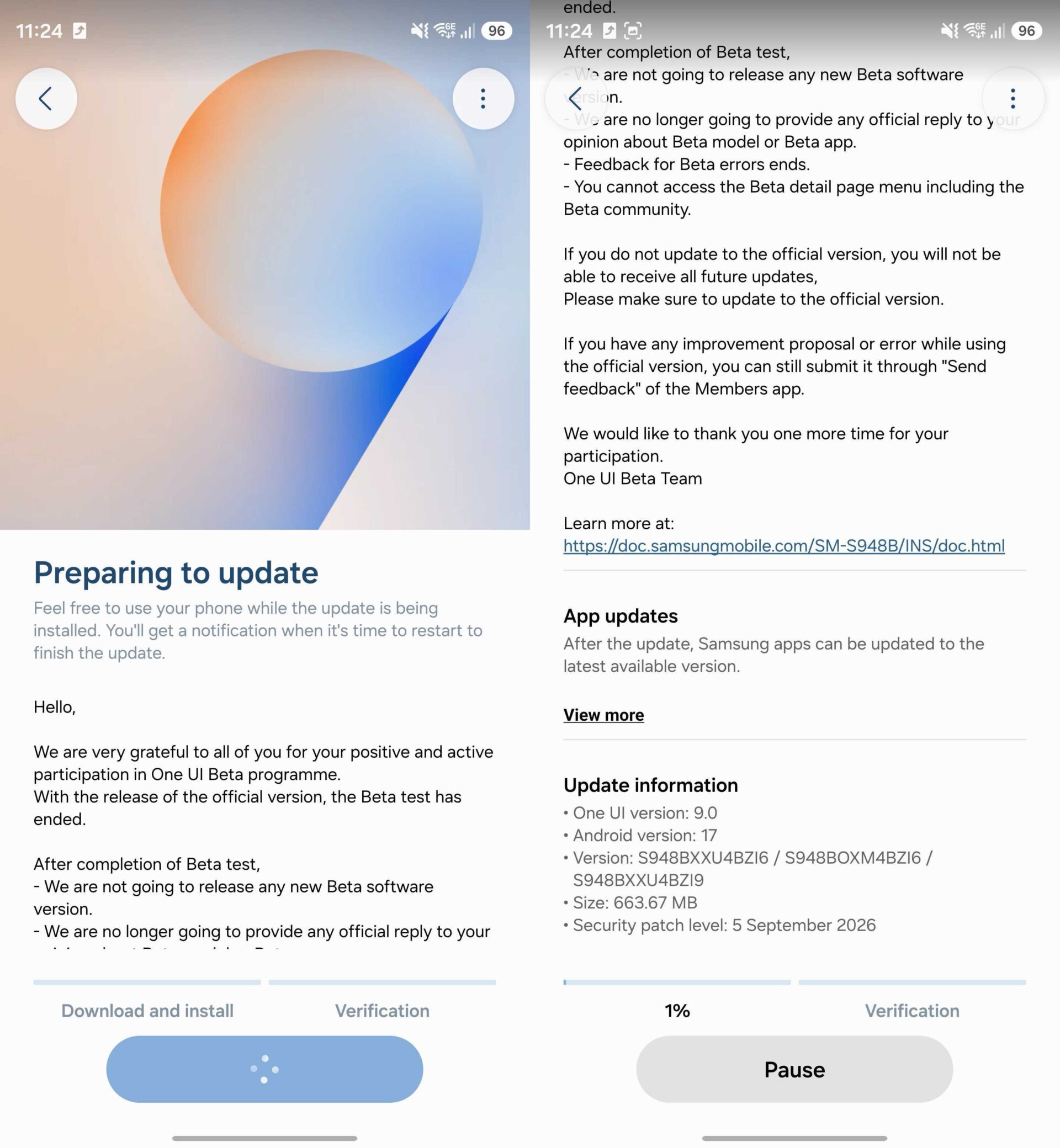
- ✨ The update is currently limited to beta program participants and includes firmware version S94xBXXU4BZI6 alongside the September 2026 security patch.
- ✨ A wider public release is anticipated soon, potentially extending into October for various global markets.
- ✨ Users can easily check for system availability by navigating to the software update section within their device settings.
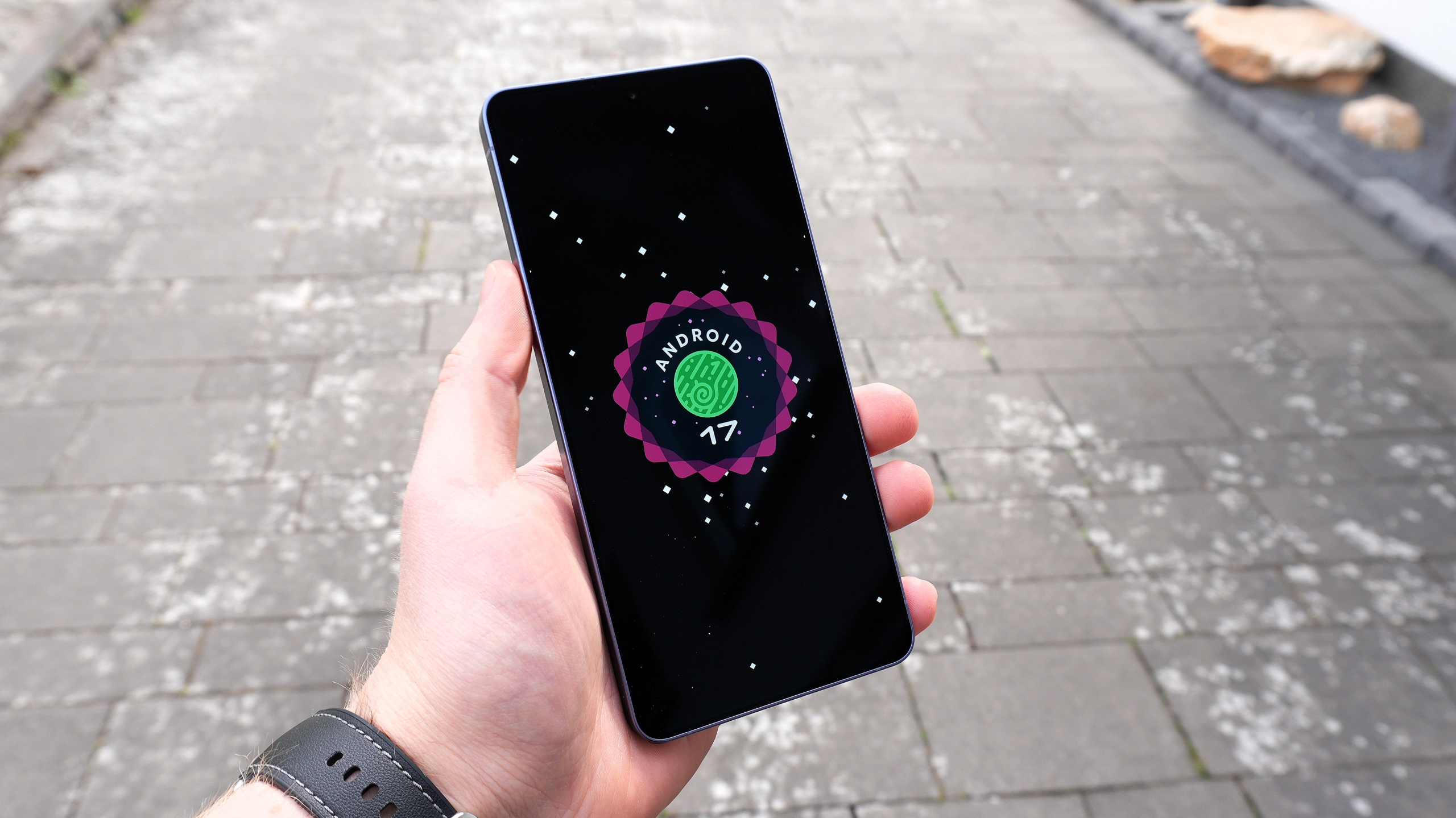
Expanding the Horizon of One UI 9
The stable One UI 9.0 update is now officially landing on the Galaxy S26, Galaxy S26+, and the high-end Galaxy S26 Ultra across Europe and India. Identified by firmware version S94xBXXU4BZI6, this major operating system upgrade also incorporates the comprehensive September 2026 security patch to enhance device protection and system stability.
At present, the update is actively deploying to handsets that were previously enrolled in the One UI 9.0 Beta Program. However, a broader rollout encompassing general users is expected to follow closely behind, with regional timelines potentially stretching into October for specific international carriers and countries.
How to Check and Install the Update
If you own a smartphone from the Galaxy S26 lineup and reside in one of the newly supported regions, you can manually verify if the package is ready for your device. Simply open the Settings application, scroll down to select Software update, and then tap on the Check for updates button.
Before initiating the download and installation process, ensure your handset retains at least a 30% battery charge to prevent unexpected shutdowns. Additionally, it is always recommended to create a secure backup of your essential files and personal data as a precautionary measure before applying major firmware upgrades.
Who is currently eligible to receive the stable One UI 9 update?
The update is rolling out to users in Europe and India who participated in the beta testing phase, with a wider public rollout expected soon.
What firmware version accompanies this release?
The software arrives with firmware version S94xBXXU4BZI6 and includes the latest security enhancements.
Do I need to back up my phone before updating?
Yes, performing a complete backup of your important files and data is strongly recommended before installing any major operating system upgrade.
🔎 Ultimately, this steady progression marks a significant milestone for Samsung's software support ecosystem, bringing cutting-edge features, refined interface animations, and robust optimizations to thousands of daily users worldwide.
Post a Comment