
Samsung Introduces Horizon Lock Camera Feature to Galaxy S25 with One UI 9
Samsung has officially rolled out the highly anticipated One UI 9.0 beta update for the Galaxy S25 series, bringing exciting new capabilities to users. Among the standout upgrades is the introduction of the advanced Horizon Lock feature directly into the Super Steady Video mode, significantly enhancing stability for fast-paced video recording.
Article Summary
- ✨ Samsung's latest One UI 9 beta brings Horizon Lock to the Super Steady Video mode for the Galaxy S25 lineup.
- ✨ The feature utilizes advanced gyroscope data to maintain a perfectly level horizon during full 360-degree rotations.
- ✨ Users can easily enable the mode through the native camera interface, though it is currently capped at QHD resolution and 60fps.
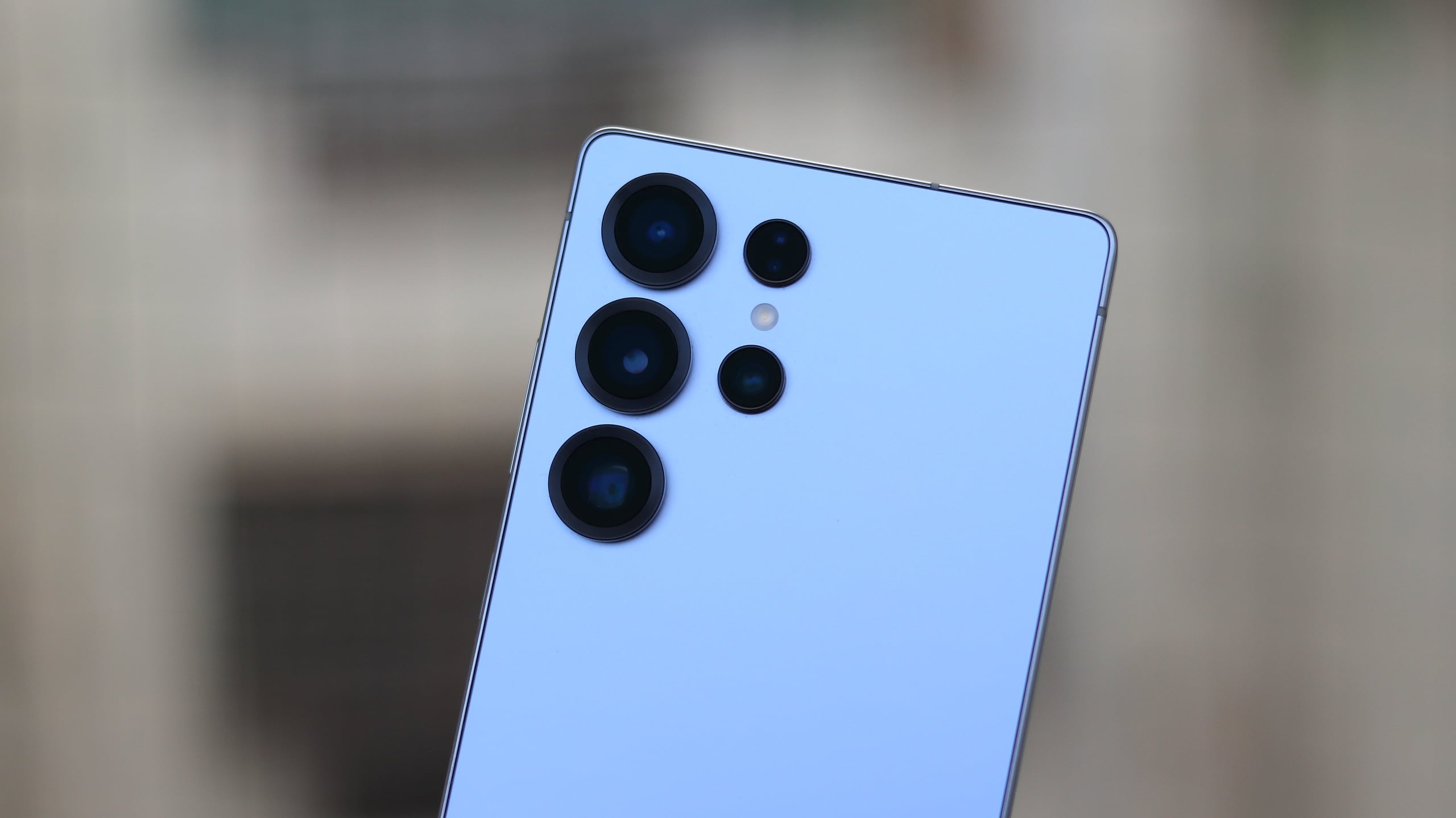
What is Horizon Lock on the Galaxy S25?
Originally introduced with the flagship Galaxy S26 series, the Horizon Lock feature has now successfully made its way to the Galaxy S25, Galaxy S25+, and Galaxy S25 Ultra. Given its inclusion in the recently released Galaxy S26 FE powered by the Exynos 2500 processor, expanding this capability to the previous generation flagship lineup was a natural step for Samsung.
Horizon Lock operates by leveraging the device's internal gyro sensor data. This ensures that your recorded video remains impeccably level, even if the phone experiences a complete 360-degree rotation while shooting. It is an indispensable tool for capturing dynamic action sequences, intense workouts, or fast-paced outdoor adventures.
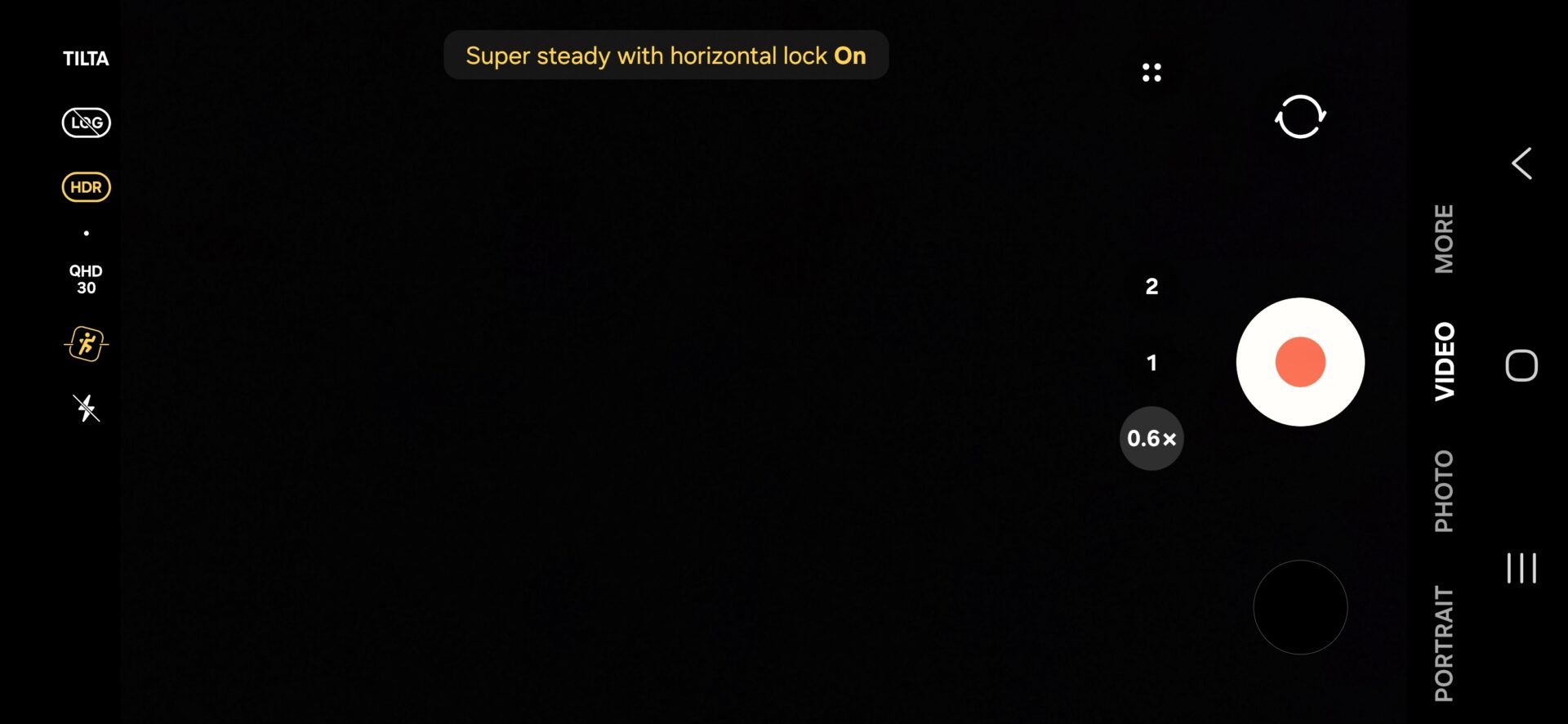
How to Enable Horizon Lock on Your Device
Activating this new stabilization tool is straightforward. Open the stock Camera application, switch over to Video mode, tap on the Super Steady icon represented by a running person, and select the Horizon Lock icon featuring a running person inside a square frame.
Please note that enabling this stabilization mode limits the maximum video resolution to QHD with a frame rate capped at 60fps, unlike the standard 4K 60fps recording capability.
Does the One UI 9 update bring Horizon Lock to all Galaxy S25 models?
Yes, the update brings this feature to the entire lineup, including the base Galaxy S25, Galaxy S25 Plus, and Galaxy S25 Ultra.
How does Horizon Lock function during recording?
It uses the smartphone's built-in gyroscope sensors to keep the video frame completely level and stable, compensating for full rotations and shaky movements.
Are there any video quality restrictions when using Horizon Lock?
Yes, video resolution is restricted to a maximum of QHD at 60fps when Horizon Lock and Super Steady mode are actively engaged.
How can I access the feature in the camera app?
You simply need to navigate to Video mode, select the Super Steady icon, and tap the Horizon Lock toggle to turn it on.
🔎 In conclusion, the integration of Horizon Lock via the One UI 9 update demonstrates Samsung's commitment to enhancing user photography and videography experiences across generations, making professional-grade video stabilization accessible right from your pocket.
Post a Comment