
Samsung Releases One UI 9 Beta Update for the Galaxy S25 Series
Samsung has officially rolled out the very first One UI 9 beta update built on Android 17 for its flagship Galaxy S25 lineup, giving users an early look at the upcoming software features and changes.
- ✨ Samsung is rolling out the initial One UI 9 beta based on Android 17 for the Galaxy S25 series in select markets.
- ✨ This release marks the second major OS upgrade for the standard and Ultra models, and the first major update for the Galaxy S25 FE.
- ✨ Users can register for the beta testing phase through the Samsung Members application on their devices.
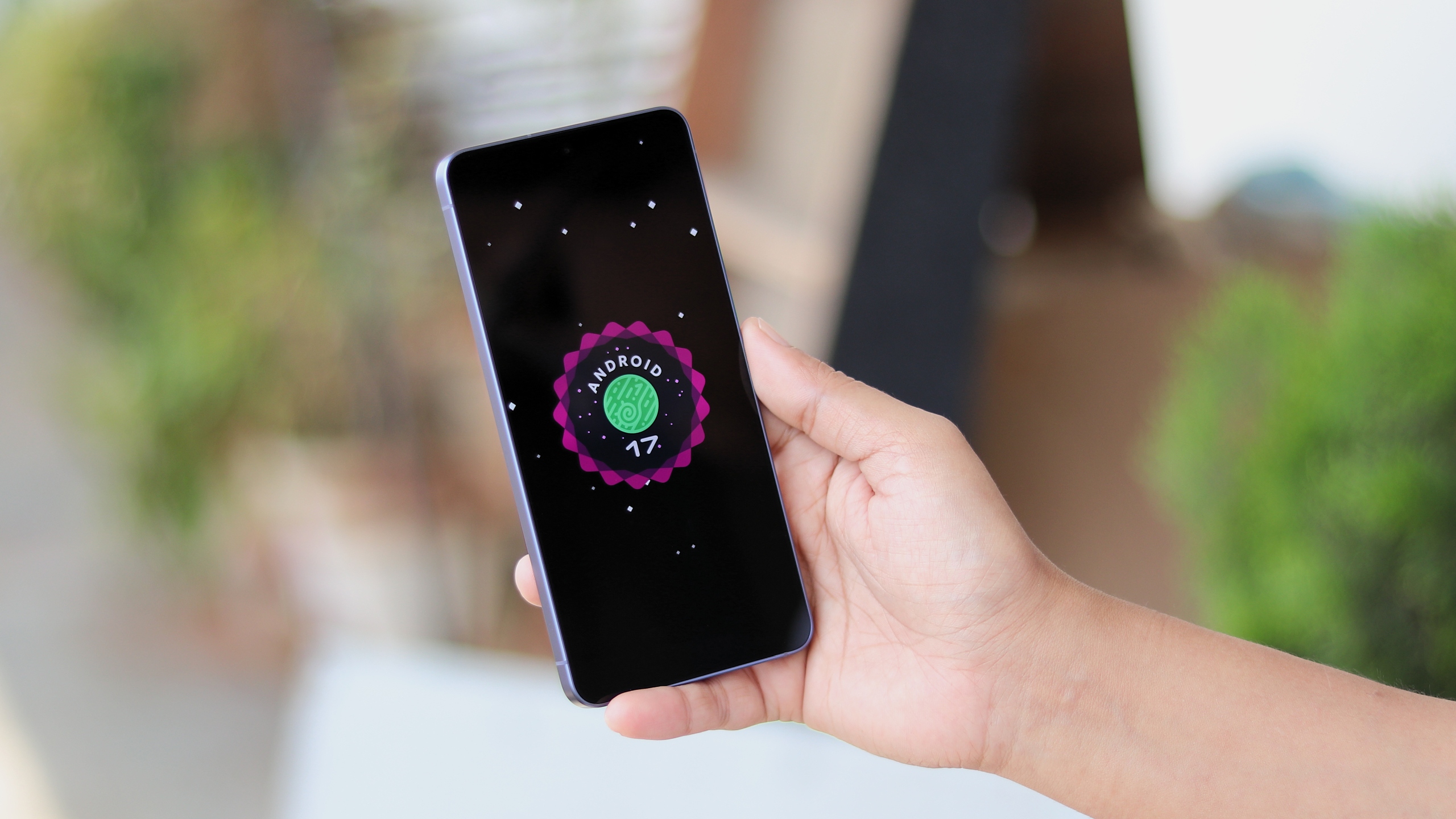
What to Expect from the One UI 9 Beta for Galaxy S25 Devices
Owners of the Galaxy S25 series can now experience the latest platform improvements alongside newer flagship devices. Android 17 brings a wave of refined animations, enhanced performance optimizations, and deeper system customization options directly to users participating in the preview program.
While the Galaxy S25, S25+, Galaxy S25 Ultra, and Galaxy S25 Edge are slated for their second major Android platform transition, the FE edition receives its very first landmark upgrade. However, availability for specific variant models like the Edge edition remains unconfirmed at this early stage.
Enrolling in the preview is straightforward for interested enthusiasts. You can sign up for the beta program via the Samsung Members app. Once successfully registered, the update package can be downloaded directly by navigating to your device's Settings > Software update menu.
How can I join the One UI 9 beta program?
You can sign up for the beta testing initiative by opening the Samsung Members application on your eligible smartphone and selecting the beta program registration banner.
Which devices are eligible for the update?
The initial rollout targets the Galaxy S25, Galaxy S25+, Galaxy S25 Ultra, and the Galaxy S25 FE in select regions.
Is Android 17 the final major update for these phones?
No, depending on the specific model, Samsung's extended support policy ensures several more years of security patches and subsequent software versions.
Where do I download the firmware once registered?
After successful enrollment in the app, you can pull the installation files by going to Settings > Software update on your phone.
🔎 As Samsung continues to refine its software ecosystem with cutting-edge features and seamless user interfaces, this early developer and consumer beta phase serves as an exciting milestone for mobile technology enthusiasts worldwide.
Post a Comment