
Comparing One UI 9 Features Across the Galaxy S24, S25, and S26 Lineups
The rollout of One UI 9 brings a massive wave of shared software enhancements and artificial intelligence upgrades across multiple generations of Samsung's flagship smartphones. Whether you are using a device from the Galaxy S24, Galaxy S25, or the newer Galaxy S26 series, you will notice modernized menus, refreshed home screen options, and powerful tools designed to simplify your daily routine. However, subtle hardware limitations and tiered software strategies mean that not every model receives the exact same set of enhancements—particularly when it comes to advanced camera controls and deep notification management.
- ✨ All three device generations gain access to exciting Galaxy AI additions like Call Brief, My FanCam, and Now Nudge.
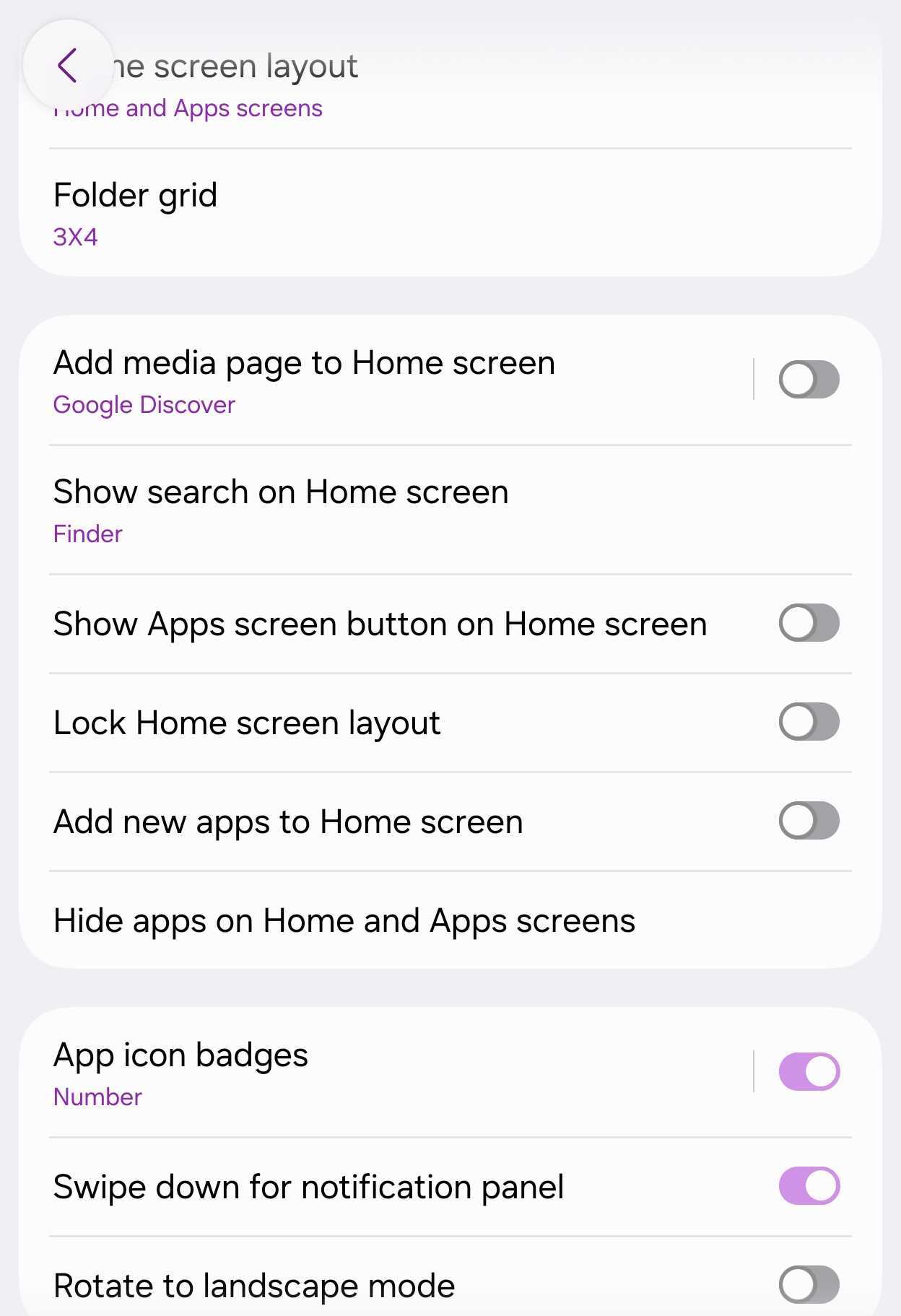
- ✨ Home screen configurations now allow users to seamlessly toggle Google Search and Samsung Finder bars independently.
- ✨ The Galaxy S24 misses out on advanced Notification highlights and specific camera perks found on newer hardware.
- ✨ The Galaxy S26 series introduces exclusive capabilities, including 24MP Photo mode support and expanded Pro video frame rates.
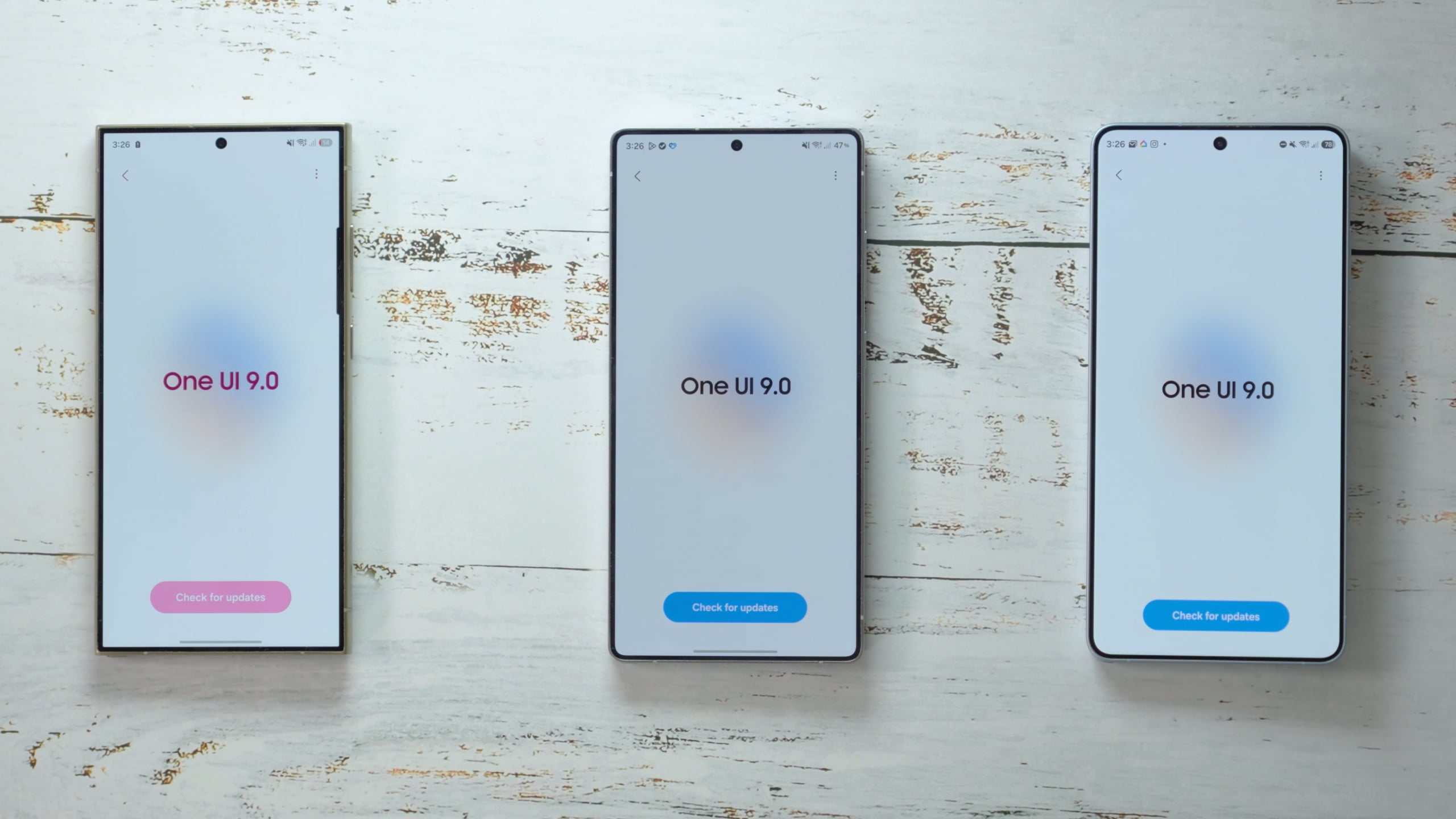
Galaxy AI Capabilities Across Generations
Owners of the Galaxy S24, Galaxy S25, and Galaxy S26 series will find that the core AI experience remains robustly shared. Features such as Call Brief, My FanCam, Now Nudge, and custom cards for Now Brief are integrated across all three lineups. Call Brief displays helpful insights during active phone calls—such as upcoming shared calendar dates or local time zones when connecting internationally. While the S24 settings omit the explicit Personal Data Intelligence explanation text found on newer variants, the underlying processing functions identically.
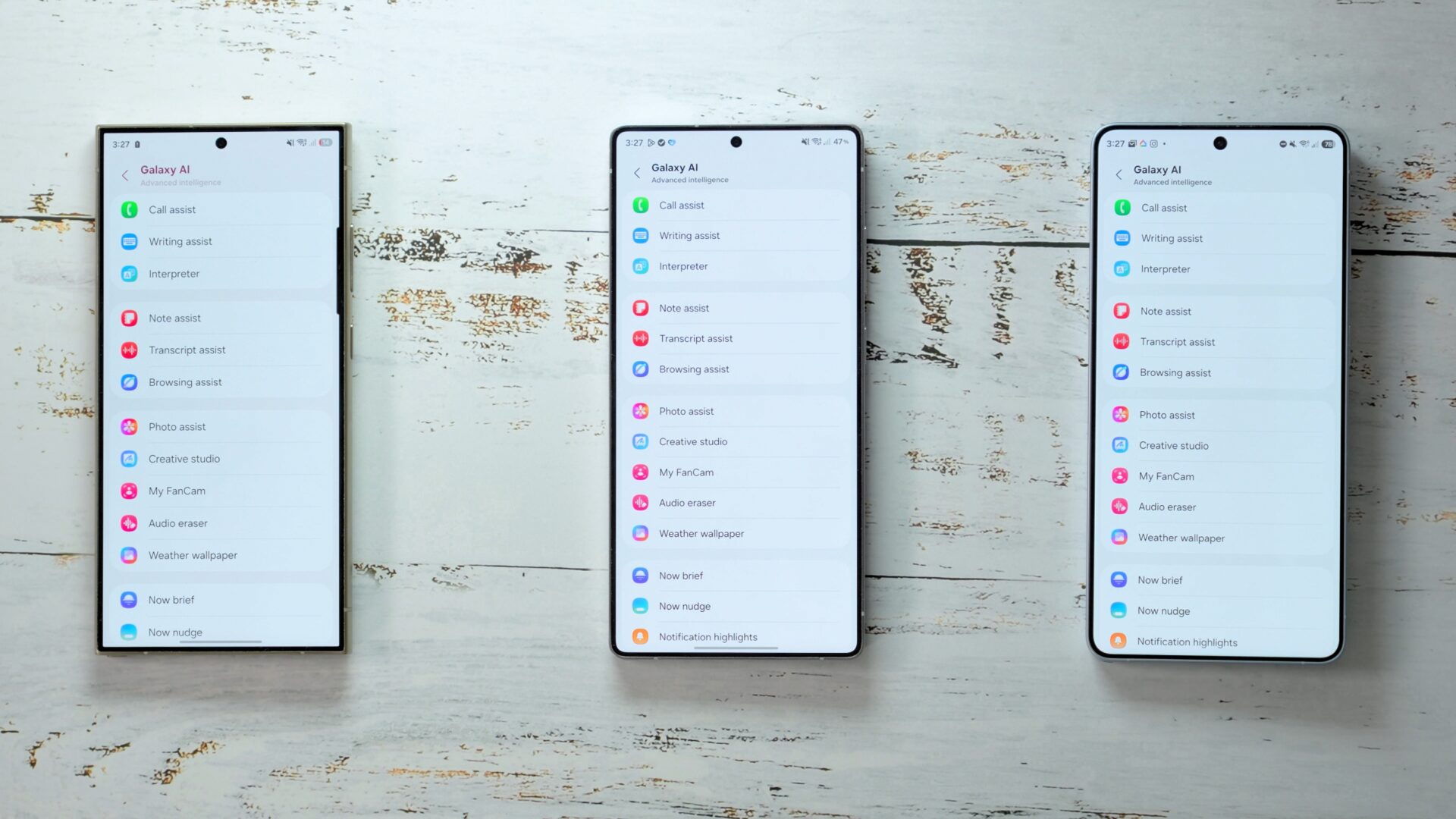
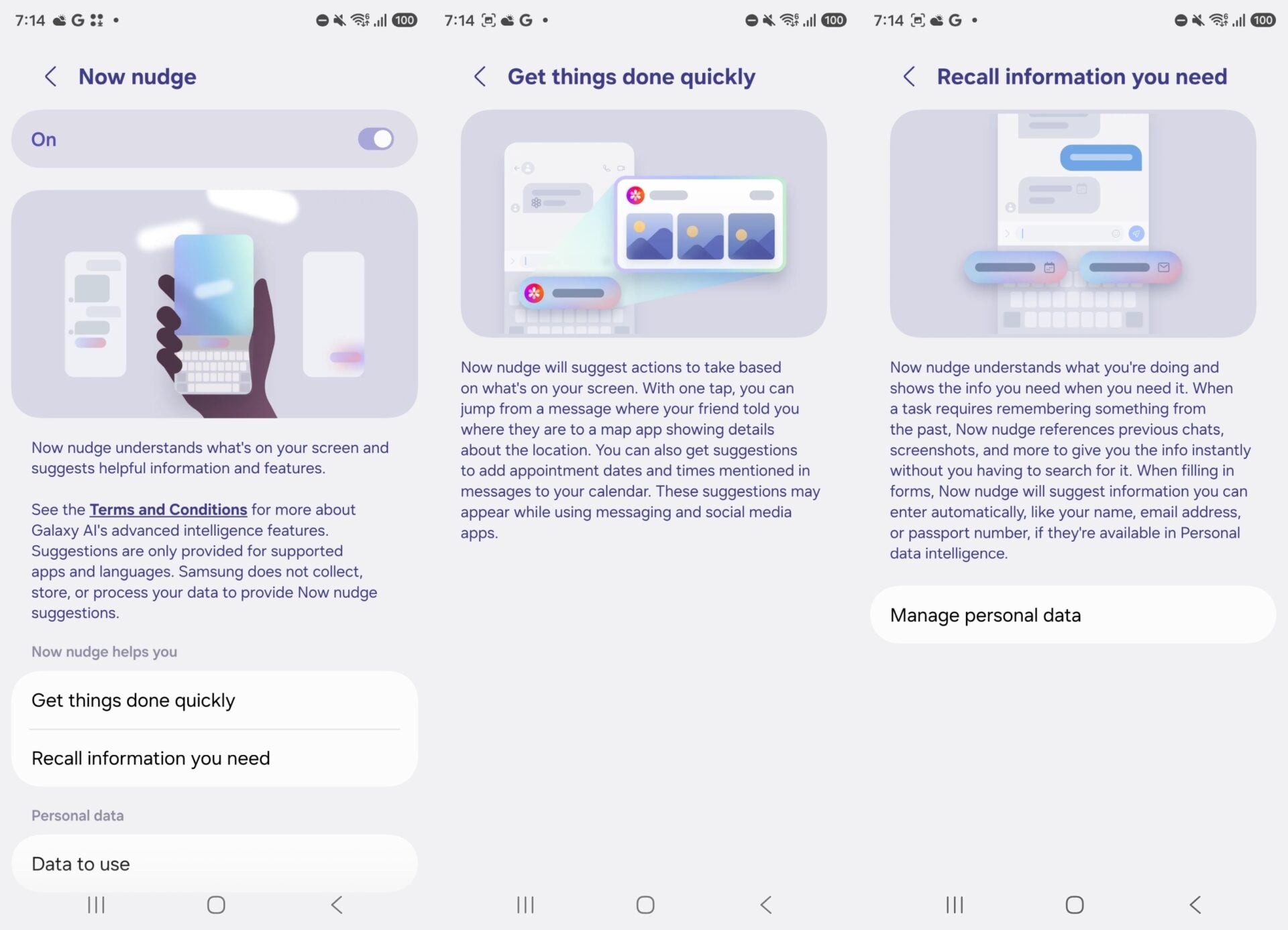
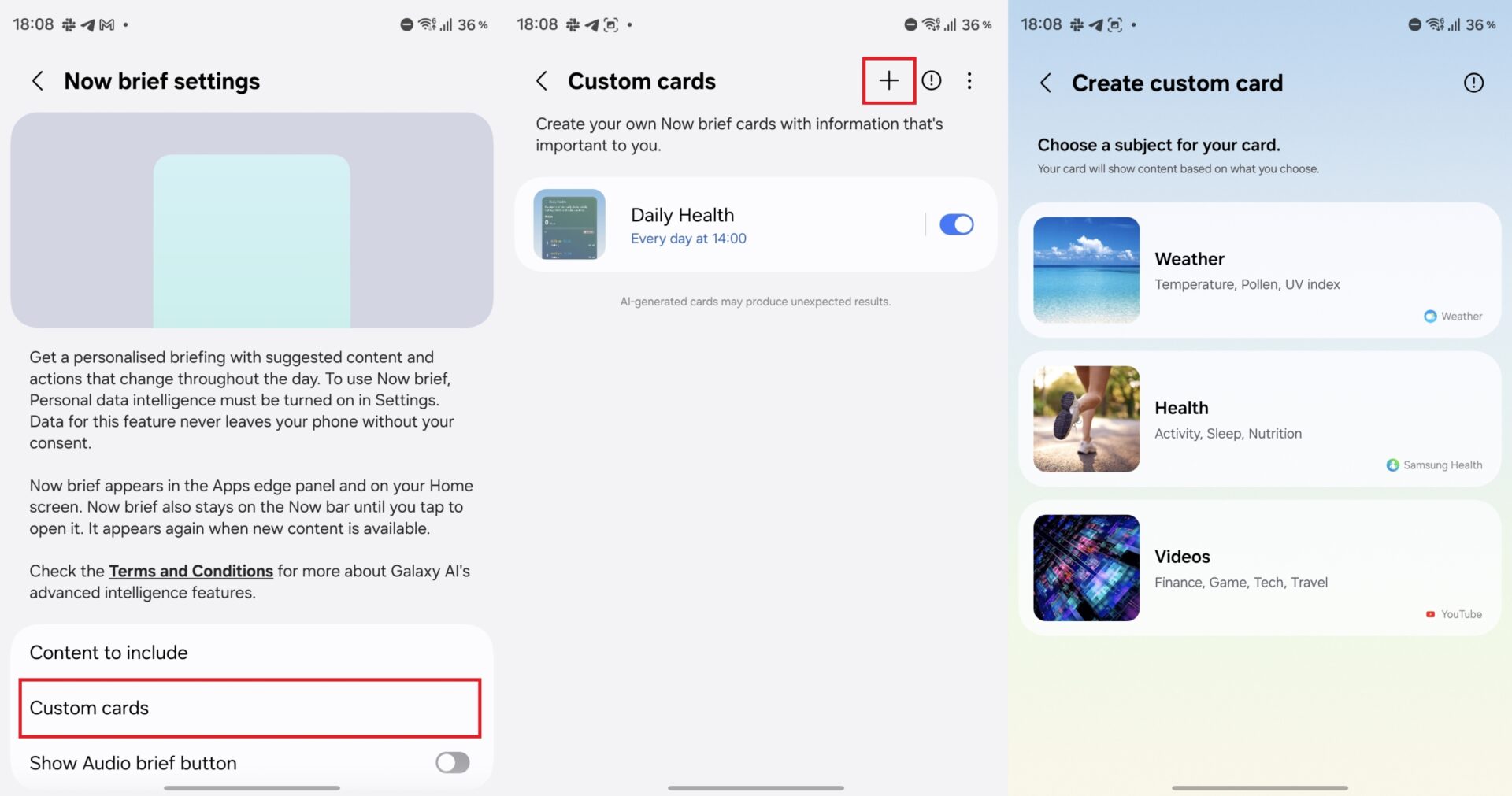
My FanCam allows you to easily isolate a specific subject within any pre-existing video to generate a dynamically cropped follow-cam clip, working effortlessly even on older recordings captured prior to your software update. Furthermore, Now Nudge automatically suggests proactive device actions based on your contextual screen activity, while customized Now Brief cards let you pin up to three widgets for weather, health, or video data.
One important hardware exception applies to Fan Edition devices: Call Brief is excluded from the S24 FE, S25 FE, and S26 FE models, even though the latter shipped natively with One UI 9 out of the box.
Home Screen Customization and System Adjustments
The latest software update streamlines navigational layouts. You have the freedom to keep dedicated Google Search and Samsung Finder search bars pinned to the bottom of your home screen. Google handles web inquiries, while Finder acts as a comprehensive local search engine for your installed apps, personal files, and system settings.
These toolbars are entirely optional and can be toggled through your home screen preference panel. Additionally, newly introduced Bixby home screen widgets provide quick voice or text access to Samsung’s assistant—ideal if you prefer keeping Google Gemini mapped to your device's physical Side button. Under the hood, menu designs look cleaner overall, with dense introductory paragraphs removed from main category views to reduce visual clutter.
Shared System Enhancements and Performance Tools
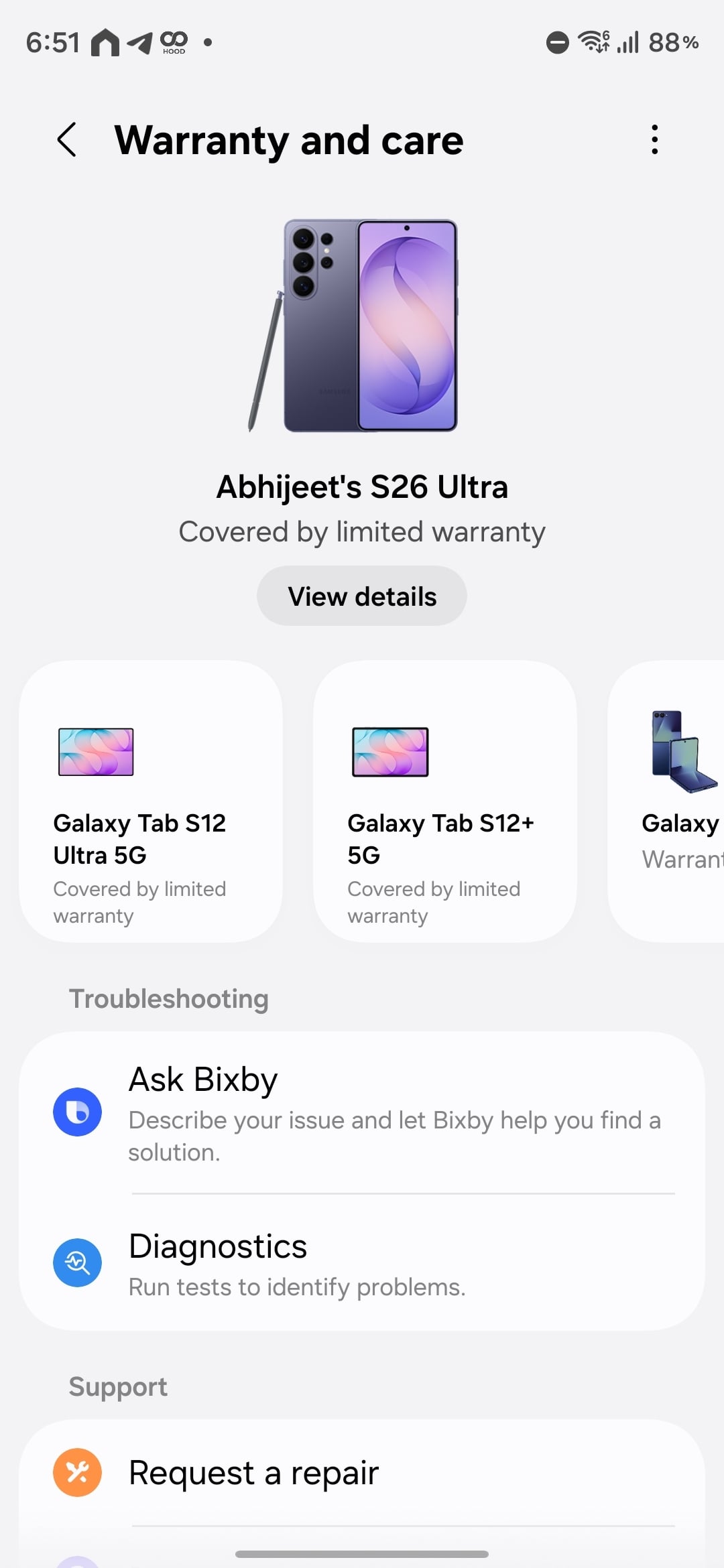
Across all eligible flagship tiers, the new Warranty and care settings hub consolidates protection policies, diagnostic tools, and support request channels into a single, unified interface for your primary phone and any connected Samsung ecosystem accessories. Device care also introduces an intelligent ad-blocking mechanism designed to force power-hungry apps sending excessive promotional alerts into deep sleep.
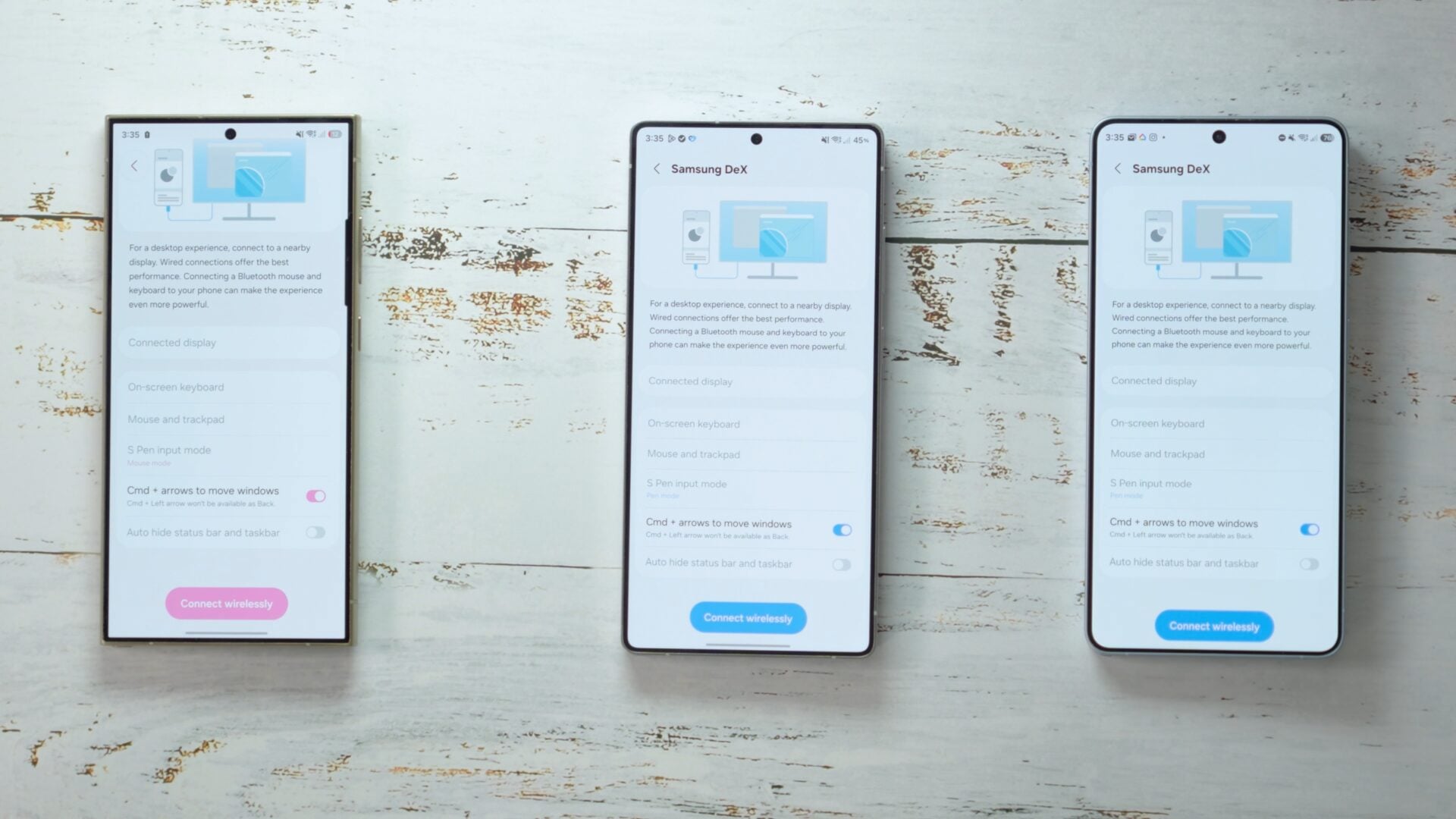
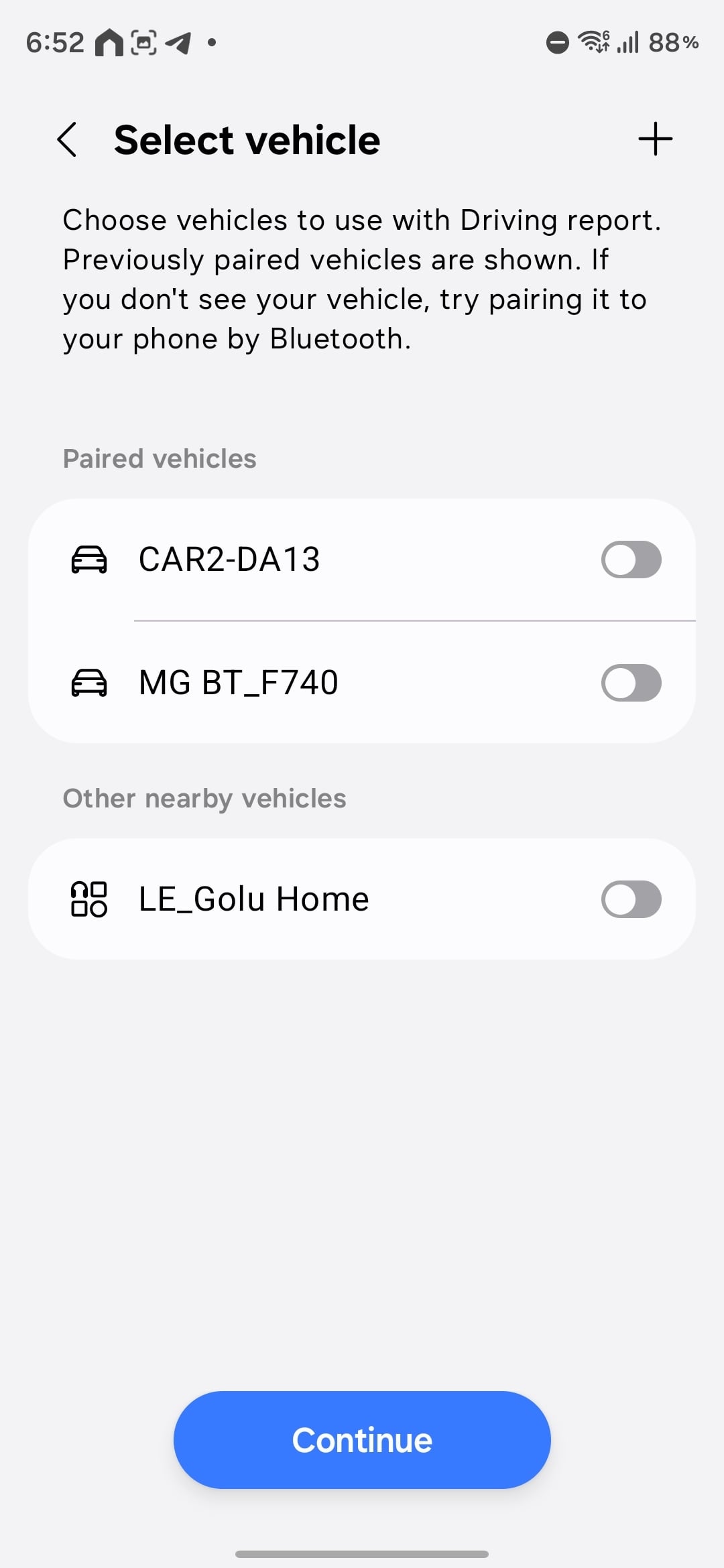
Furthermore, Samsung DeX receives enhanced desktop preview management for effortless multitasking, while Android 17's Motion Assist integrates subtle moving screen graphics designed to mitigate motion sickness during vehicle travel. Driving Report functionality under connected device settings also logs Bluetooth vehicle connections to supply helpful weekly driving analytics.
Hardware Limitations: What the Galaxy S24 Misses Out On
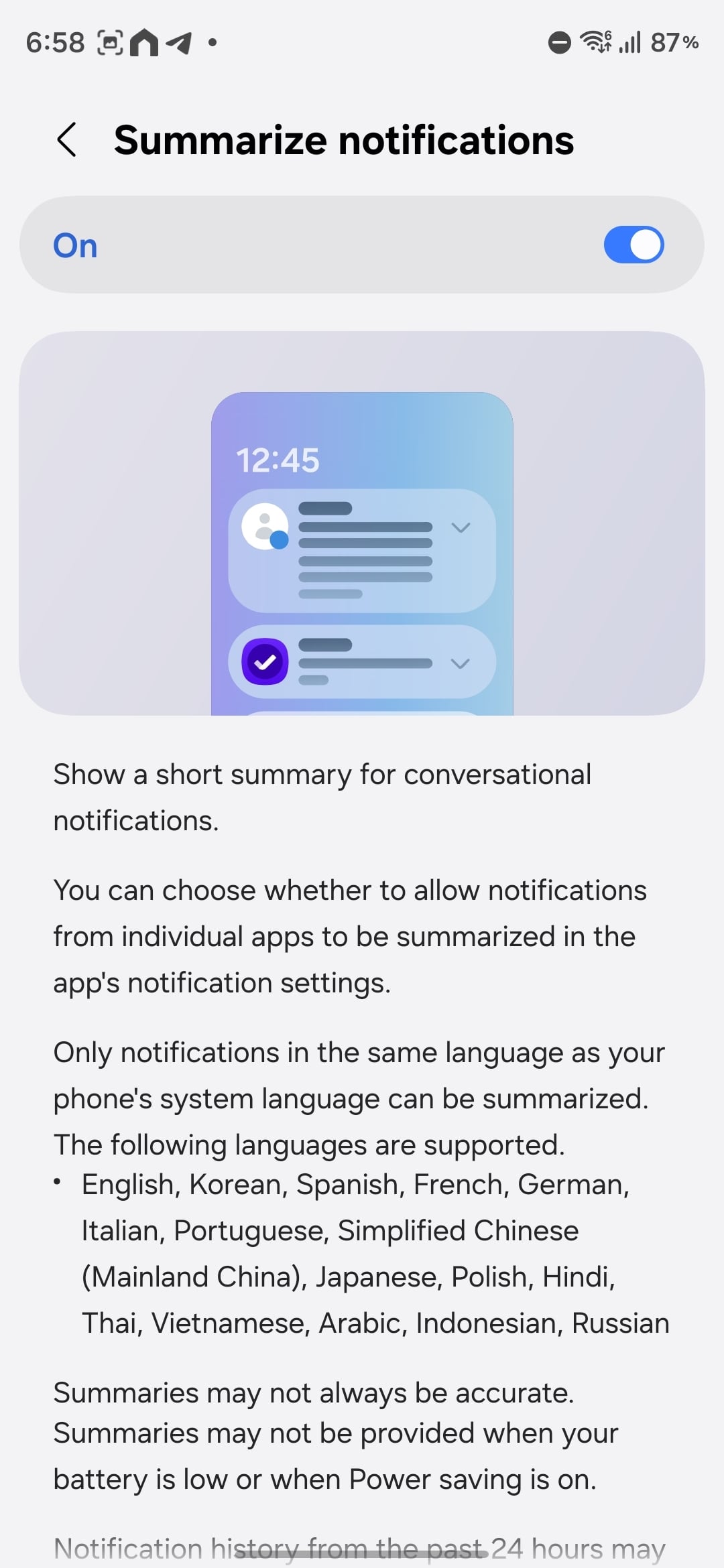
Despite updating to One UI 9, the legacy Galaxy S24 hardware is excluded from Notification highlights features—specifically Summarize notifications and Prioritize notifications—which remain exclusive to the S25 and S26 lineups. These tools intelligently filter and sort busy alert panels so you can catch up on unread message threads instantly.
Camera capabilities also show generational divergence. While the Galaxy S25 introduces Super Steady with Horizontal Lock for perfectly leveled tracking shots, the S24 retains only standard Super Steady stabilization. Similarly, the native 24MP shooting mode option in standard camera settings via Camera Assistant remains exclusive to the Galaxy S26 series, leaving S24 and S25 users reliant on Expert RAW for intermediate resolutions between 12MP and 50MP.
Pro Video Frame Rates and Advanced Controls
The Galaxy S26 lineup expands professional videography potential by introducing specialized frame-rate options in Pro video mode. Below is how the Ultra models compare across device generations:
| Resolution | Galaxy S24 Ultra | Galaxy S25 Ultra | Galaxy S26 Ultra |
|---|---|---|---|
| FHD and UHD (4K) | 120, 60, 30, 24 fps | 120, 60, 30, 24 fps | 120, 60, 48, 30, 24, 100, 50, 25 fps |
| 8K | 30, 24 fps | 30, 24 fps | 30, 24, 25 fps |
For everyday creators shooting standard frame rates, these differences will have minimal impact on content creation. However, niche cinematic requirements—such as specialized 50 fps capture for 4K workflows or 25 fps adjustments for 8K timelines—remain exclusive to the newest hardware generation.
Do all Galaxy S series phones get the exact same AI tools with One UI 9?
Most core features like Call Brief, My FanCam, and Now Nudge are shared across the Galaxy S24, S25, and S26 series, though FE models lack Call Brief support.
Why does the Galaxy S24 miss out on notification highlights?
Summarize and Prioritize notifications require advanced processing capabilities and localized feature optimizations that Samsung has reserved for the S25 and S26 hardware lineups.
Is the 24MP Photo mode available on older Galaxy flagships?
No, the native 24MP shooting option in the standard camera app is exclusive to the Galaxy S26 generation, while older devices utilize Expert RAW for intermediate shooting modes.
Does Horizontal Lock work on the Galaxy S24 camera?
The Galaxy S24 features standard Super Steady stabilization, but the advanced Horizontal Lock horizon-leveling tool is limited to the S25 and S26 series.
🔎 Ultimately, while One UI 9 successfully modernizes the software experience across multiple device generations, understanding these generational hardware boundaries ensures you know exactly what performance and creative capabilities to expect after updating your Galaxy smartphone.
Post a Comment