
Gemini Notebook App for Android and iOS Introduces Built-In Audio Recorder
Following the rollout of the Connected App integration feature last week, the Gemini Notebook app has started rolling out a completely new built-in audio recorder for both Android and iOS systems. This addition makes it significantly easier for users to record notes, lectures, and ideas directly and in a highly organized manner while on the go.
Key Features of the New Update:
- ✨ Addition of a new microphone icon located right next to the camera button and the new notebook creation button.
- ✨ Capability to record lectures and voice ideas on the move with automatic saving features.
- ✨ Support for background recording for up to a full hour, even while the phone screen is locked.
- ✨ Direct linking between audio recordings and notebook sources for seamless chatting, referencing, and studying.
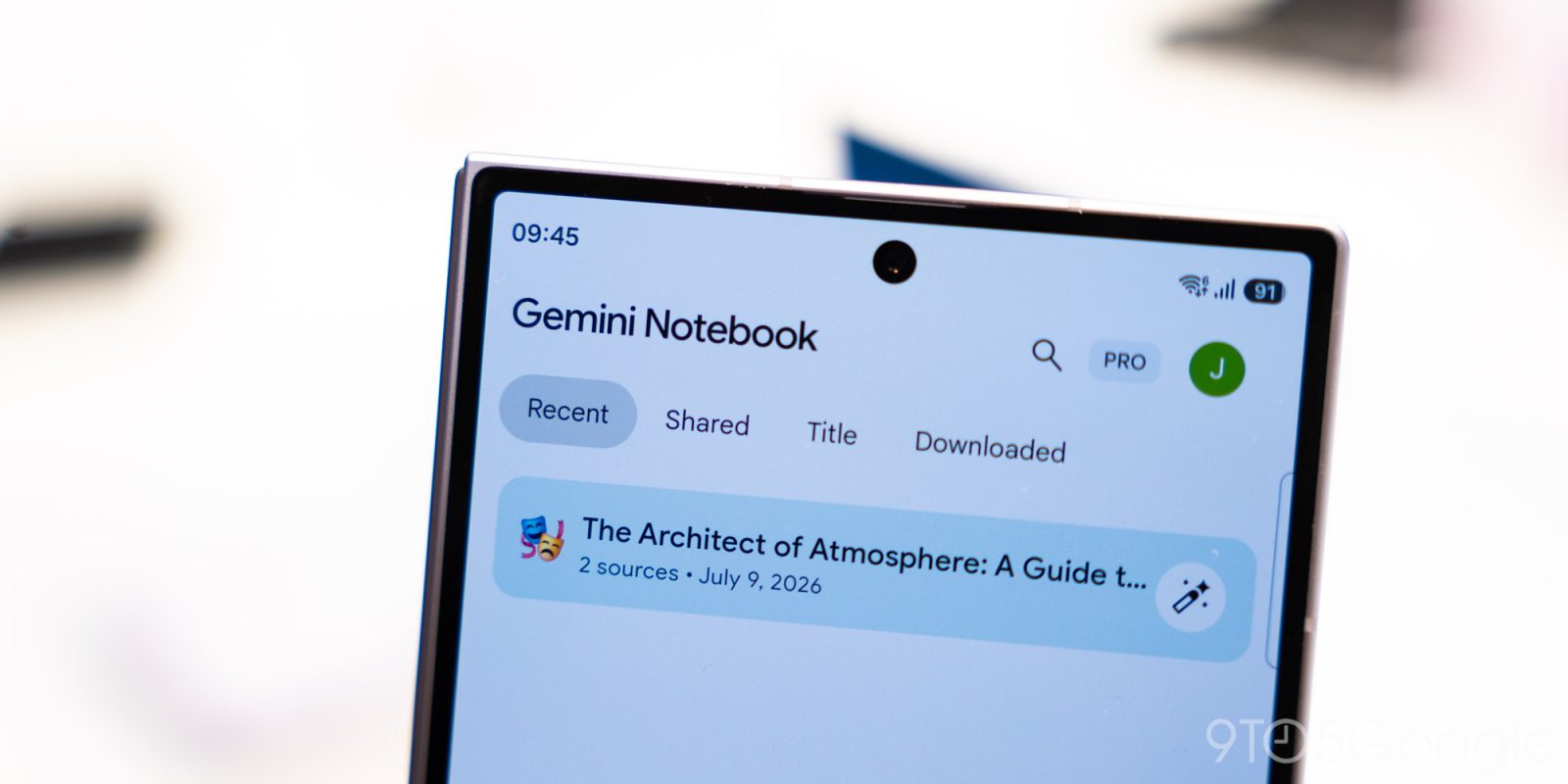
Right between the camera and the floating action button for "Create New" at the bottom, you will notice a brand new microphone icon. This icon allows you to capture lectures and record your thoughts while traveling, where the audio file generates a brand-new notebook if you launch the recorder directly from the home screen.
Your notes will live right alongside your sources, meaning you can chat, cite, and build upon them at any time, all while making continuous edits.
Recordings will automatically be saved into an existing notebook if you tap the microphone button directly from the "Sources" tab.
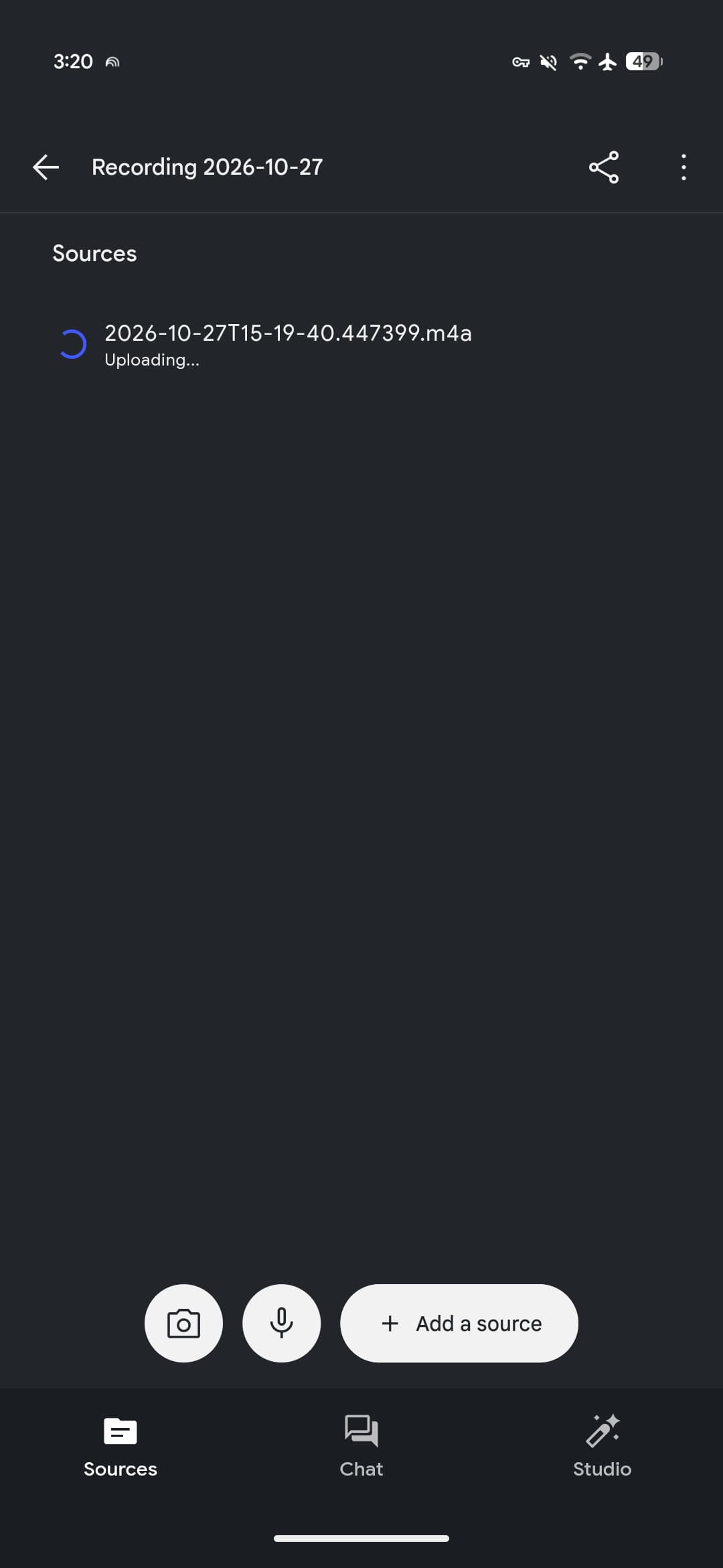
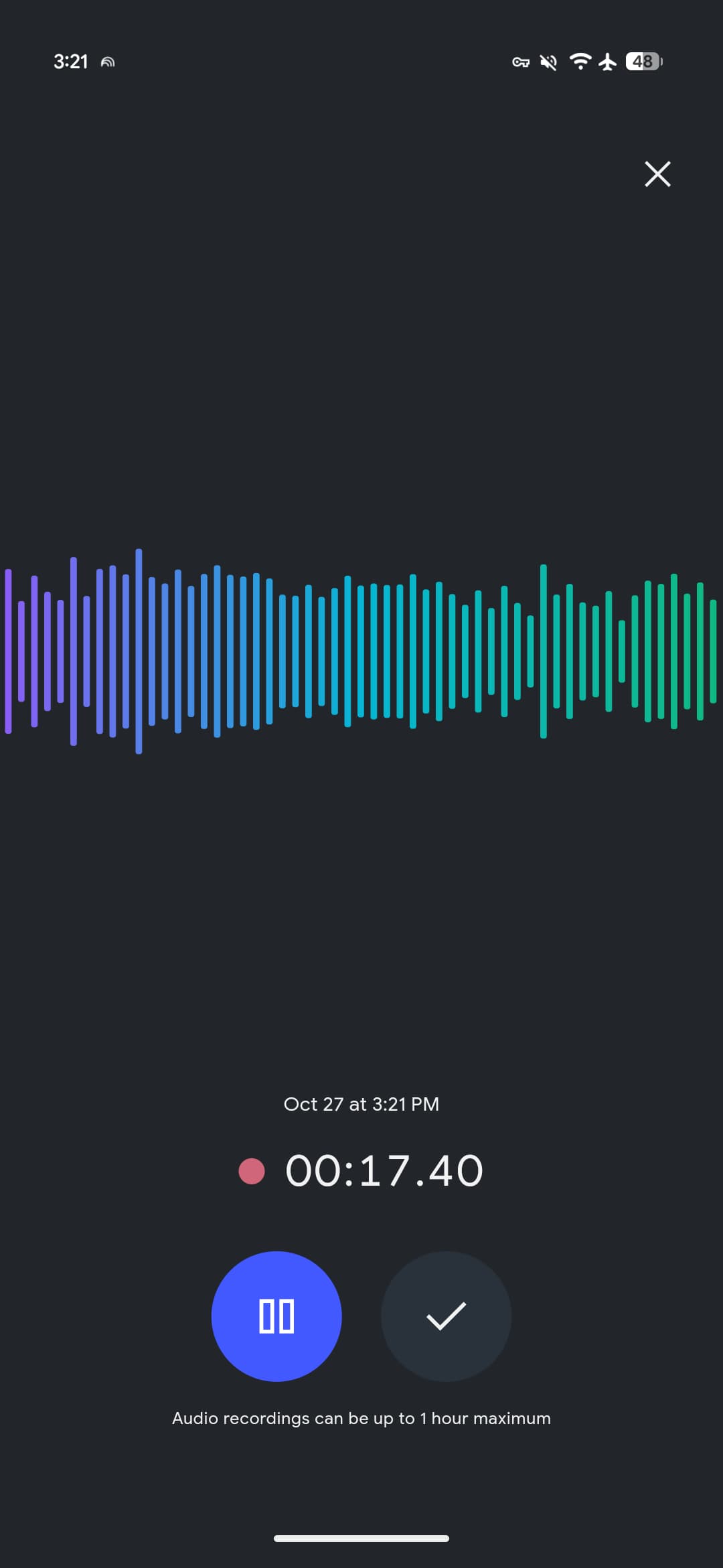
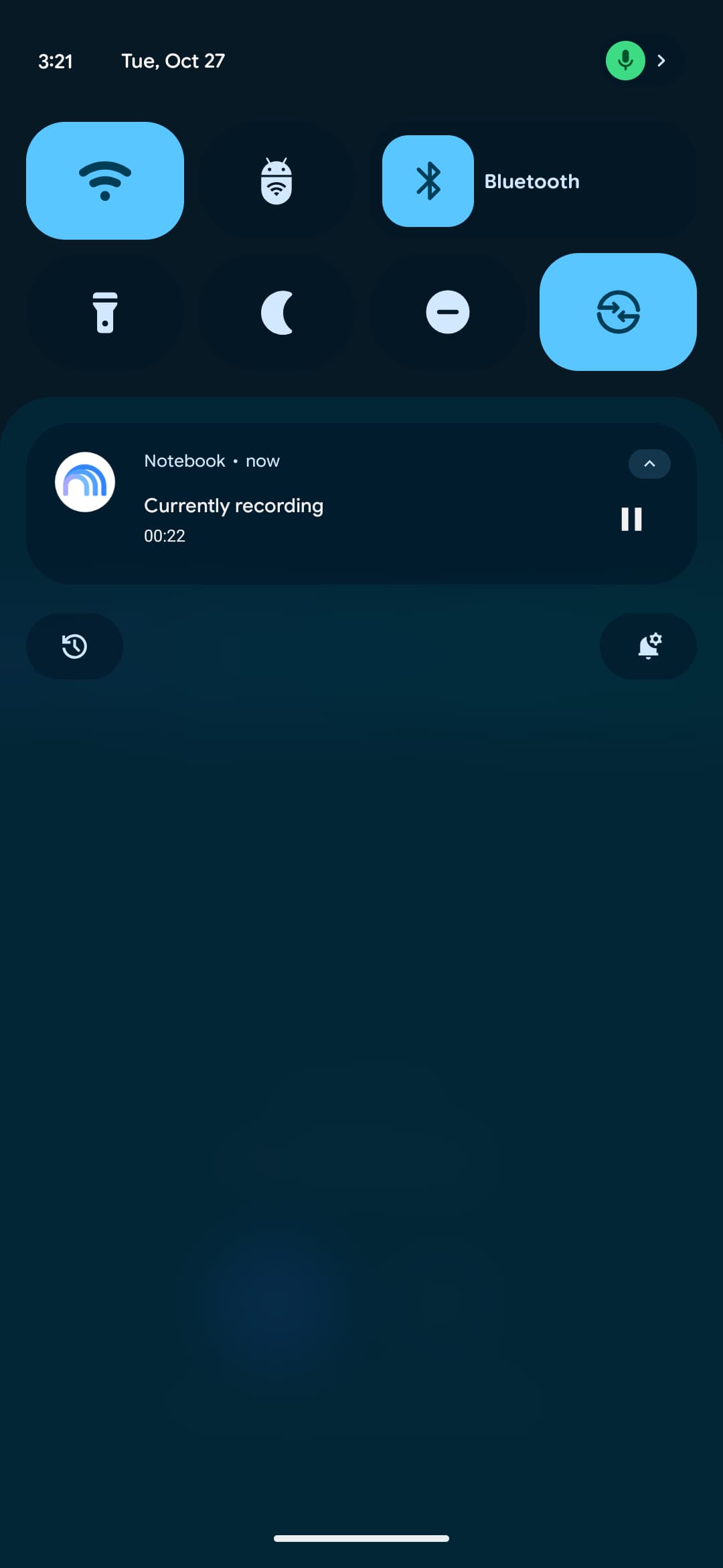
The recorder interface is remarkably simple, featuring a pause button and a checkmark that initiates the upload process as soon as you are finished recording. Floating above these controls is a distinct audio waveform characteristic of Gemini Notebook, accompanied by a live timer. You are free to switch to another app or lock your screen while recordings continue safely in the background, subject to a one-hour capture limit per session.
How to Get the Update and Explore Additional App Improvements
Google originally announced the audio recorder feature back in September, and it is now widely available today on both the Google Play Store and the Apple App Store. You can force-stop the application if the feature has not yet appeared on your device.
Meanwhile, Google implemented a minor tweak this week ensuring that clicking the "Create New" button instantly starts a new notebook rather than pulling up the "Add Source" sheet.
These updates directly follow the recent launch of the live button within the "Chat" tab, which enables you to engage in real-time spoken conversations utilizing your personal notebooks.
What is the maximum allowed duration for an audio recording in Gemini Notebook?
The new built-in audio recorder features a maximum recording capture limit of one full hour per single file, with continuous background recording supported even while the screen is locked.
How can I locate the audio recorder feature inside the app?
You can easily find the new microphone icon positioned directly between the camera and the floating "Create New" action button at the bottom of the Gemini Notebook home screen.
Is the audio recorder feature available on both Android and iOS systems?
Yes, the audio recorder has been officially and widely rolled out to both Android users via the Google Play Store and iOS users via the Apple App Store.
What happens to audio files once recording is completed?
Once you finish recording and tap the checkmark button, the audio file uploads and links directly to the sources within your notebook, allowing you to seamlessly chat, search, and edit based on its content.
🔎 In short, the launch of the built-in audio recorder in the Gemini Notebook app represents a significant step forward in enhancing the user experience for voice note-taking and handling lectures effortlessly on smartphones, making the collection and organization of ideas much more efficient and rapid than ever before.
Post a Comment