
Galaxy A15 Stable One UI 9.0 (Android 17) Update Rolls Out Globally
Samsung has officially begun the global rollout of the stable One UI 9.0 (Android 17) update for the Galaxy A15 5G, bringing a fresh wave of features and performance enhancements to users worldwide following its initial debut in South Korea.
- ✨ Samsung is rolling out the stable Android 17 update globally for the Galaxy A15, with India among the first eligible regions.
- ✨ The initial global firmware build is designated as version A156EPXUAFZJC and weighs approximately 300.24MB for users coming from the beta program.
- ✨ Key additions include advanced Quick Panel customisation, a dedicated location privacy indicator, and system-wide usability upgrades.
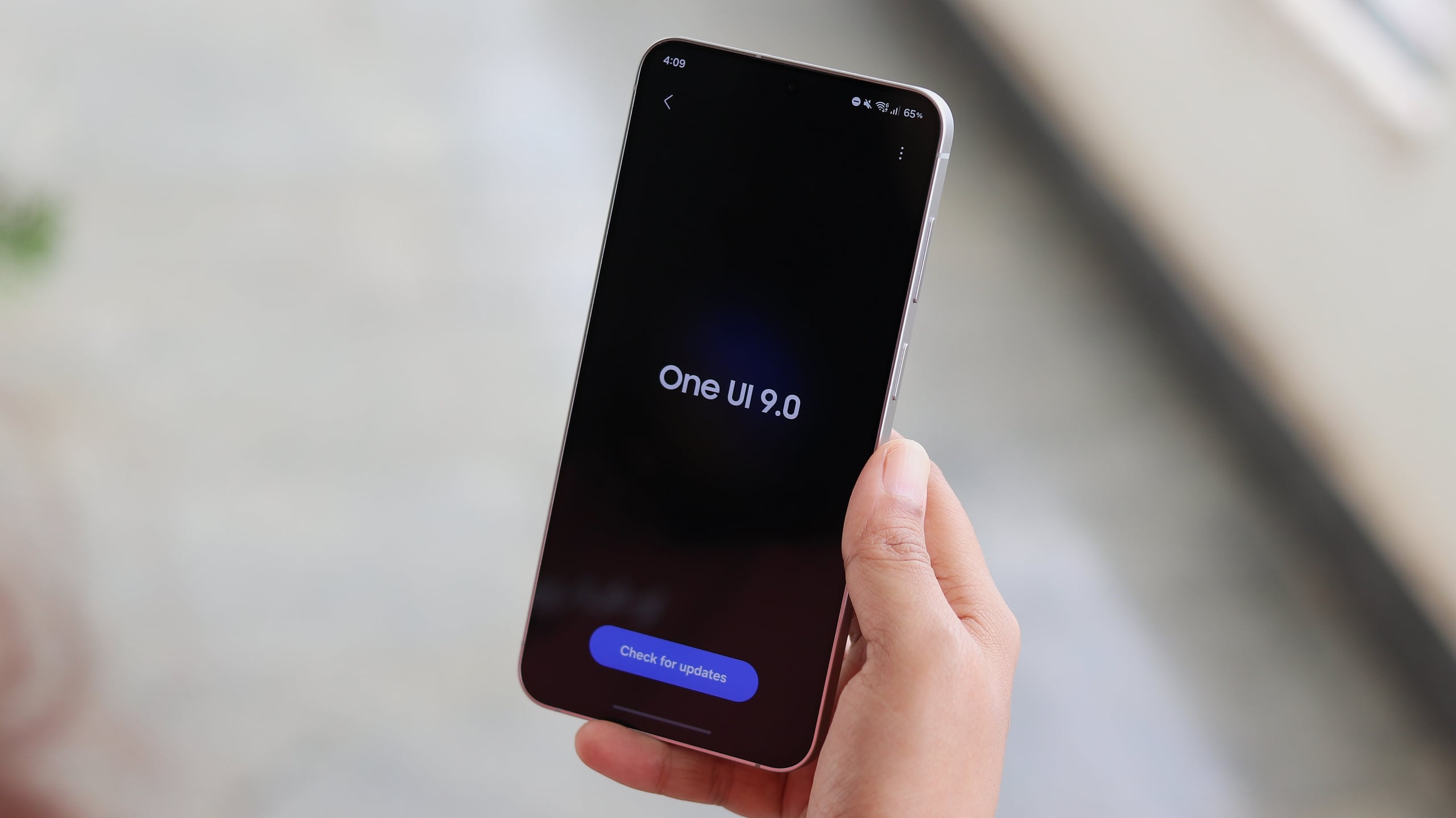
What to Expect from the Global Android 17 Update
Following last month's initial release in South Korea, Samsung has expanded the software distribution of its major software overhaul. Users enrolled in the beta testing phase in regions like India are currently receiving the package first. The tech giant is expected to scale up the release for non-beta participants across additional international markets shortly.
Users who want to verify if the firmware is ready for their specific device can easily check by navigating to Settings > Software update > Check for updates on their phone.
The latest software version introduces refined customisation settings for the Quick Panel, an enhanced location privacy indicator for improved security transparency, and a dedicated Warranty and care subsection inside the main settings menu. Furthermore, users will notice substantial performance optimizations across Samsung DeX, Samsung Notes, and multiple accessibility tools.
Which devices are receiving the update first?
The global rollout has initiated with the Galaxy A15 5G units that were previously registered in the official software beta testing program.
What is the build number and size of the update?
The update carries the firmware version A156EPXUAFZJC and has a download size of roughly 300.24MB for beta testers.
How can I manually check for the firmware on my phone?
You can check availability by going to Settings, selecting Software update, and then tapping on Check for updates.
What major interface changes are included in this version?
This version introduces deeper Quick Panel layout adjustments, a visible location privacy tracker, and refinements to productivity apps like Samsung Notes.
🔎 This comprehensive global rollout marks a major milestone for Samsung's affordable device lineup, ensuring that long-term software support and modern interface features reach a wider audience across different geographical territories.
Post a Comment