
Google's monthly release notes provide comprehensive details on the latest features and additions across Google Play services, the Play Store, and Android system updates for phones, tablets, Wear OS, smart TVs, automotive systems, and personal computers. These updates serve both end-users and developers to enhance the overall ecosystem experience.
- ✨ Launching the new Android Family Hub to easily manage family tools directly through Android settings.
- ✨ Support for automatic photo and video backups from Android devices to Windows PCs using the Quick Share feature.
- ✨ A new feature in Google Password Manager allowing manual credential selection when importing conflicting passwords.
- ✨ Important Google Play Store additions including quick summaries of game reviews and gameplay styles before installation.
Comprehensive Overview of Google System Components and Service Updates
The first-party applications that make up the "Google System" consist of a wide range of essential services that ensure device stability and security, such as Android System Intelligence, adaptive connectivity services, and system protection, in addition to Google Play Services which regularly receive substantial improvements.
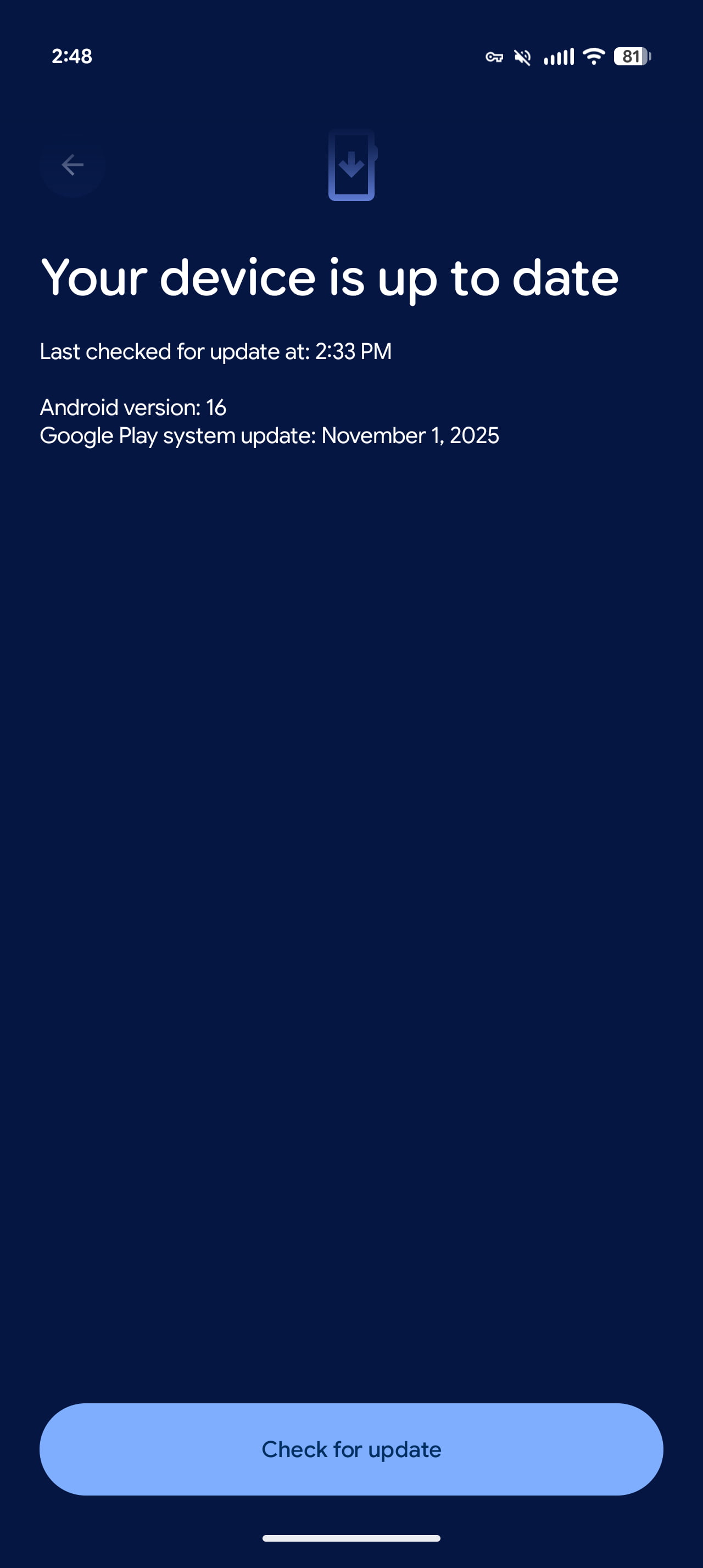
To update your device and check for new versions, you can go to the Settings app and tap on your name at the top for Google services, or head directly to the system services section according to official Android system updates guidelines. Please note that the appearance of features in the changelog does not necessarily mean immediate availability for all users, as some capabilities may take a month or more to roll out fully.
Google Play Services Version v26.43 (2026-11-02)
Account Management
- [Phone] You can now access the Android Family Hub, a dedicated space for family management tools within Android settings.
Developer Services
- [Phone] New features for Google and third-party app developers to support location and context-related operations within their applications.
Device Connectivity
- [Auto, Phone, TV] This update adds additional quality logs for device connectivity.
- [PC, Phone] Automatic backup of photos and videos from your Android phone to Windows using Quick Share.
Safety & Emergency
- [Phone] Bug fixes in safety and emergency-related services.
Security & Privacy
- [Phone] Google Password Manager now lets you manually choose which credentials to keep when importing conflicting passwords and passkeys.
System Management
- [Auto, Phone] System management updates improving battery life, device connectivity, hardware performance, privacy, security, stability, and updateability.
Digital Wallet
- [Phone] Updates for loyalty cards in the digital wallet.
- [Phone] Bug fixes for wallet-related services.
Google Play Store Version v53.9 (2026-11-02)
- [PC, Phone] With this update, you will receive a reminder if Google Play Protect remains disabled for a period of time.
- [Phone] Through new highlights on game detail pages, you can quickly find gameplay styles, review summaries, and gaming community activity before installing the game.
What is the new Android Family Hub?
It is a dedicated space inside the Android operating system settings that gives you easy access to various family management tools.
How does the photo backup feature via Quick Share work?
The new feature allows users to automatically back up photos and videos from Android devices to Windows PCs easily using Quick Share technology.
What updates did Google Password Manager receive?
Users can now manually select and keep credentials when importing passwords and passkeys that have conflicts.
What improvements were added to Google Play Store for games?
The store added quick and distinct summaries on game detail pages detailing gameplay styles, user ratings, and community activity prior to installation.
🔎 ️The November 2026 Android system updates demonstrate Google's ongoing commitment to enhancing cross-device integration, raising security levels, and providing smart tools for privacy and family management, ensuring users enjoy a smoother and more reliable digital experience across phones, PCs, and connected automotive systems.
Post a Comment