
Samsung DeX Gives the Galaxy Z Fold 8 a Massive Desktop Edge Over Apple's iPhone Duo
There are plenty of moments when opening a laptop is less about needing ultimate processing power and more about simply wanting a full-sized physical keyboard and a larger display. Drafting a lengthy email or tweaking a detailed document often feels clumsy on a standard mobile screen, turning everyday tasks into frustrating compromises.
- ✨ Samsung DeX transforms your foldable phone into a complete desktop-style workspace when connected to an external display.
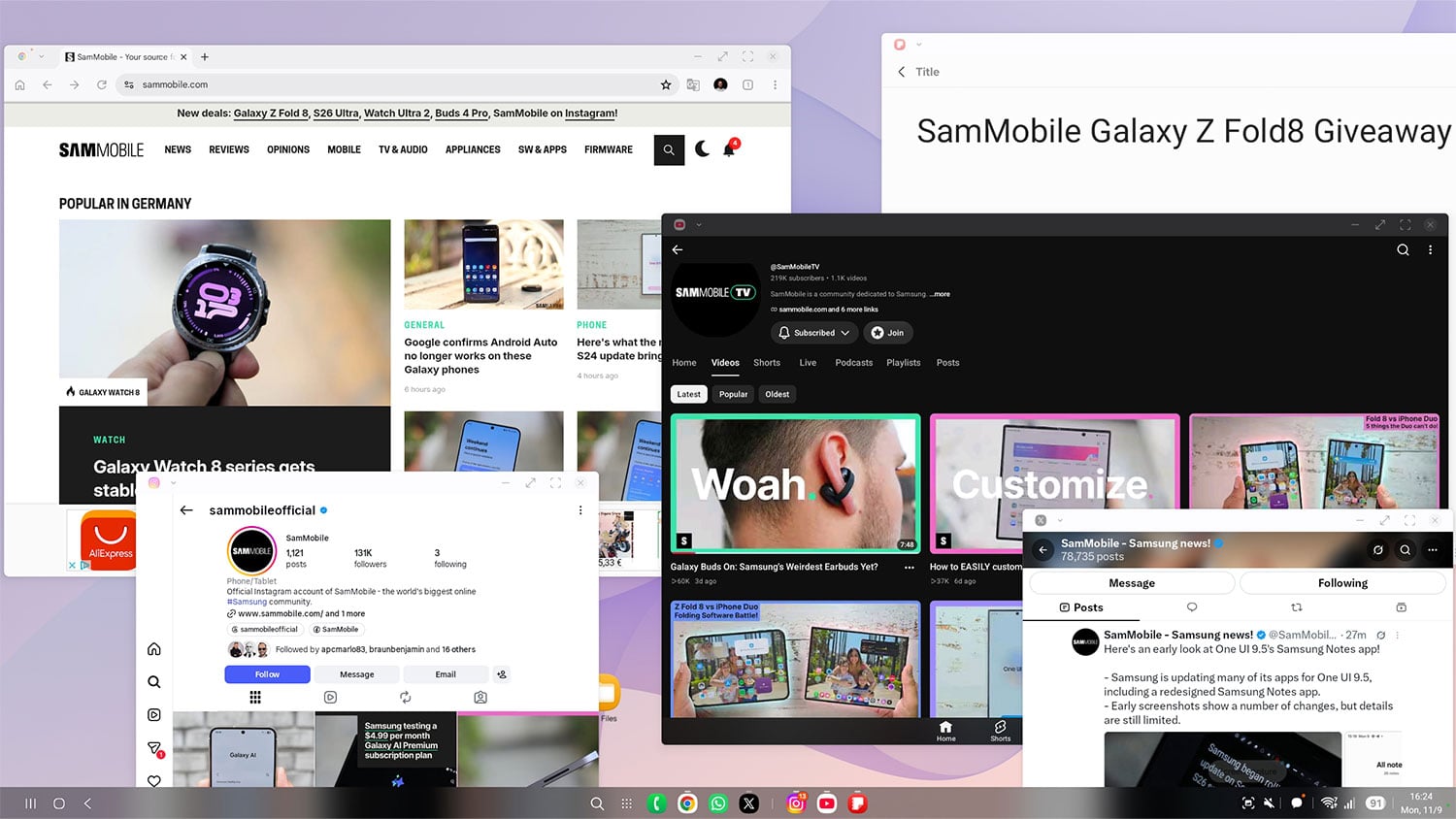
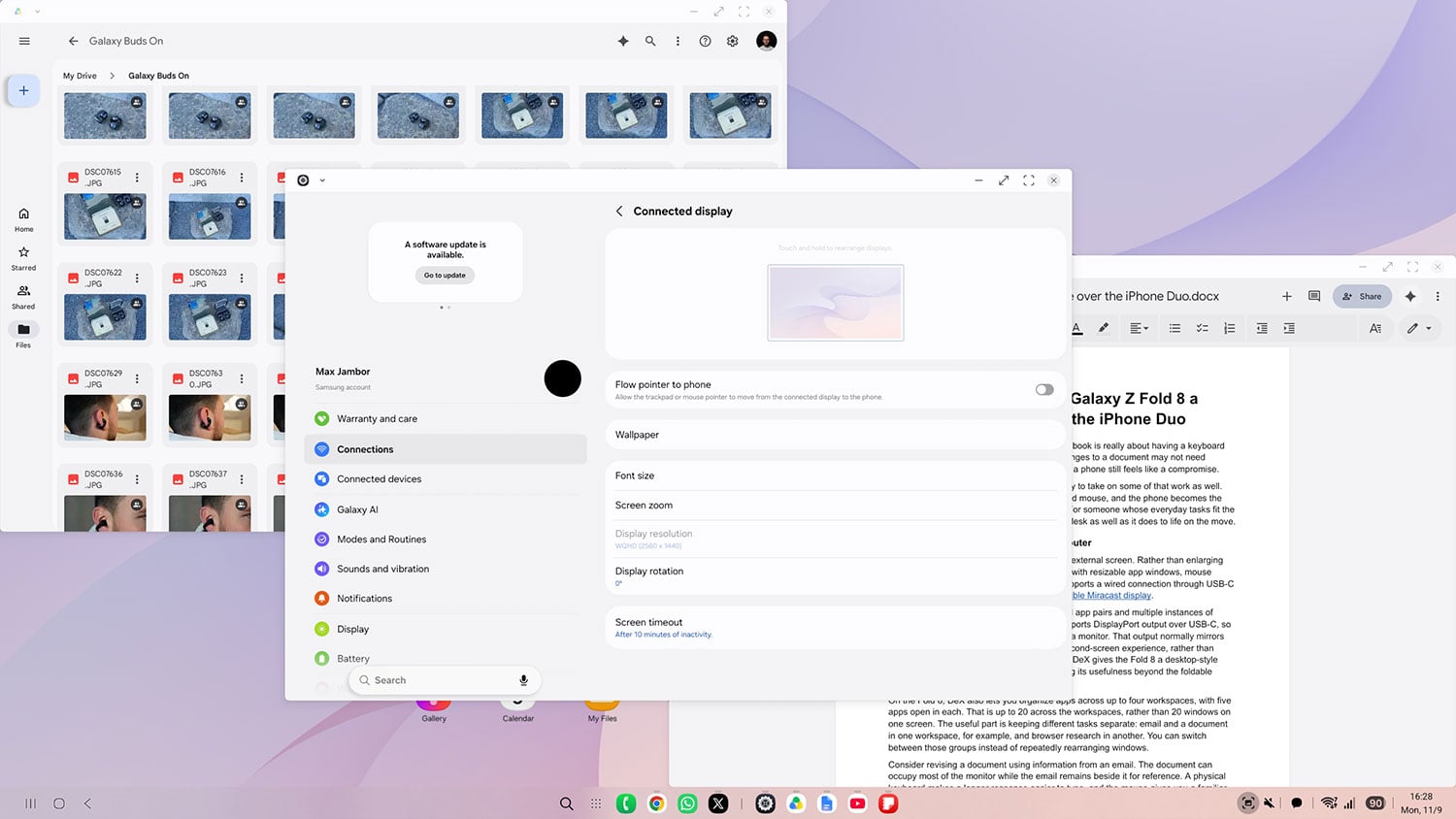
- ✨ Unlike standard mirroring, DeX supports resizable app windows, mouse controls, and multi-workspace organization.
- ✨ The Galaxy Z Fold 8 allows users to run up to 20 apps across four distinct multi-tasking workspaces.
- ✨ This setup provides a practical advantage over competitors like the iPhone Duo for portable productivity.
Samsung DeX bridges this gap by giving the Galaxy Z Fold 8 a desktop-class computing environment. By connecting the device to an external monitor or TV alongside a keyboard and mouse, the smartphone powers a true desktop-style workspace, allowing mobile devices to seamlessly fit into professional desk setups.
A Familiar Desktop Workspace Without Carrying a Separate Computer
The defining advantage of DeX lies in how it utilizes an external display. Instead of merely enlarging the smartphone interface, DeX creates an independent desktop environment complete with resizable app windows, mouse navigation, and standard keyboard shortcuts. Users can establish a connection via a standard USB-C to HDMI cable or wirelessly using a compatible Miracast display.
While Apple's iPhone Duo supports Split View and DisplayPort video output over USB-C, its external display mode typically mirrors the phone screen rather than providing a separate, independent desktop interface. DeX gives the Fold 8 a true desktop edge by unlocking powerful external productivity.
On the Fold 8, DeX also enables users to distribute applications across four distinct workspaces, with five active apps running in each. This totals up to 20 managed applications, keeping intensive projects neatly compartmentalized instead of cluttering a single view.
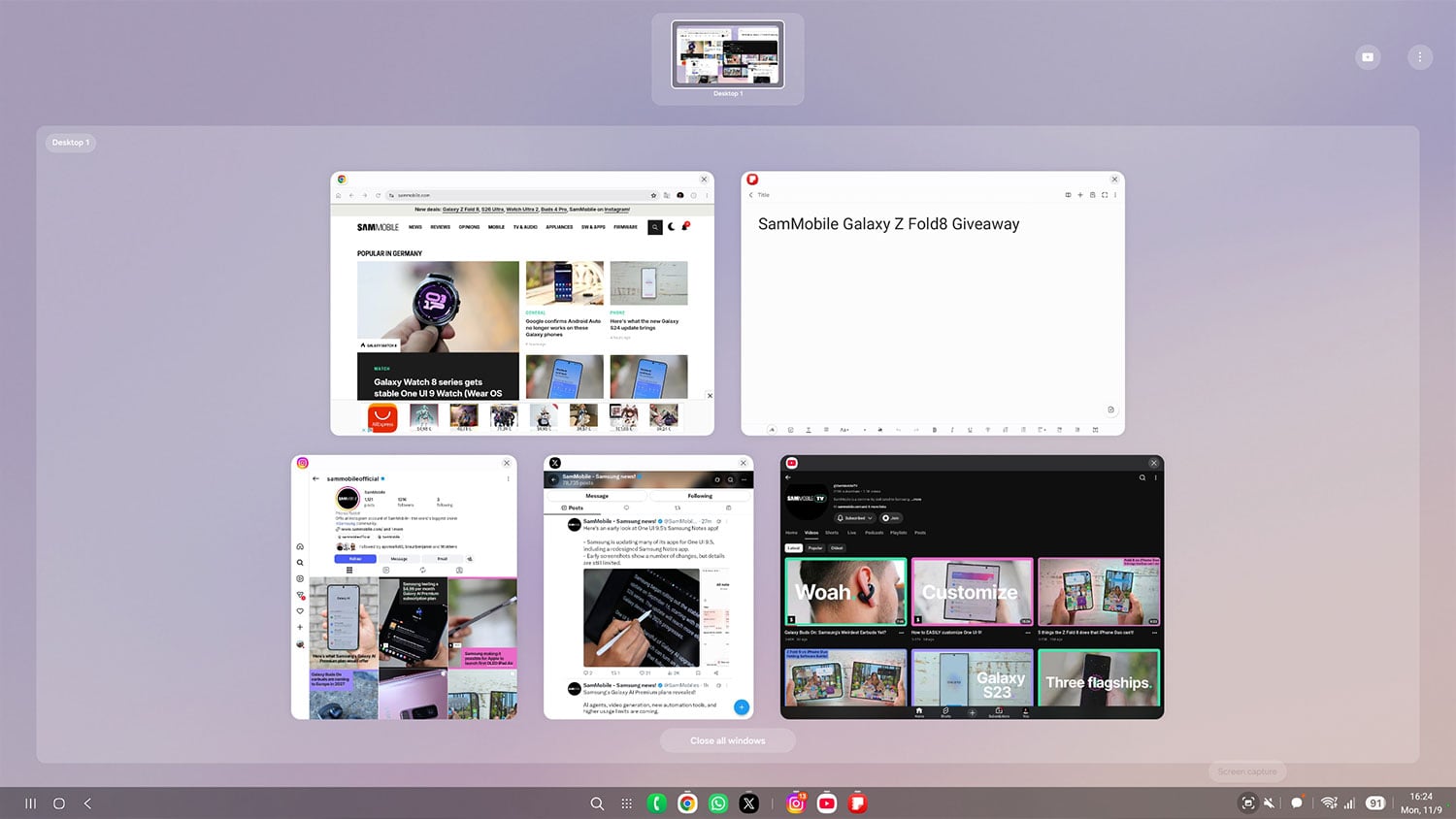
Consider revising a business report while referencing incoming emails. The document can take up the majority of the monitor while the inbox sits right beside it for easy reference. Using a physical keyboard and mouse drastically speeds up workflow efficiency for tasks that usually require breaking out a laptop.
Productivity Value Based on Your Daily Workflow
At a home desk equipped with a monitor and peripherals, the Fold 8 can comfortably handle working sessions that would otherwise require pulling out a laptop. It excels at web browsing, checking email, and document editing. While DeX does not transform mobile apps into full desktop-grade software suites, it successfully eliminates the need for a secondary device during routine mobile office tasks.
Does Samsung DeX require special cables to connect to a monitor?
No, you can connect via a standard USB-C to HDMI cable or utilize a wireless connection with any compatible Miracast display.
How many applications can run simultaneously in DeX mode?
You can organize apps across up to four separate workspaces, with five active apps running in each workspace for a total of 20 managed applications.
Can I still use my phone while DeX is active on a monitor?
Yes, the phone remains fully operational for independent tasks without interrupting the desktop session running on the external display.
Does DeX turn mobile apps into full Windows or macOS programs?
DeX runs standard mobile and optimized tablet applications within a desktop window layout rather than heavy desktop software equivalents.
🔎 Ultimately, features like Samsung DeX highlight how foldable devices are evolving past mere novelty status into genuine productivity powerhouses. By turning a pocket-sized device into a fully functioning desktop computer on demand, the Galaxy Z Fold 8 proves that the future of mobile computing is all about versatility and seamless cross-device adaptability.
Post a Comment