
Samsung Galaxy AI Shorts Feature: Create Quick Videos from Photos in One UI 9.5
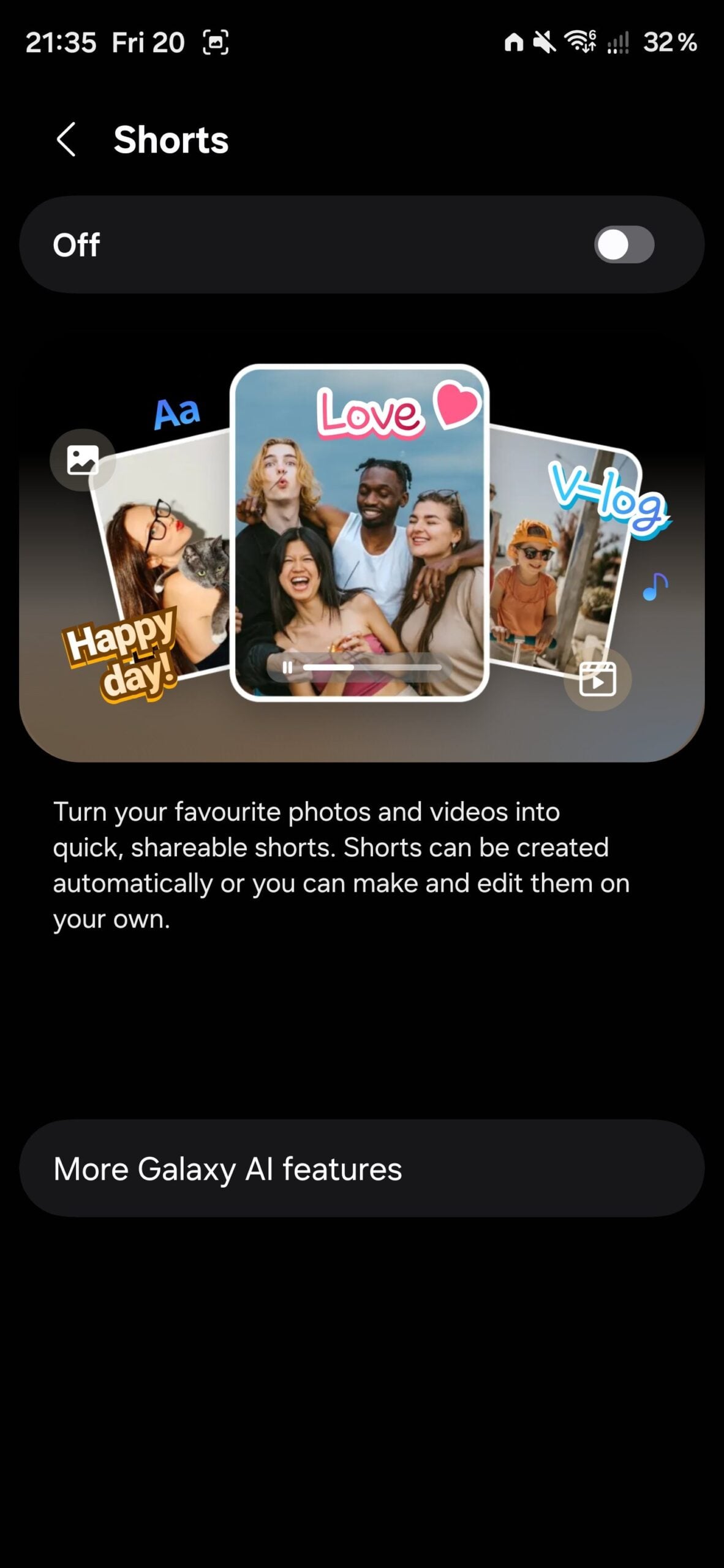
Samsung continues to push the boundaries of mobile customization and artificial intelligence with its latest software iteration. Hidden deep within the newly released One UI 9.5 beta for the Galaxy S26 series, an upcoming feature called "Shorts" is set to revolutionize how users compile and share their cherished memories. By leveraging advanced Galaxy AI capabilities, this tool transforms standard photo albums and video collections into dynamic, engaging micro-videos seamlessly.
Key Takeaways
- ✨ Samsung is developing a brand-new Gallery app feature named "Shorts" to convert photos and videos into shareable clips.
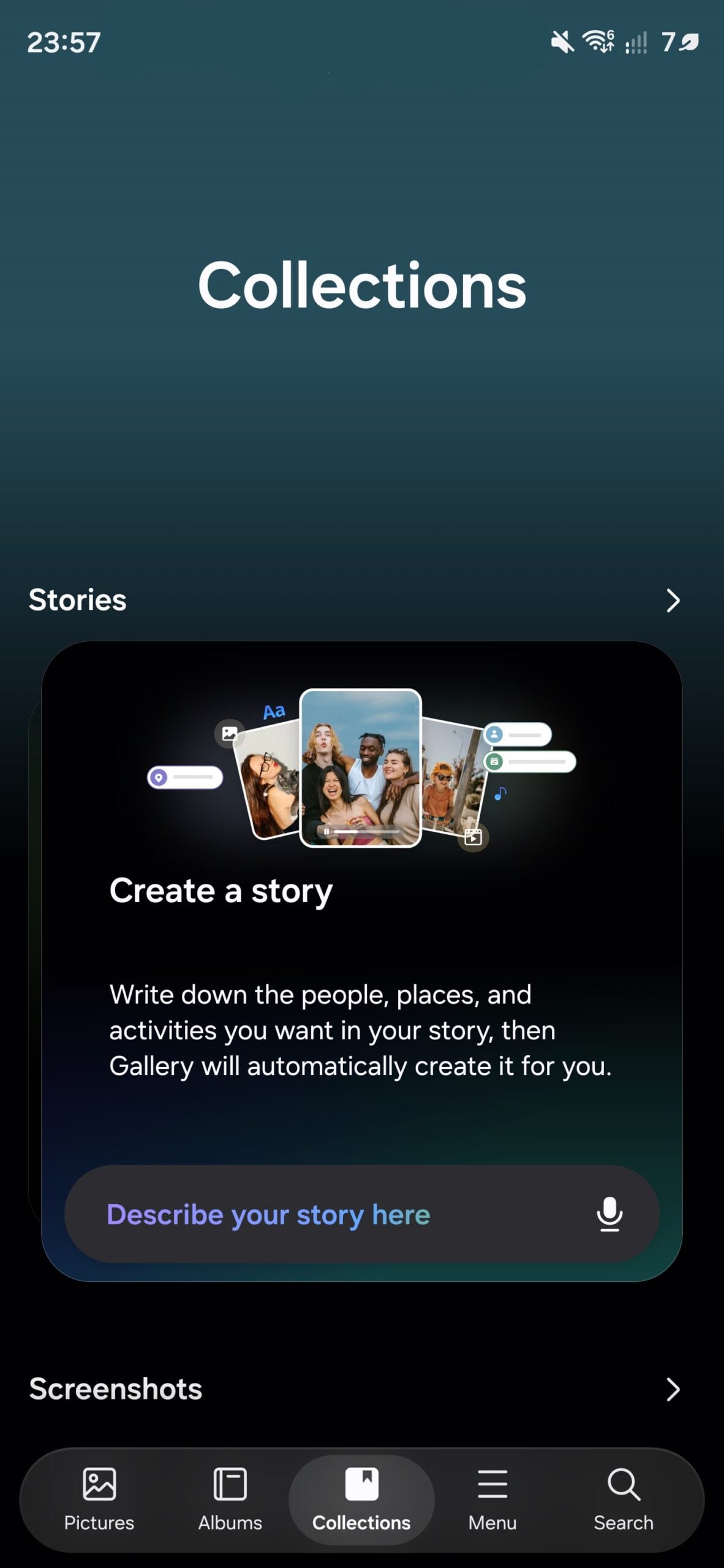
- ✨ Users can generate these videos automatically or craft them manually using descriptive text prompts.
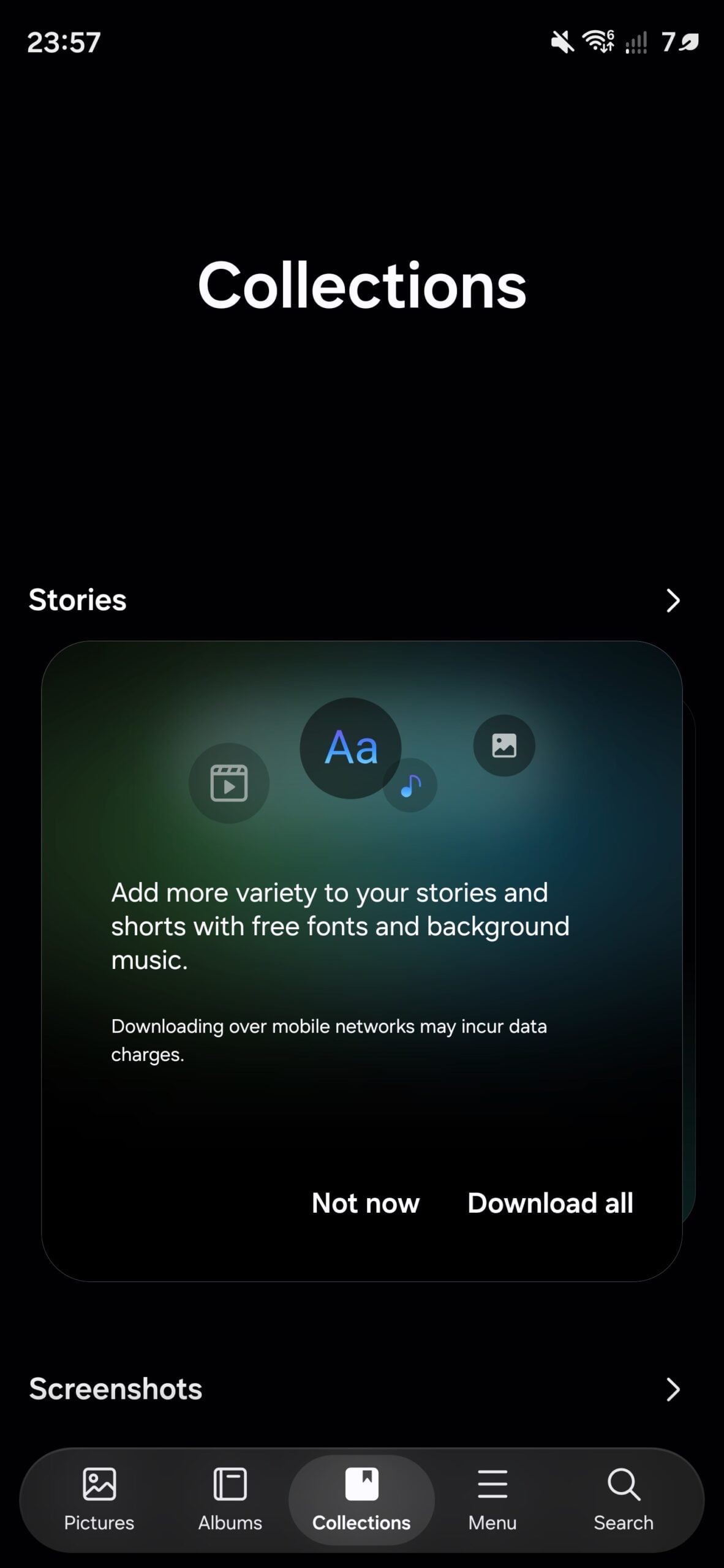
- ✨ The tool supports advanced customization, allowing downloads of additional fonts and background audio tracks.
- ✨ Powered by Galaxy AI, the feature is currently hidden in the One UI 9.5 beta and may debut early next year.
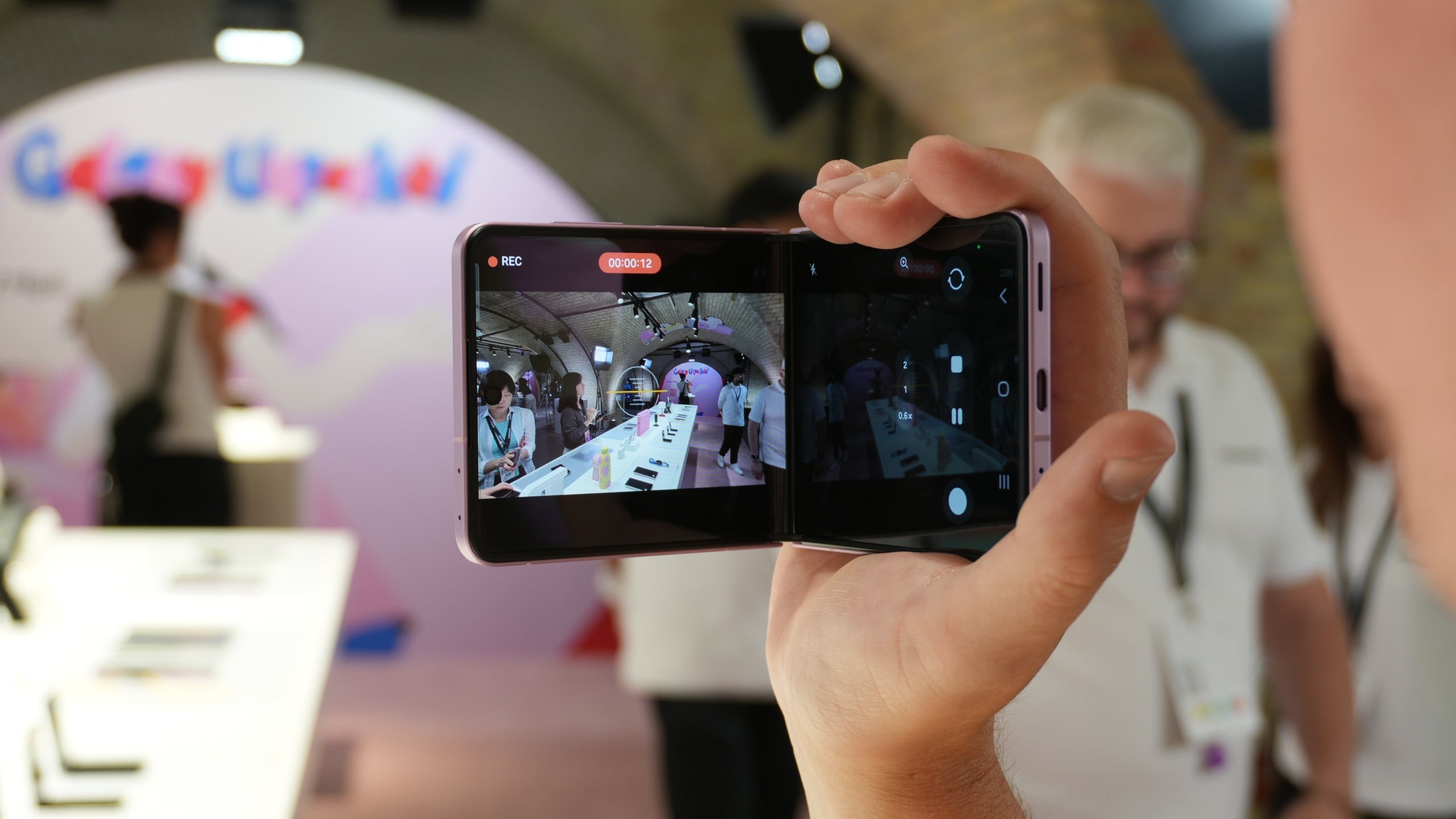
Transforming Memories with One UI 9.5 and Galaxy AI
While the initial beta rollouts for flagship devices introduce numerous visible improvements, tech giants often leave experimental functionalities under the hood. The upcoming Shorts functionality is a prime example. Designed to integrate directly into the stock Gallery ecosystem, it empowers users to repurpose their digital media effortlessly.
Whether you prefer hands-off automation or precise creative control, the system accommodates both approaches. By typing straightforward instructions—such as requesting a montage of vacation highlights—the software intelligently analyzes your library to compile a polished clip.
Personalization goes beyond basic compilation. Users can elevate their clips by integrating custom typography and tailored soundtracks. However, reports suggest that advanced deployment may operate as a premium, paid addition within Samsung's expanding digital ecosystem.
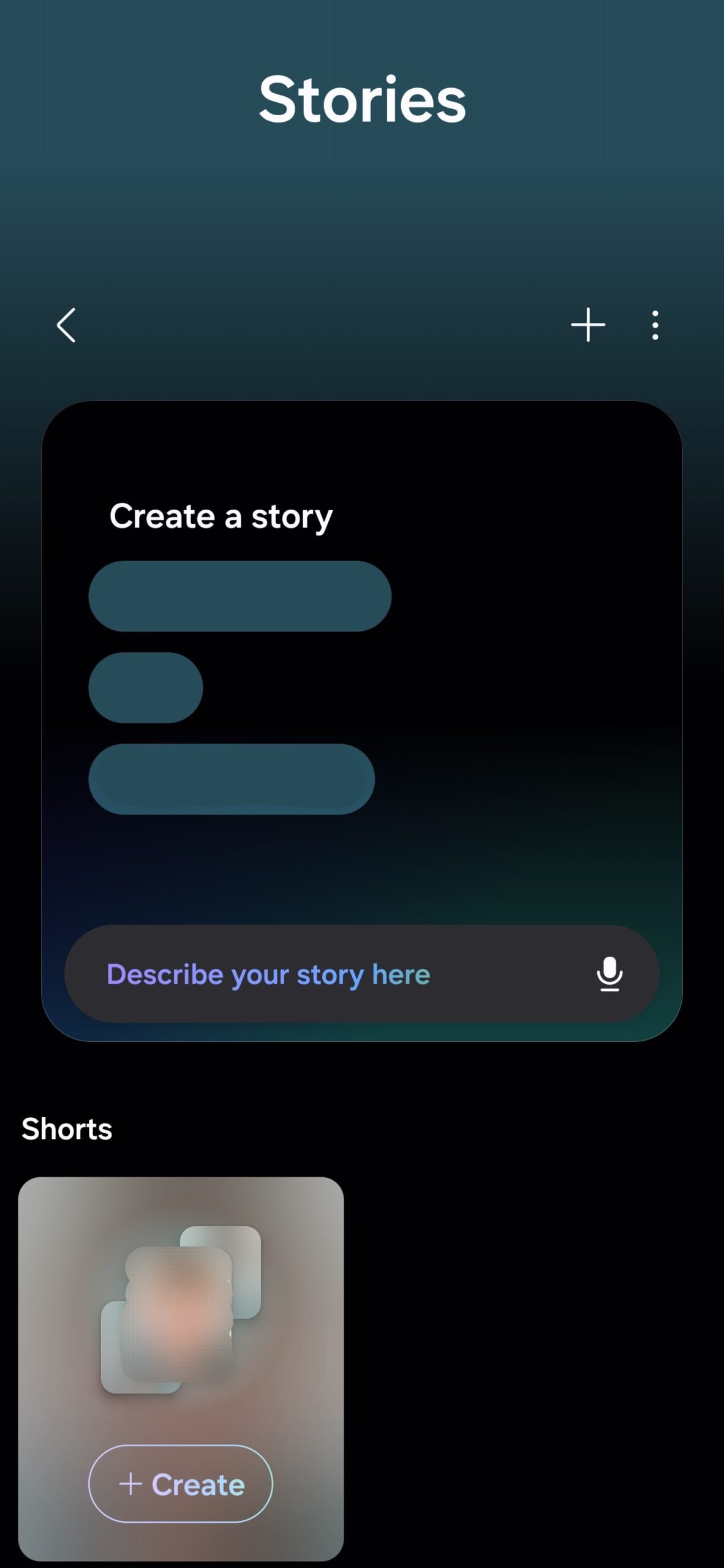
Finding and Managing Your Created Content
All generated and manually customized clips find a centralized home within the Stories tab of the native Gallery app. This ensures that users do not need to juggle external editing applications to locate or share their creations.
Although currently restricted to internal testing environments within the latest software build, expectations point toward a widespread public rollout accompanying next-generation hardware launches early next year.
What is the primary function of the upcoming Shorts feature?
It is designed to automatically or manually transform user photos and videos into short, easily shareable clips using descriptive text prompts.
Where can users find their generated video clips?
All manually crafted and automatically generated clips are stored directly inside the Stories section of the stock Gallery application.
Can users customize the appearance and sound of these clips?
Yes, users can personalize their videos further by downloading additional font styles and adding custom background audio tracks.
When is this feature expected to launch publicly?
While currently hidden in current software testing builds, it is anticipated to make its official public debut alongside upcoming flagship hardware releases.
🔎 Ultimately, Samsung's strategic integration of AI-driven video tools underscores a commitment to enriching everyday user experiences. By simplifying content creation directly on mobile devices, the tech leader bridges the gap between raw photography and polished storytelling, setting a high standard for future software updates.
Post a Comment